Compare › Riverside
Hilite vs Riverside
Riverside is a remote recording studio built for video-first content. Hilite is built for creators who want to go from audio to published episode, fast.
Compare › Riverside
Riverside is a remote recording studio built for video-first content. Hilite is built for creators who want to go from audio to published episode, fast.
Key differences
Riverside is designed around high-quality remote video recording, with podcast audio as a secondary output. Hilite is purpose-built for audio podcasters who want a clean, fast path from recording to publishing.
Riverside's core strength is multi-participant remote recording. If you're a solo creator, a coach recording your own content, or someone uploading existing audio, you're paying for infrastructure you don't need. Hilite works just as well for solo creators as it does for interviews.
Riverside handles recording well but requires separate tools for hosting and distribution. Hilite takes you from record to published episode, including AI enhancement, show notes, and one-click distribution, without leaving the platform.
Feature by feature
| Feature |  Hilite Hilite | Riverside |
|---|---|---|
| Remote guest recording | Supports audio uploads from guests; live remote studio not the primary use case. | Core feature. Studio-quality local recording for each participant. |
| AI audio enhancement | Studio Sound. One click transforms raw recordings to studio quality. | AI-powered audio cleanup available on paid plans. |
| Text-based audio editing | Edit your episode by editing the transcript. No timeline needed. | Transcript editing available but secondary to the recording workflow. |
| Podcast hosting and distribution | Included. Publish to Spotify, Apple Podcasts, and more in one step. | Hosting available on Pro plans only; not included in the base tier. |
| Video recording and editing | Audio-first. Hilite is purpose-built for podcast creators. | 4K video recording is a flagship feature. |
| AI show notes and transcripts | Auto-generated titles, descriptions, show notes, and transcripts. | Available on paid plans. |
| Solo creator workflow | Designed equally for solo hosts and interview formats. | Optimised for multi-participant recording; solo use works but isn't the focus. |
Riverside built something genuinely impressive for creators who record with guests across the world. If that's your format, it's worth considering. But a lot of podcasters, coaches, consultants, and thought leaders are recording solo. They have ideas, a microphone, and a story to tell. For them, Riverside's remote studio infrastructure is overhead they don't need. Hilite is designed for that creator: the one who wants to record, clean up the audio, write the show notes, and publish, all without switching tools or learning a new interface.
Start creating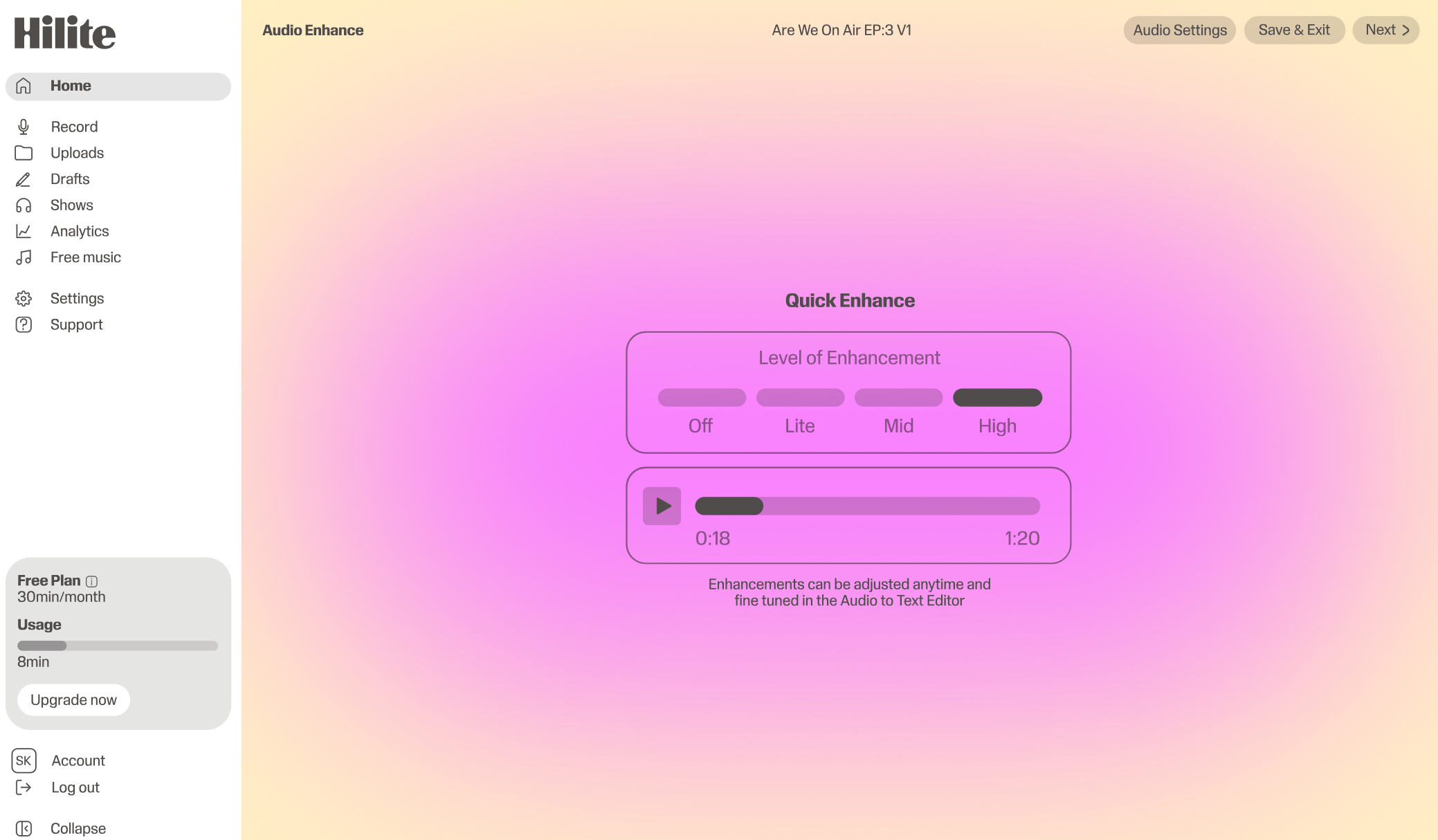
“The tool should work for your format, not the other way around.”What our creators say, consistently
FAQ
It depends on your format. If you record remote interviews with guests and want studio-quality video alongside audio, Riverside is strong. If you're a solo creator or want a simpler end-to-end workflow that includes hosting and distribution, Hilite is likely the better fit.
Hosting is only available on Riverside's Pro plan and above. Hilite includes hosting and one-click distribution to Spotify, Apple Podcasts, and other directories across all paid plans.
Yes. You can record guests separately and upload their audio into Hilite, or use Hilite's in-browser recording for your own track. The text-based editor makes it straightforward to combine and clean up multi-speaker episodes.
Riverside records locally on each participant's device for maximum quality. Hilite's AI audio enhancement, Studio Sound, can take a standard recording and bring it to near-studio quality. For most podcast formats, the output is comparable.