Record the ASMR audio in manageable sections
Test whisper levels and the loudest props, capture room tone, and use sync references when the camera records separately.
Capture whispers and triggers in the browser, edit spoken sections through the transcript, improve clarity conservatively, and export the finished sound for synchronization in your video editor.
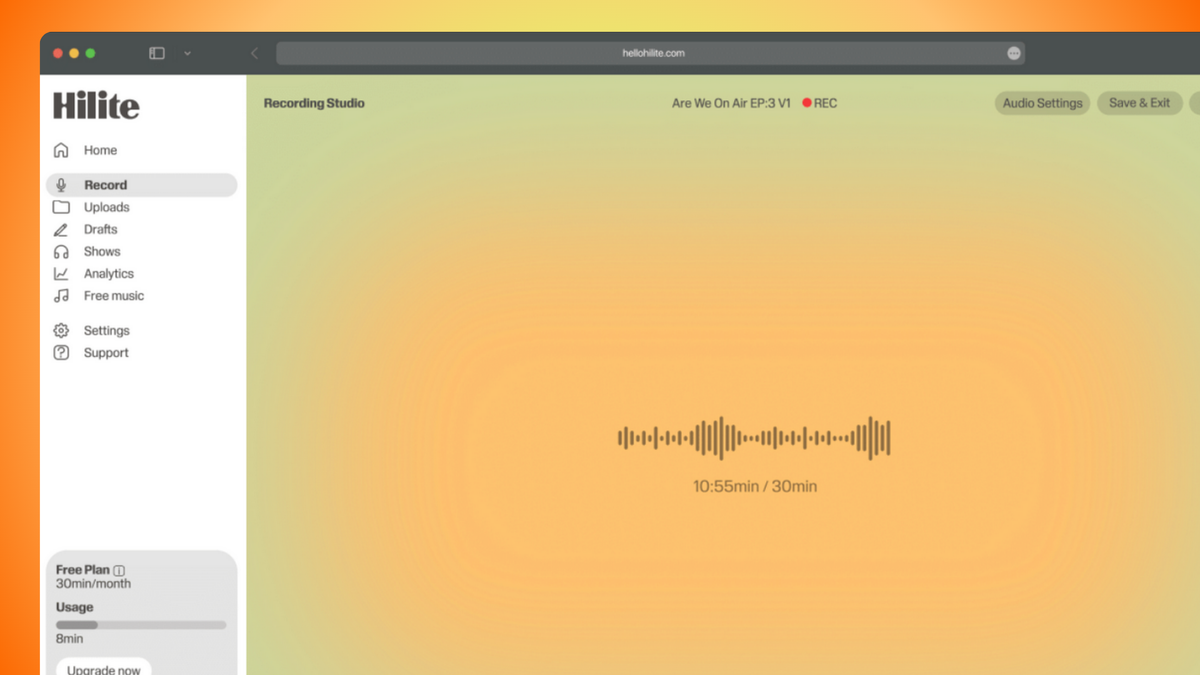
See it in action
Three screens from the Hilite app you'll spend most of your time in.
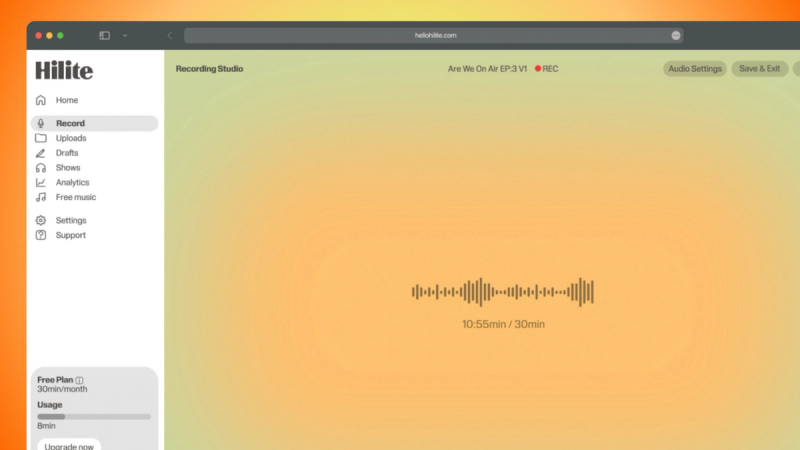
Record the ASMR sound layer in the browser with a stable microphone position and conservative gain.
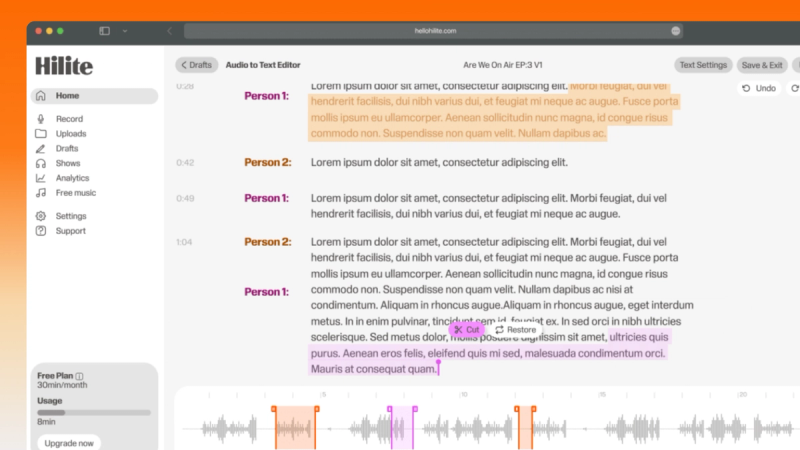
Edit introductions and whispered speech without treating intentional ASMR texture as a mistake.
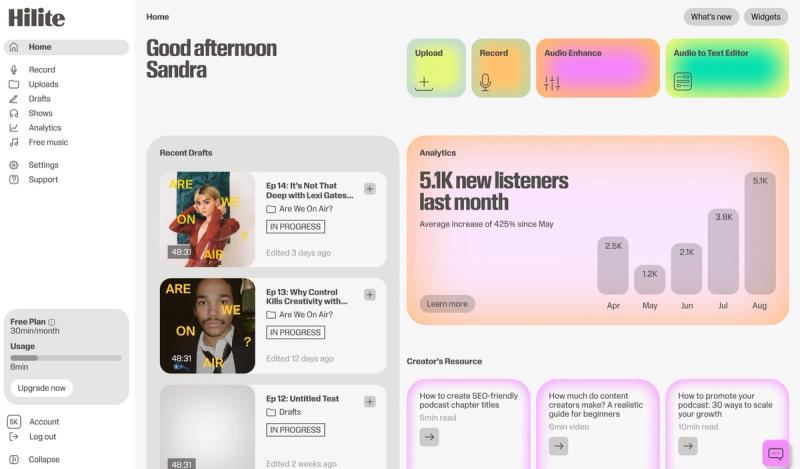
Review the audio, export a clearly named master, and synchronize it with the picture in a separate video editor.
The problem
How it works
Test whisper levels and the loudest props, capture room tone, and use sync references when the camera records separately.
Use the transcript for spoken material, preserve intentional breaths and trigger sounds, and listen across every cut.
Compare every cleanup pass with the source and stop before whispers become metallic or quiet triggers disappear.
FAQ
If your question is not here, the support team replies within one business day.