Step 01
Record — don't worry about the environment
Record anywhere, on any device. Hilite captures your audio at full quality and passes it directly to the enhancement engine.
Background noise, echo, uneven levels — removed automatically. Every episode sounds like your best take.
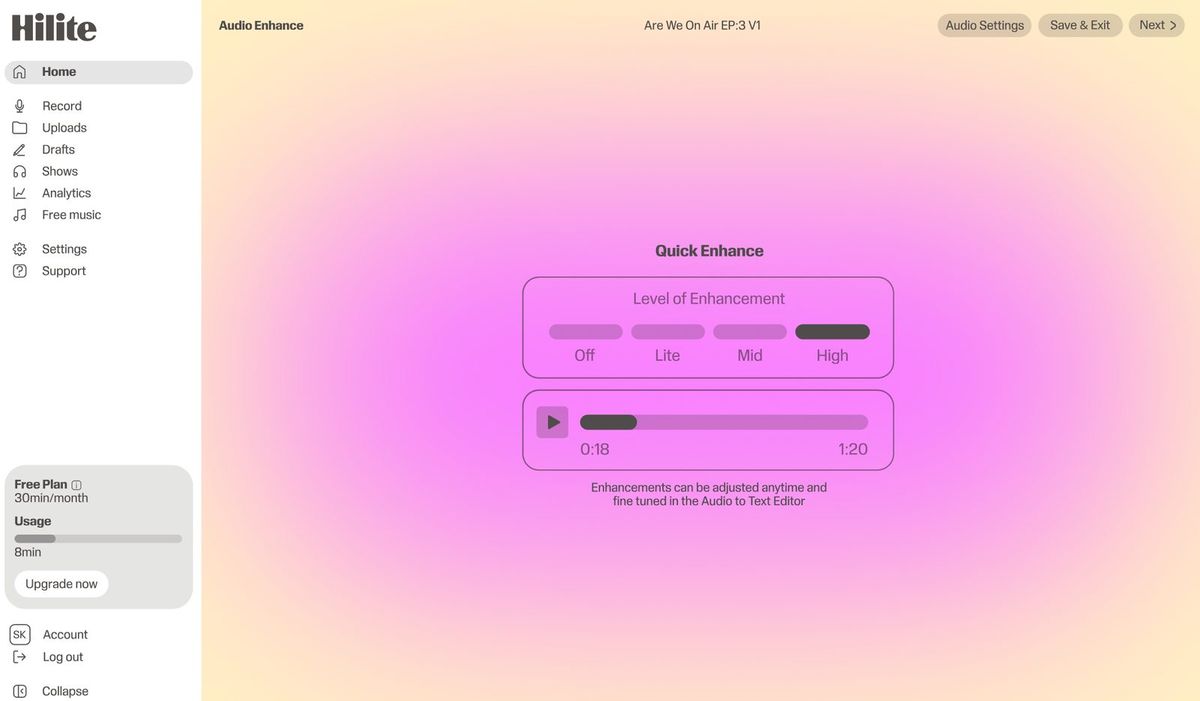
See it in action
Three screens from the Hilite app you'll spend most of your time in.
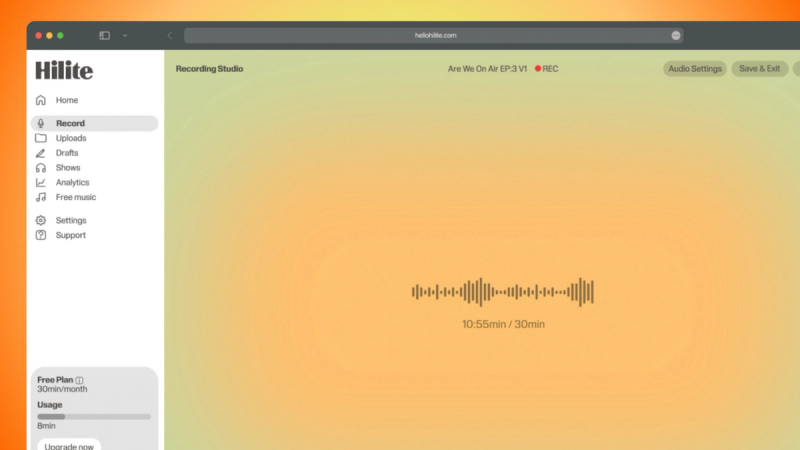
Reduce background noise, even out levels, lift voices to broadcast quality — without touching a knob.
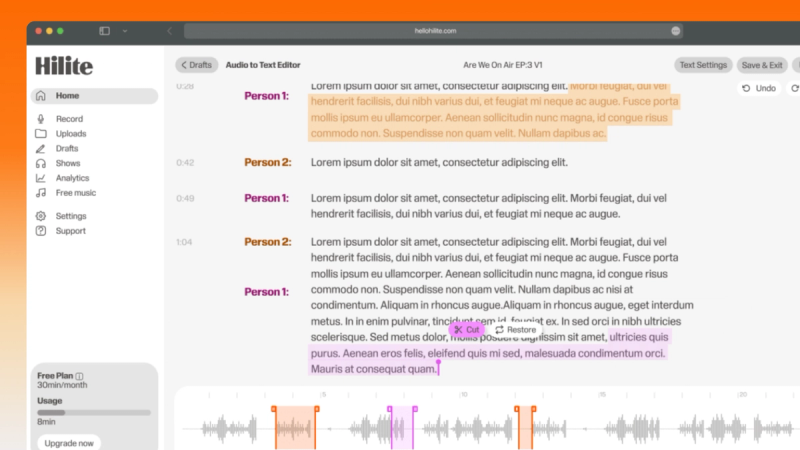
Kitchen table, hotel room, borrowed office — Hilite's enhancement works on any recording environment.
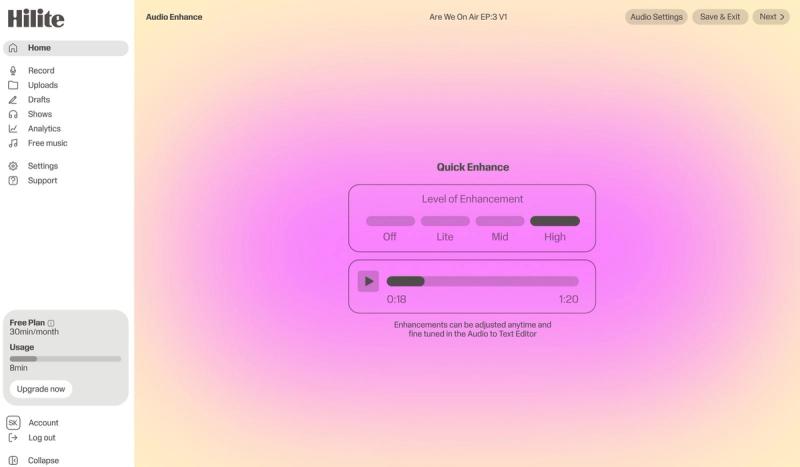
No separate export step. Every time you finish editing, your audio is enhanced and ready to publish.
The problem
How it works
Record anywhere, on any device. Hilite captures your audio at full quality and passes it directly to the enhancement engine.
Four levels from Subtle to Max. Each applies a different combination of noise reduction, echo removal, voice lift, and loudness normalisation. A/B compare before committing.
Your enhanced audio meets Apple Podcasts and Spotify loudness targets out of the box. No further processing needed.
FAQ
If your question is not here, the support team replies within one business day.