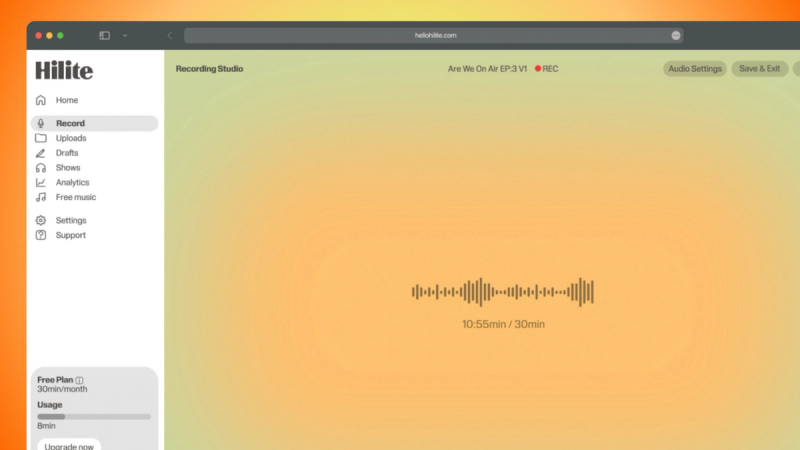
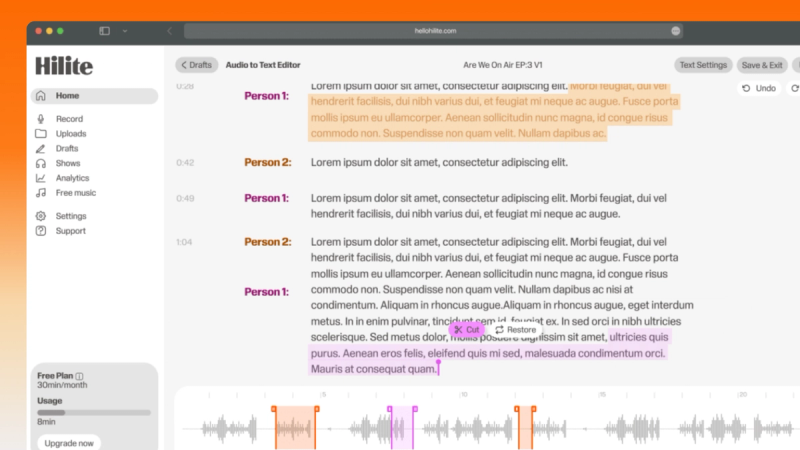
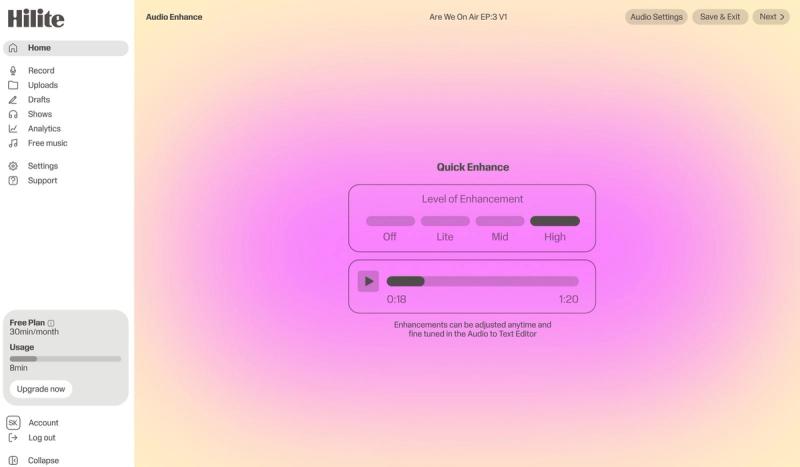
Browser-based: nothing to download, automatic cloud saving, and your projects waiting on any device with a connection
Format-flexible: every major audio format supported, instant conversion between them, and export in the quality you choose
Fast: quick rendering, keyboard shortcuts when you want speed, and drag-and-drop that anyone can pick up
Advanced capabilities for power users
FAQ
Common questions
If your question is not here, the support team replies within one business day.
Yes. The free plan covers the core editing tools with no time limit, so you can cut, trim, merge, and enhance audio without paying anything. Premium plans add advanced features and higher limits when your work calls for them.
No. The editor runs entirely in your browser. You can start editing right away from any device with an internet connection.
Hilite supports every major audio format, including MP3, WAV, M4A, OGG, WMA, FLAC, AAC, and AIFF. Import any of them, export to whichever one you need.
Yes. The editor works on iOS and Android through your mobile browser, so you can edit wherever you happen to be working.
Hilite's AI noise removal detects and clears background noise while keeping your voice natural. Upload your file, choose noise removal, and the tool does the cleanup. This feature is available on premium plans.
Yes. Premium users can use batch processing to edit several files together, which is a real time-saver for podcasters and creators applying the same settings across an archive.
Upload limits depend on your plan, with premium plans handling larger files. You'll see the current limit before you upload, so everything from a short clip to a full episode is covered.
Upload your audio, use the trim tool to grab the section you want (usually 15 to 30 seconds), and export it as M4A or MP3. Move the file to your phone and set it as your ringtone in your device settings.
Your files are handled with care and processed only for you. Hilite doesn't share your audio or access it without your permission. What you upload stays yours.
Yes. Upload a video file such as MP4, MOV, or AVI, and Hilite pulls out the audio track so you can edit it on its own.