Step 01
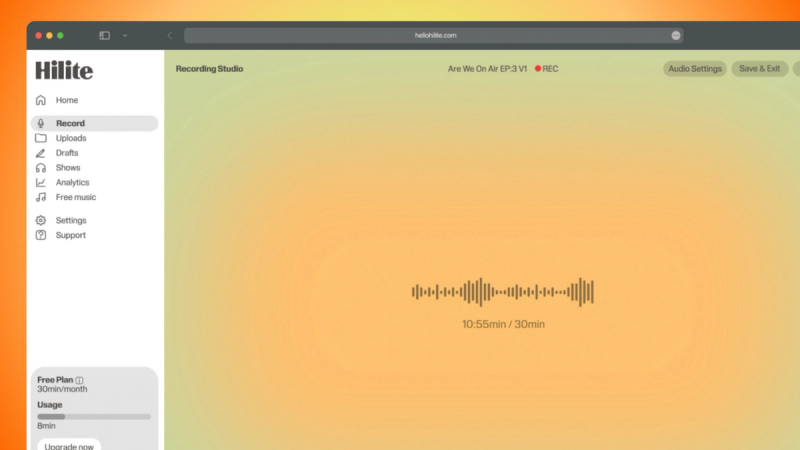
Record — transcript appears automatically
As soon as your recording ends, Hilite transcribes it. Every word is timestamped and linked to the audio. No upload, no waiting.
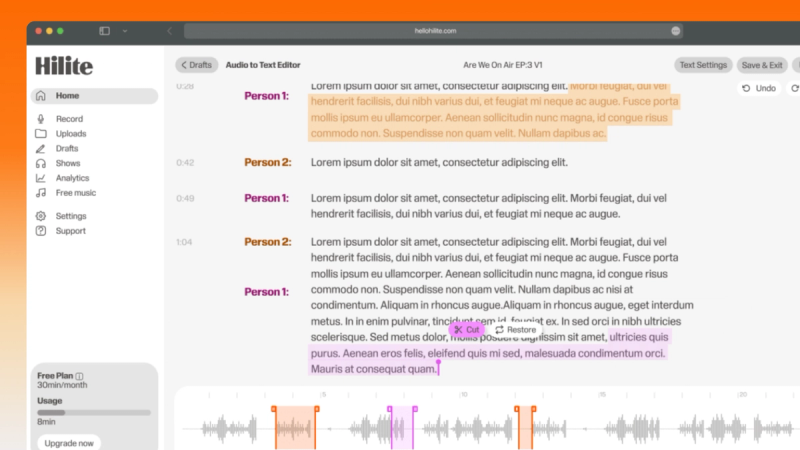
Cut filler words, restructure takes, and tighten pacing — by editing text. No timeline, no plugins.

See it in action
Three screens from the Hilite app you'll spend most of your time in.
Transcript-first editor with synced waveform. Drop filler words, restructure takes on the fly.
Filler word detection flags every "um", "uh", "like", and "you know" across your whole episode.
Every word in the transcript is linked to the exact moment in the audio. Click any word to jump straight there.
The problem
How it works
As soon as your recording ends, Hilite transcribes it. Every word is timestamped and linked to the audio. No upload, no waiting.
Delete a sentence from the transcript and it disappears from the audio. Remove silences, cut rambling sections, reorder takes — all without touching a waveform.
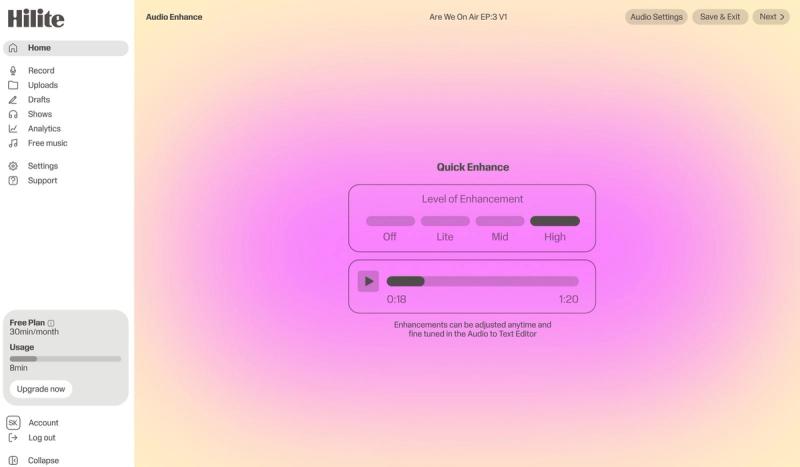
Your edited transcript becomes a finished audio file, ready to enhance or publish. No rendering wait, no extra steps.
FAQ
If your question is not here, the support team replies within one business day.