For · Education
Podcast software for teachers and classrooms
Turn lessons, discussions, and student work into clean, shareable audio. Built for teachers, classroom assignments, and student podcast projects, with no production skills needed.

The job teachers hire Hilite to do
"I want my students to create clean, polished podcasts and spoken assignments so they can share their ideas clearly, without requiring expensive equipment, editing skills, or a full class period of technical setup."
What Hilite does for you
01
Make classroom podcasts without equipment
Students can record from a phone, laptop, or tablet. Hilite helps clean up the audio so a podcast assignment does not depend on a studio, microphone kit, or quiet room.
02
Turn student work into shareable audio
Use Hilite for classroom podcasts, oral histories, audio essays, interview projects, and discussion reflections. Students focus on the lesson and the story, not the production workflow.
03
Edit by reading, not waveforms
Students and teachers can edit from the transcript like a document. Remove repeated words, filler, long pauses, and mistakes without learning audio-editing software.
04
Fit the workflow inside a class period
A podcast project should not require a week of onboarding. Hilite keeps the record, clean up, edit, and share workflow simple enough for real classroom use.
05
Control what gets shared
Teachers can keep student audio private, share by link, or publish more broadly when appropriate. The workflow supports classroom review before any public distribution.
Built for this
The features that matter most
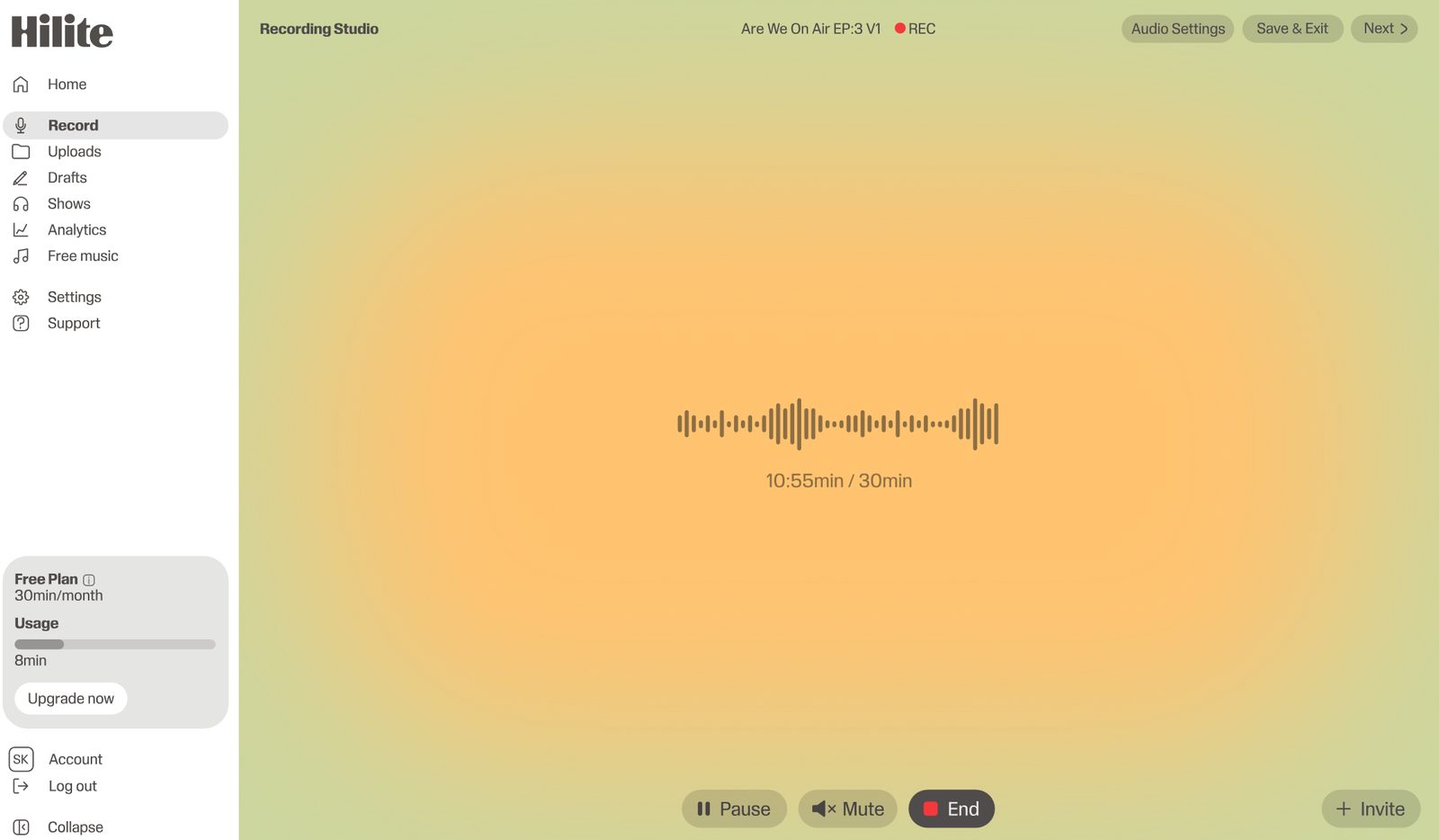
Record classroom clips from any device
Students can record discussions, interviews, reflections, or short episodes from the device they already have. No podcast studio, special microphone, or technical setup required.
Clean up student audio automatically
Hilite reduces background noise and uneven sound so classroom recordings feel easier to listen to, even when they were captured in imperfect spaces.
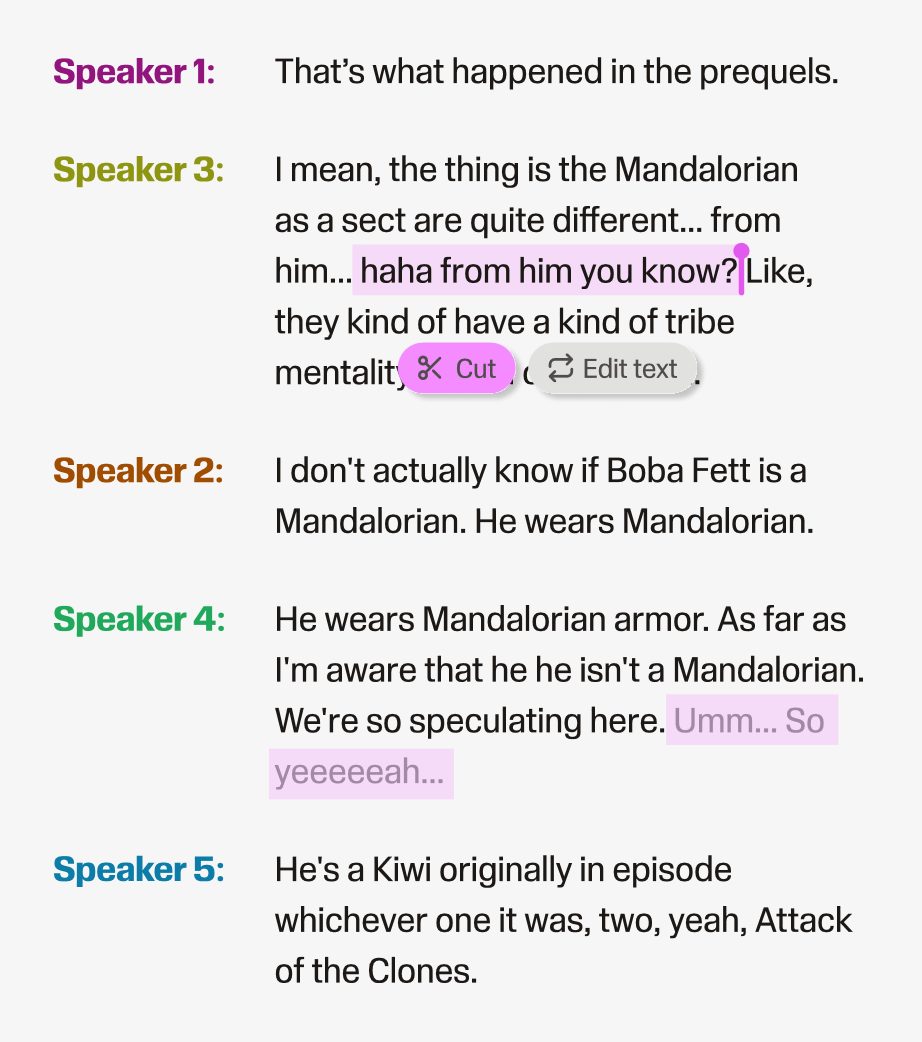
Edit the podcast from the transcript
Students can trim mistakes and tighten their assignment by editing text. Teachers get a workflow that is easier to explain, review, and repeat.
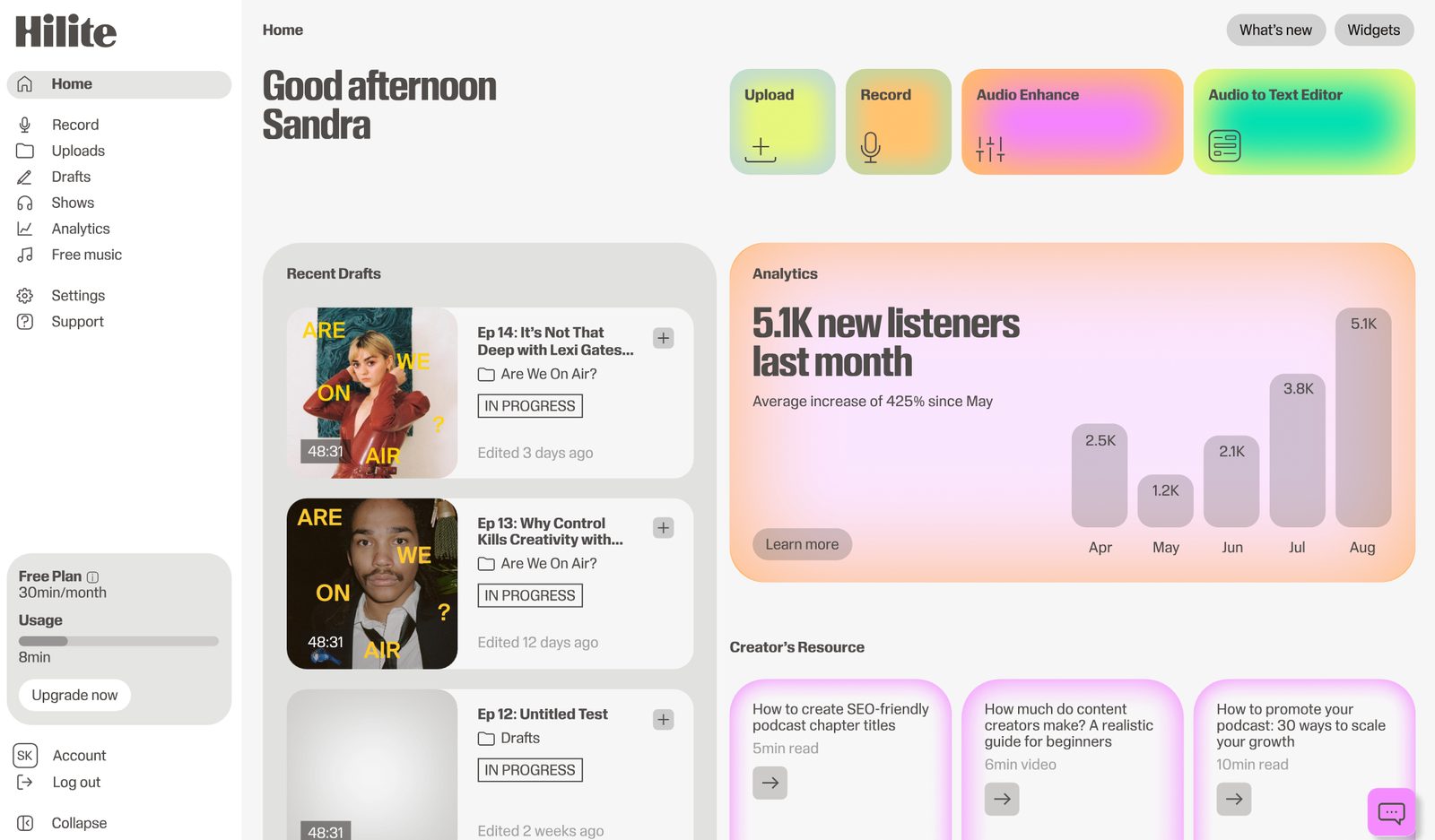
Share, review, and submit with a link
Finished classroom podcasts can be shared with a simple link for review, feedback, portfolio use, or broader publishing when the teacher is ready.
Start a classroom podcast without the production headache
Give students a clean way to record, edit, and share spoken assignments. Hilite is free to start and simple enough for classroom use.