Step 01
Finish your edit — show notes are already drafted
As you edit, Hilite reads your transcript and drafts a show notes summary, key moments list, and chapter timestamps. By the time you finish editing, publishing prep is mostly done.
Show notes, chapter markers, RSS feed, and one-click distribution to Spotify, Apple Podcasts, and 10+ platforms — all handled.

See it in action
Three screens from the Hilite app you'll spend most of your time in.
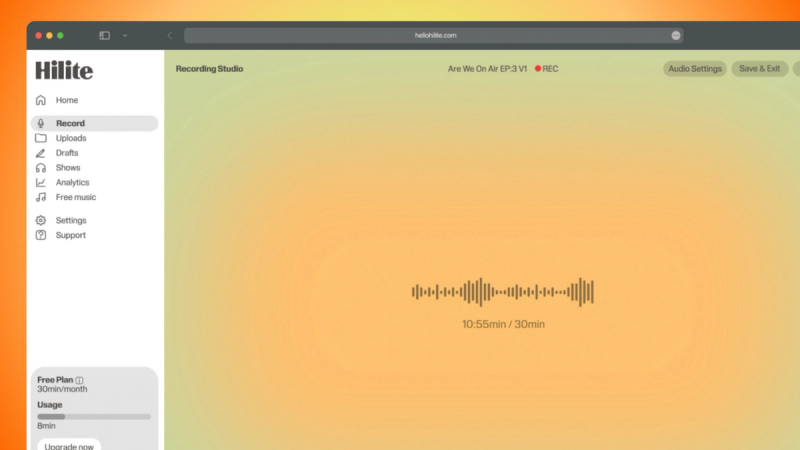
Spotify, Apple Podcasts, YouTube Music, Amazon Music, and more — one publish button reaches them all.
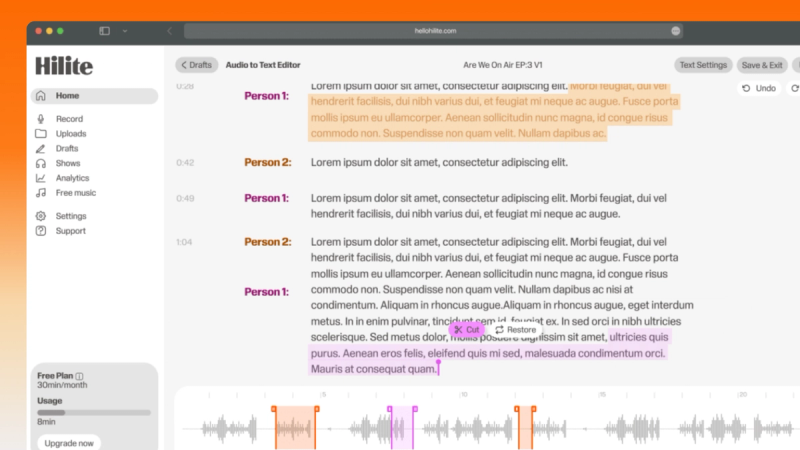
Summary, key moments, timestamps, and guest bios — drafted automatically from your transcript before you publish.
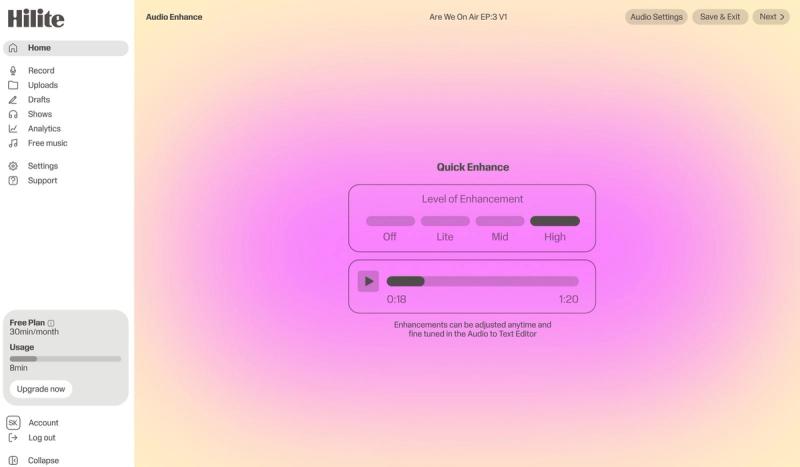
Plays, downloads, subscriber growth, and episode-level stats — unified across every platform you publish to.
The problem
How it works
As you edit, Hilite reads your transcript and drafts a show notes summary, key moments list, and chapter timestamps. By the time you finish editing, publishing prep is mostly done.
Check the title, show notes, and chapter markers. Edit anything that needs adjusting. Add your episode art. Set your publish date — immediately or scheduled.
Hilite distributes to every connected platform simultaneously. Your RSS feed updates, your episode appears on Spotify and Apple Podcasts, and your analytics start tracking — all from one button.
FAQ
If your question is not here, the support team replies within one business day.