Record or import an episode
Start with a browser recording or upload the conversation you already captured.
Editing a one-hour episode can take three to four hours. Hilite cuts that by up to 80%. Record, edit, enhance, generate content, and publish in one place.

See it in action
Three screens from the Hilite app you'll spend most of your time in.
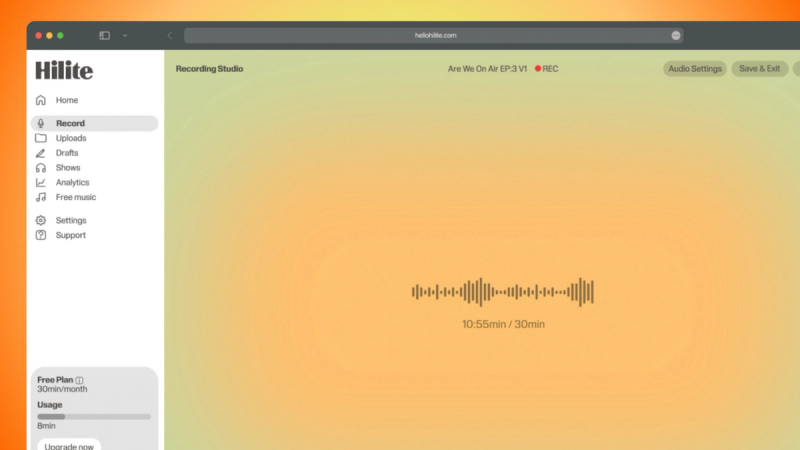
Record yourself or remote guests without installing another tool.
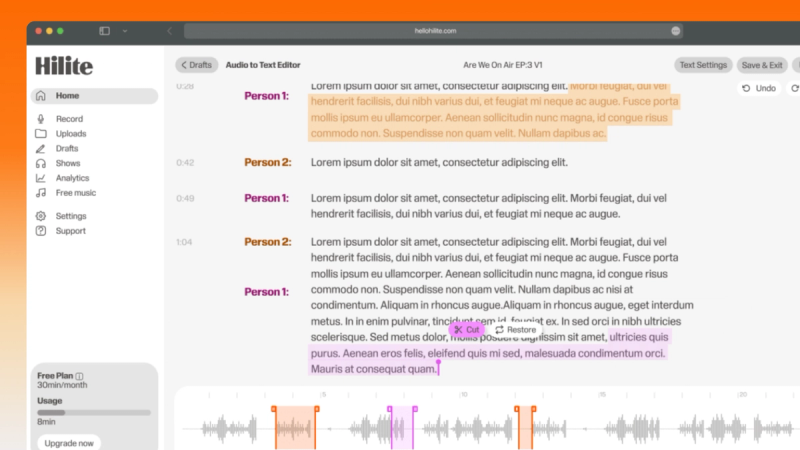
Find the exact words, remove mistakes, and tighten the story without scrubbing a timeline.
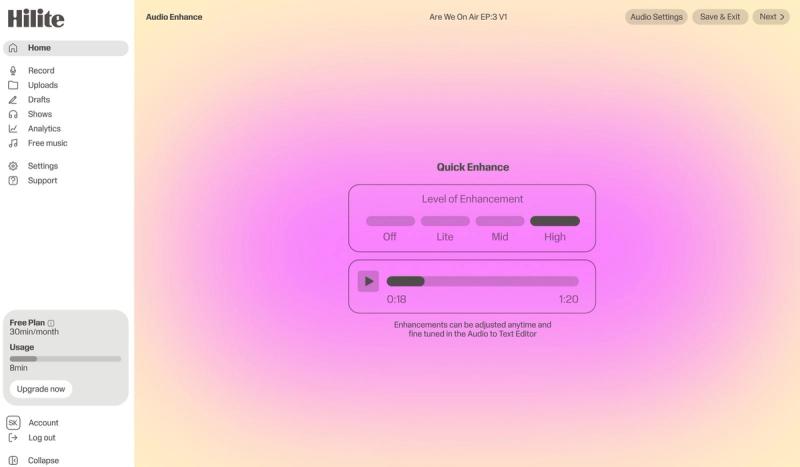
Improve clarity, check the finished audio, and move it toward publishing from the same workflow.
The problem
How it works
Start with a browser recording or upload the conversation you already captured.
Remove mistakes, tighten pacing, and make structural changes by working with the spoken words.
Enhance the sound, prepare show notes and metadata, then publish from the same project.
FAQ
If your question is not here, the support team replies within one business day.