Create/Features/Podcast recording software

Record studio-quality audio from anywhere

Recording a professional podcast shouldn't require a studio or complicated software.
Podcast recording software

How it works

Three steps to get started

Recording quality and reliability

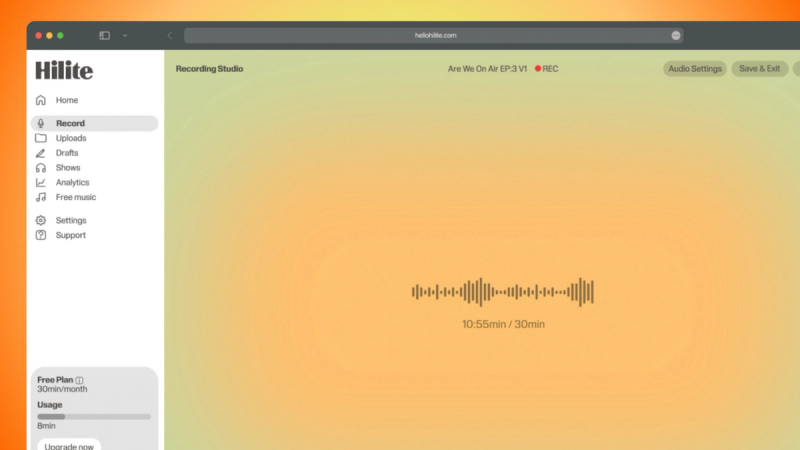
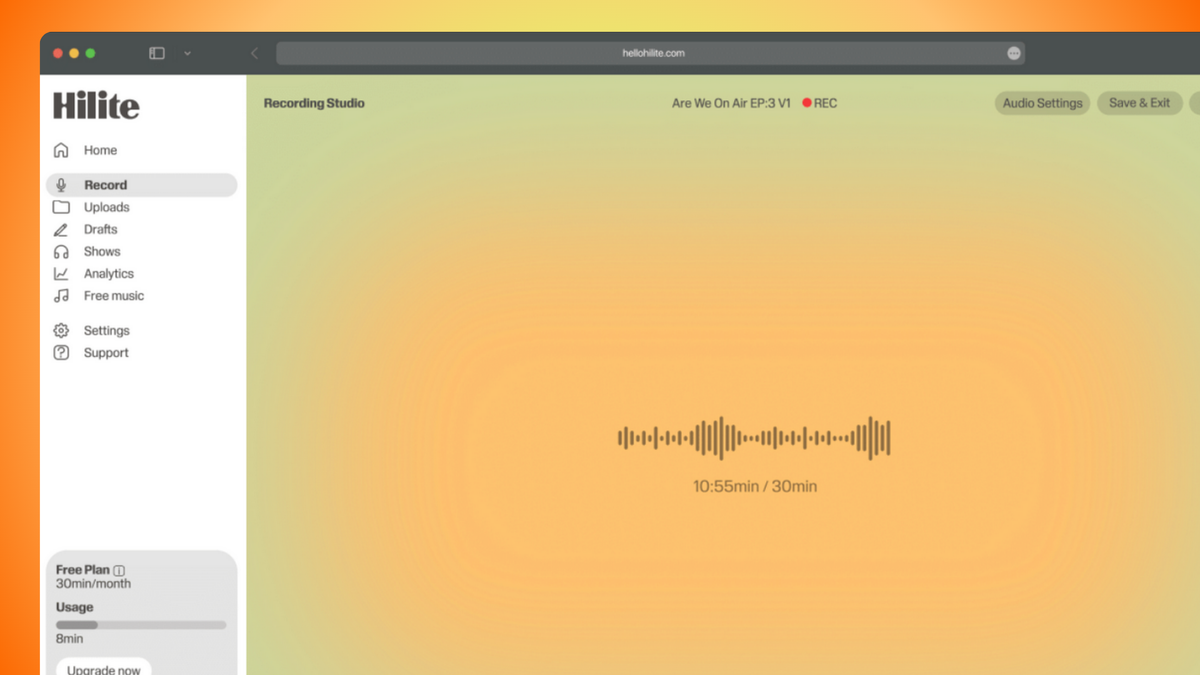
Capture consistent, high-quality audio wherever you record. 48kHz studio-quality audio — Record broadcast-level sound with crisp clarity and balanced levels that meet professional production standards. Your episodes are captured in high-resolution audio that holds up across platforms and listening environments. Multi-track recording — Each participant is recorded on a separate track, giving you full control during editing. This eliminates crosstalk, allows independent volume adjustments, and ensures one noisy microphone doesn't compromise the whole episode. Browser-based recording — No complicated downloads or system-heavy software required. Record directly in your browser on Mac or Windows. Setup takes minutes, not hours. Automatic backup and cloud storage — Your recordings are securely stored in the cloud as you record, reducing the risk of lost files, crashes, or corrupted sessions. No manual saving, no local storage management. Remote guest recording — Invite guests from anywhere and capture high-quality local recordings, even if their internet connection fluctuates. Each participant's audio is recorded locally for clarity and synced automatically.

AI-powered editing and enhancement

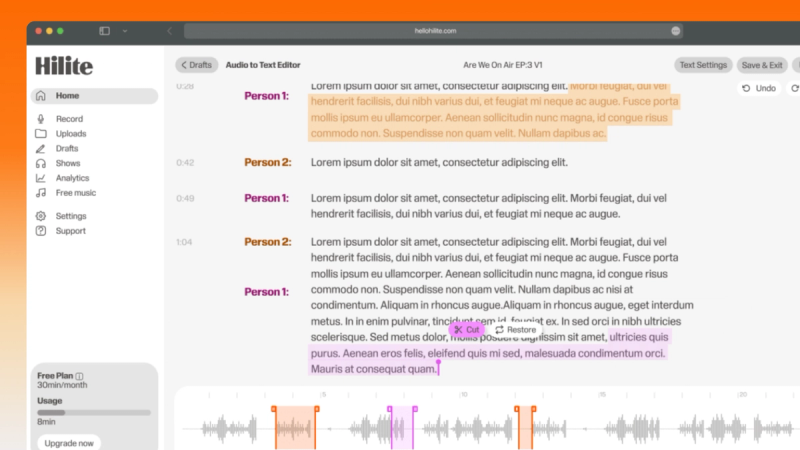
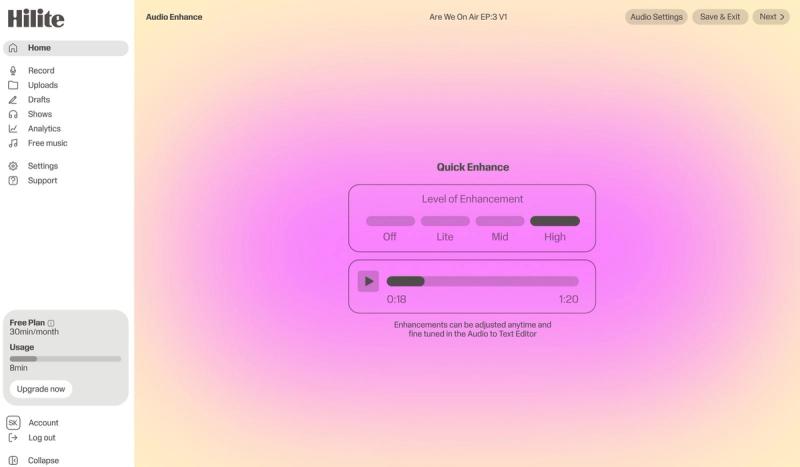
Recording is only the first step. Hilite helps you refine your episode automatically. AI audio enhancement — Automatically improves clarity, reduces background noise, and balances levels across speakers. Consistent, polished sound without manual EQ adjustments. Smart filler word detection — Automatically highlights common filler words so you can remove them quickly while keeping full control over what stays. Silence detection and cleanup — Identifies long pauses and dead air to streamline pacing without sacrificing natural conversation flow. Text-based editing — Edit your episode by editing the transcript. If you can edit a document, you can edit your podcast. Context-aware processing — AI recognizes natural speech patterns so intentional language remains intact and your meaning stays clear.

Collaboration and multi-participant features

Podcast creation is often a team effort. Hilite supports collaborative production. Shared editing workspace — Invite co-hosts, producers, or editors into the same project to review and refine episodes together in real time. Real-time review and feedback — Centralize feedback in one place instead of juggling emails and file versions. Role-based access controls — Assign permissions to ensure the right people can edit, review, or publish at the right time. Multi-user project management — Keep episodes organized and track progress from recording through publishing.

Post-production and publishing tools

Podcast recording software shouldn't stop at recording. AI-generated titles and show notes — Automatically generate structured show notes and episode titles to accelerate publishing. Start with a strong draft, refine to your tone. Accurate transcript generation — Improve accessibility and SEO with built-in transcripts generated immediately after recording. One-click distribution — Publish directly to Spotify, Apple Podcasts, and major platforms from the same dashboard where you recorded and edited. Built-in analytics — Track downloads, engagement, and performance metrics without switching tools. Snippet creation tool — Create short promotional clips for social media to extend your reach beyond the episode itself.

Ready to record studio-quality podcasts from anywhere?