Upload the reverberant recording
Start with the original file and identify the sections where room reflections mask the voice.
You recorded in the room you had. Hard walls, nothing to soften them, and now every word arrives with a faint ghost of itself trailing behind. That hollow, echoey sound is reverb, and it quietly tells your listener you're an amateur before you've said anything at all. Hilite's AI Reverb Remover fixes it in three clicks, with no plugins, no acoustic foam, and no audio engineering background required.
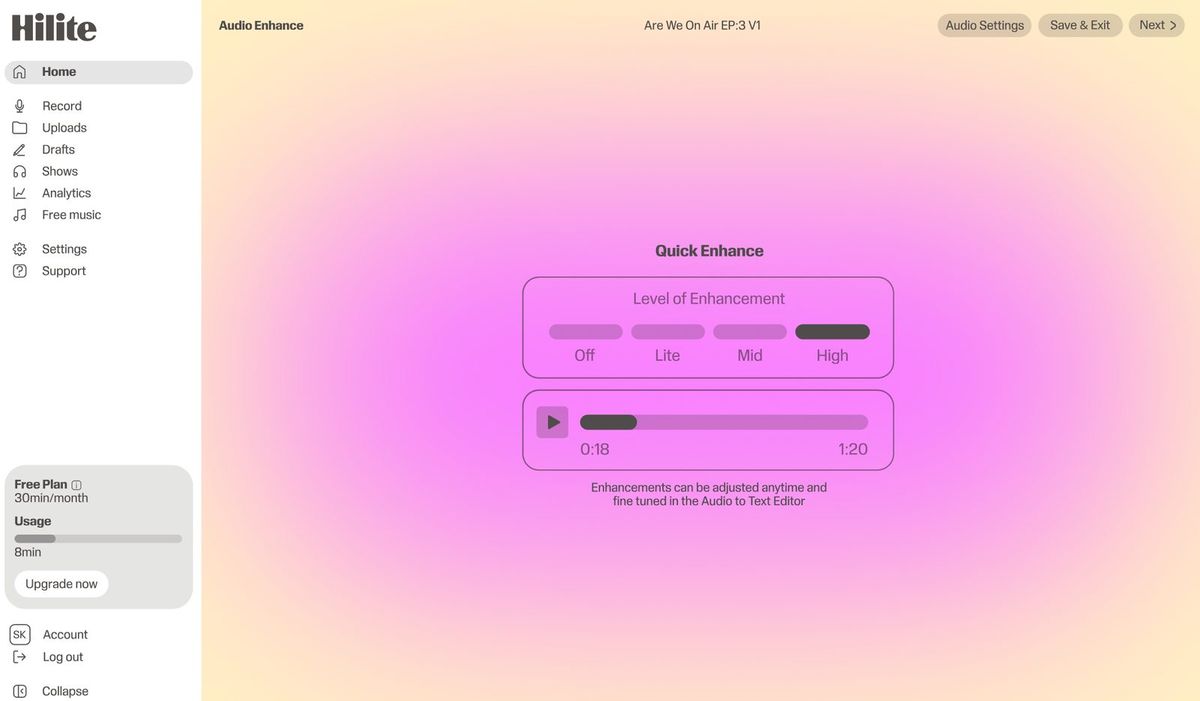
See it in action
Three screens from the Hilite app you'll spend most of your time in.
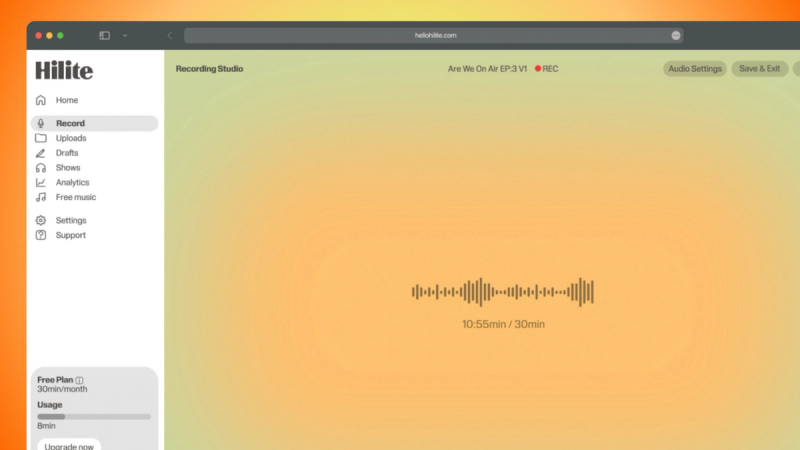
Record yourself or remote guests without installing another tool.
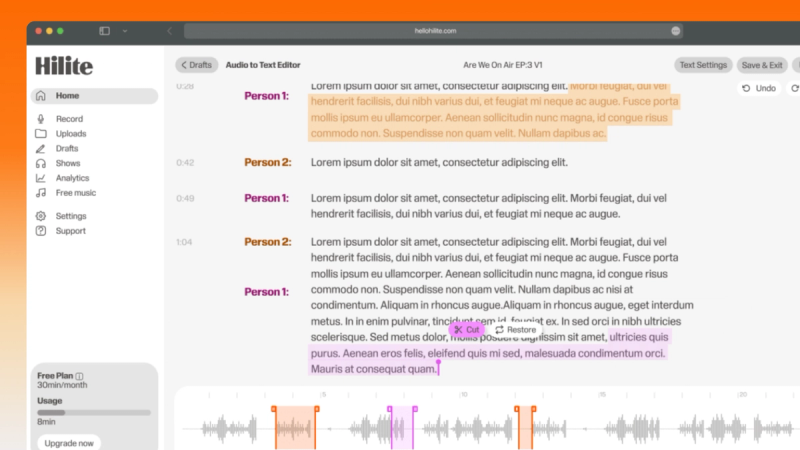
Find the exact words, remove mistakes, and tighten the story without scrubbing a timeline.
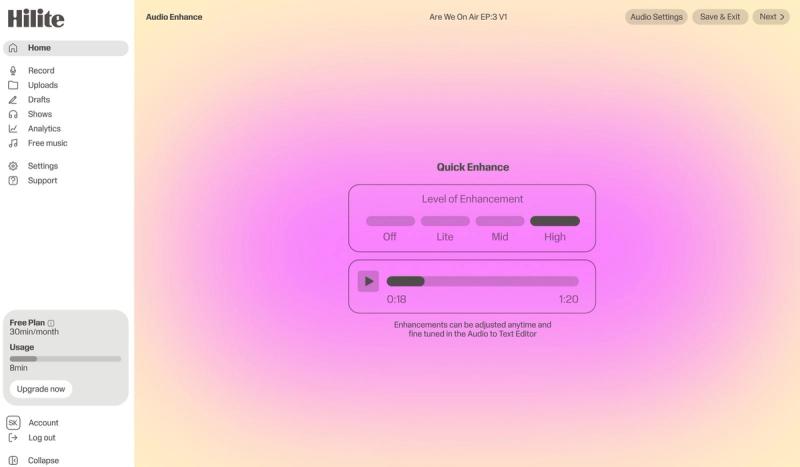
Improve clarity, check the finished audio, and move it toward publishing from the same workflow.
The problem
How it works
Start with the original file and identify the sections where room reflections mask the voice.
Use enhancement to reduce the room tail and bring speech forward while preserving a natural tone.
Listen on headphones and speakers, choose the lightest effective result, and continue with the edit.
FAQ
If your question is not here, the support team replies within one business day.