Start with the closest clean source
Use the church soundboard feed when possible and capture a separate backup. If you record directly, place the microphone close enough to prioritize the speaker over the room.
Capture a message, edit spoken mistakes through the transcript, improve clarity, and prepare sermon audio for your congregation in one browser workflow.

See it in action
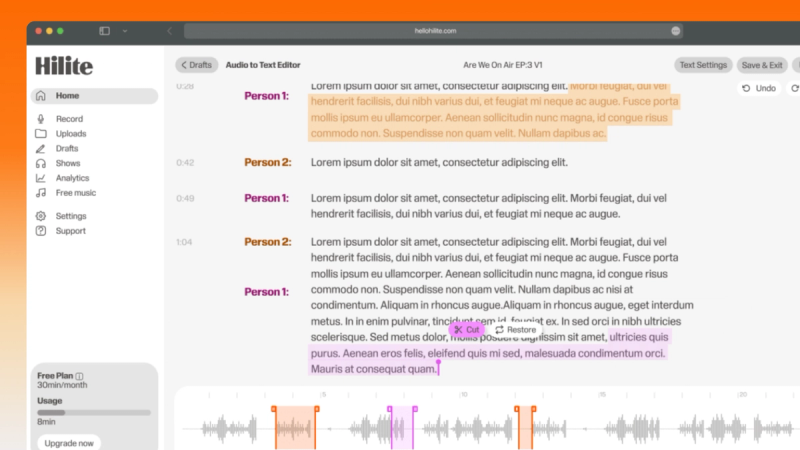
Three screens from the Hilite app you'll spend most of your time in.
Record in the browser or bring in the audio already captured by the church system.
Find introductions, announcements, and mistakes through the transcript instead of searching a waveform.
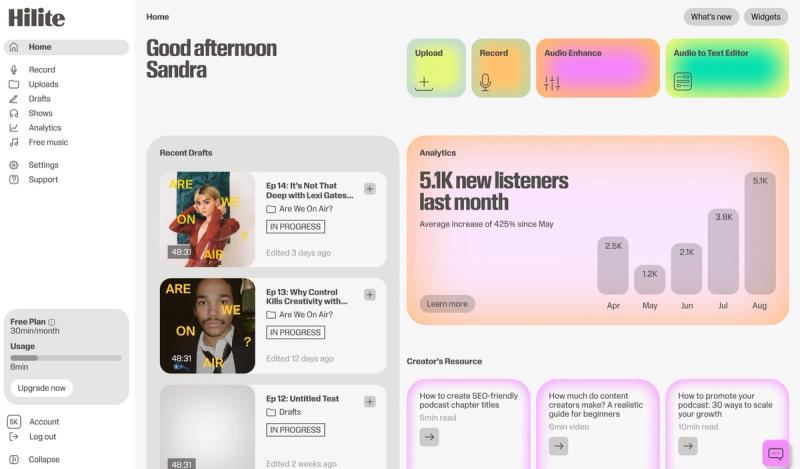
Clean up the voices, create the episode information, and move the finished sermon toward your podcast feed.
The problem
How it works
Use the church soundboard feed when possible and capture a separate backup. If you record directly, place the microphone close enough to prioritize the speaker over the room.
Remove long transitions and service-only sections, keep the sermon’s logic intact, and add a short introduction when an audio-only listener needs context.
Review the final audio, prepare the title and description, and publish through the church’s chosen podcast or audio distribution workflow.
FAQ
If your question is not here, the support team replies within one business day.