Record a sleep story with a consistent setup
Choose a quiet environment and stable microphone position. Prioritize a low-stakes narrative, warm voice, and no suspenseful spikes. Run a short test before the full take.
Record a sleep story, edit it through the words, improve clarity, and prepare a finished bedtime track for repeat listening in one browser workflow.
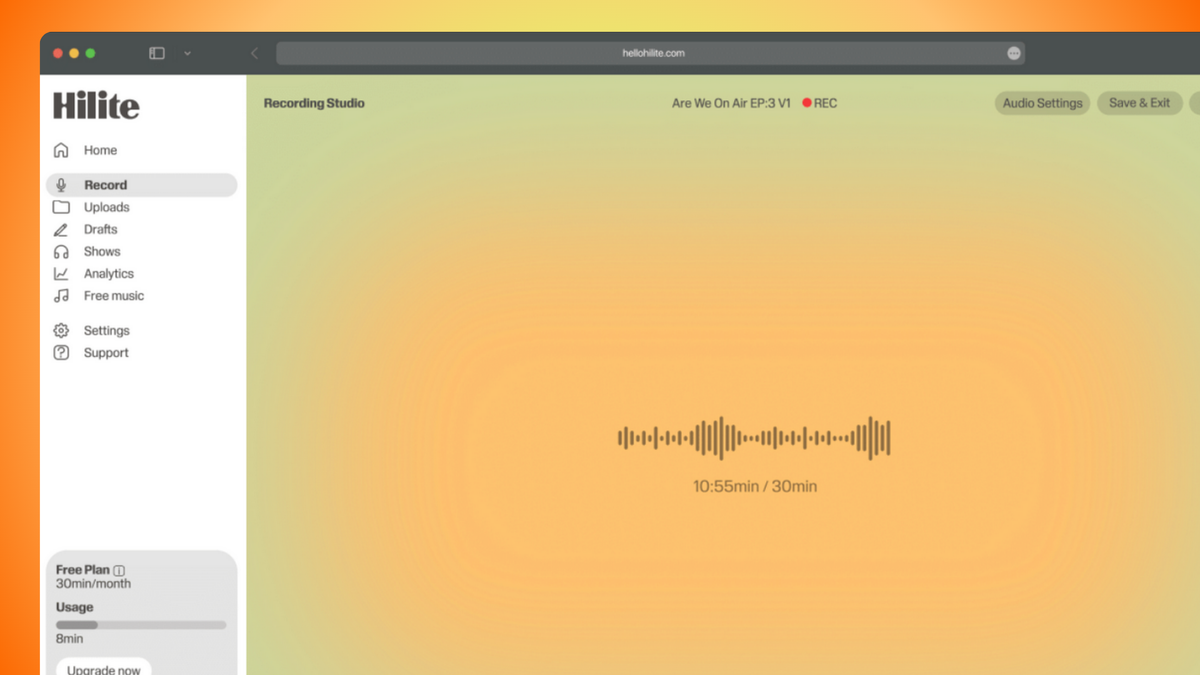
See it in action
Three screens from the Hilite app you'll spend most of your time in.
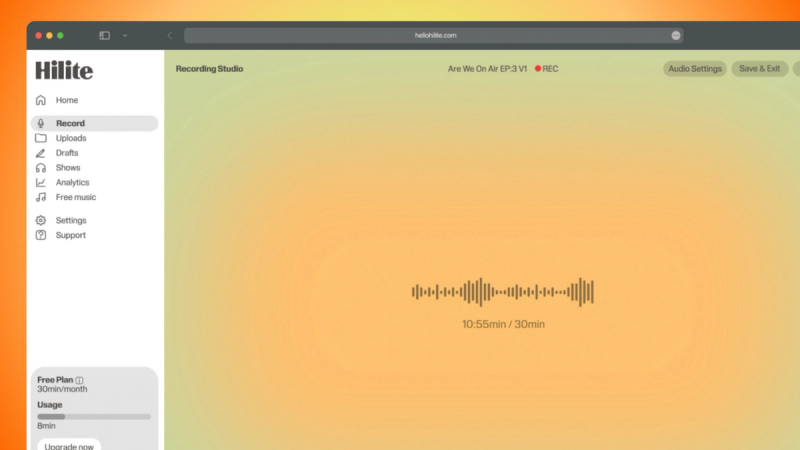
Record a low-stakes narrative, warm voice, and no suspenseful spikes.
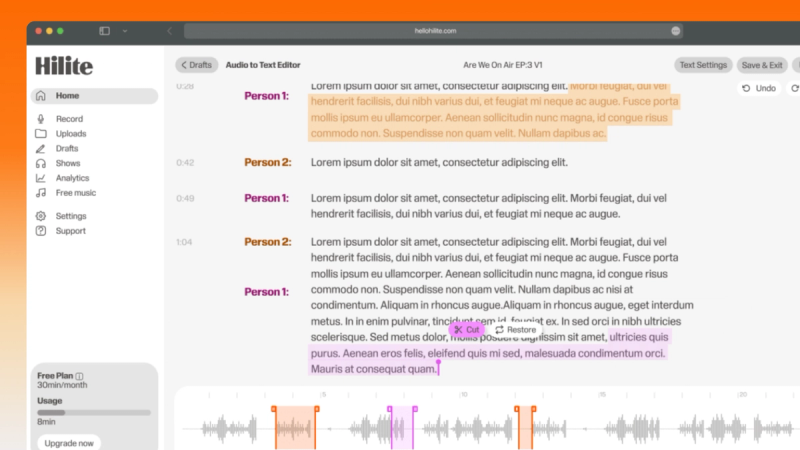
Keep ambience and levels consistent from opening to fade.
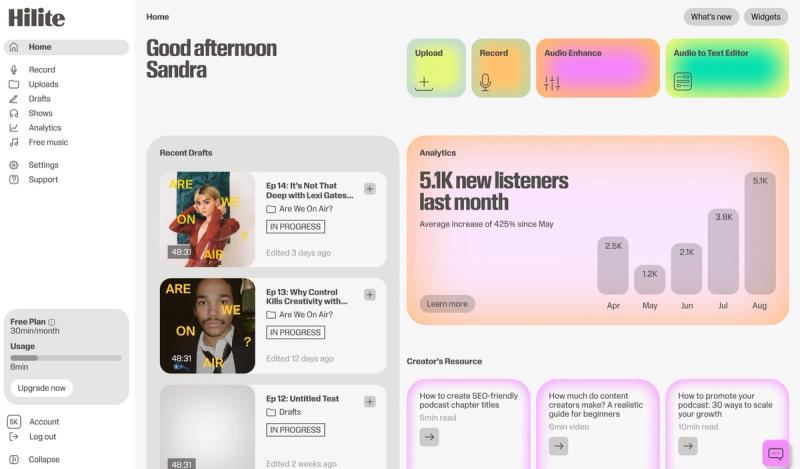
Review the complete audio, create the supporting text, and export or publish the finished version.
The problem
How it works
Choose a quiet environment and stable microphone position. Prioritize a low-stakes narrative, warm voice, and no suspenseful spikes. Run a short test before the full take.
Hilite turns the recording into text so you can keep ambience and levels consistent from opening to fade. Keep the source and review every edit in context.
Improve spoken clarity conservatively, listen from beginning to end, and prepare the file and metadata for its destination.
FAQ
If your question is not here, the support team replies within one business day.