Create/Features/Video recording

Video recording

Record video alongside your audio for repurposing on YouTube, Reels, and TikTok.
Video recording

See it in action

What you'll actually use

Three screens from the Hilite app you'll spend most of your time in.
Coach · Recording

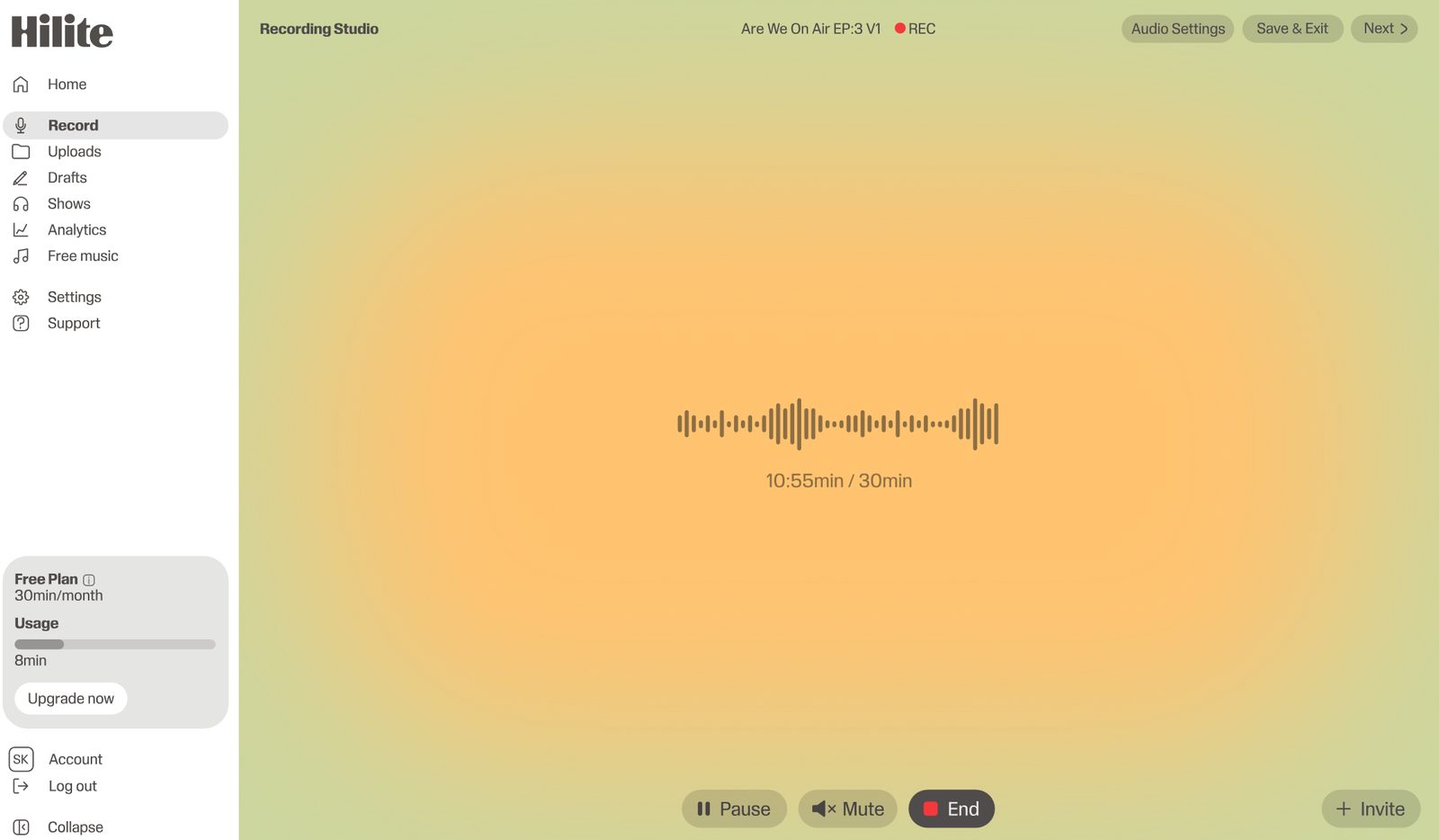
Record a show in the browser, no setup

Journalist · Editing

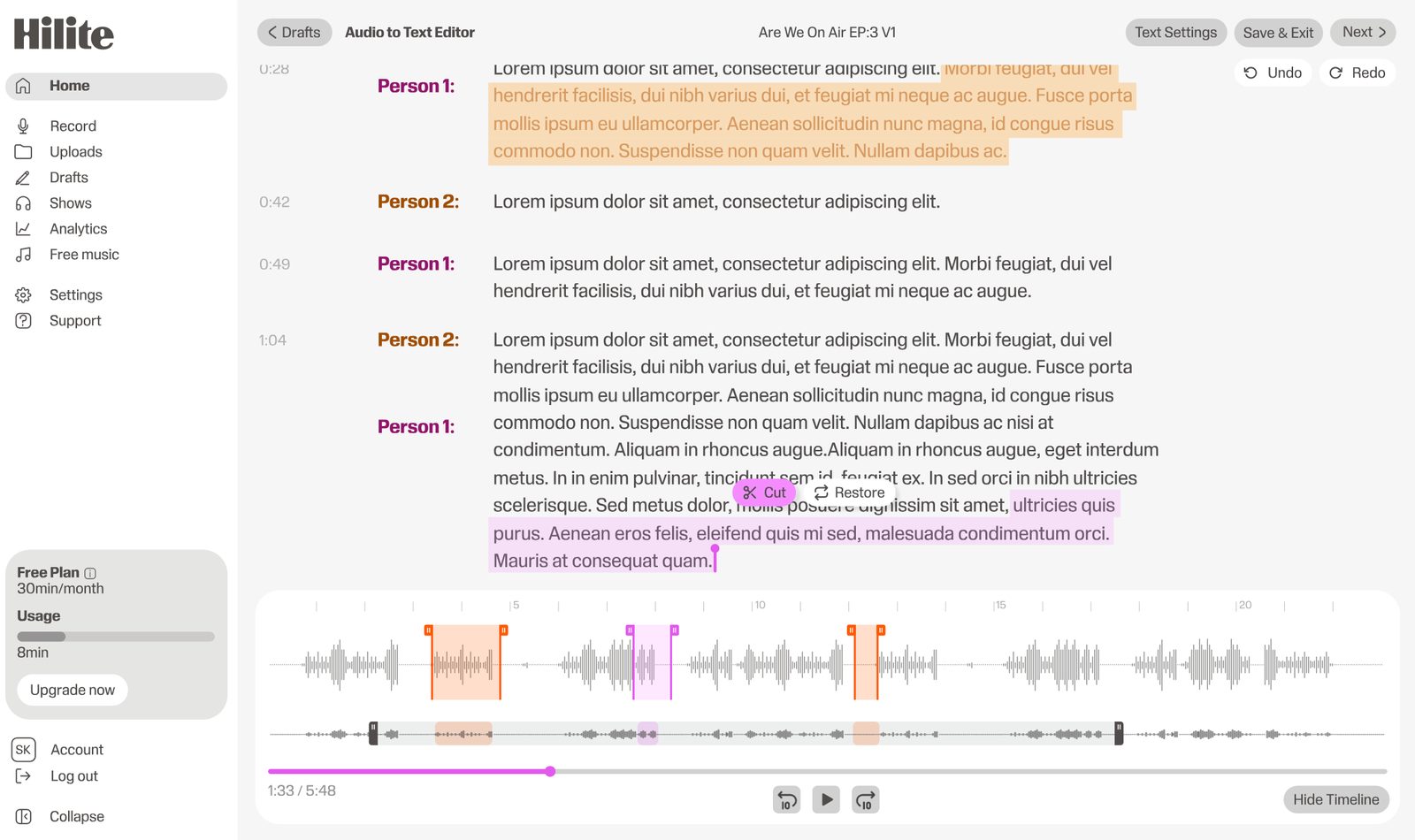
Edit audio like text. Highlight, cut, done

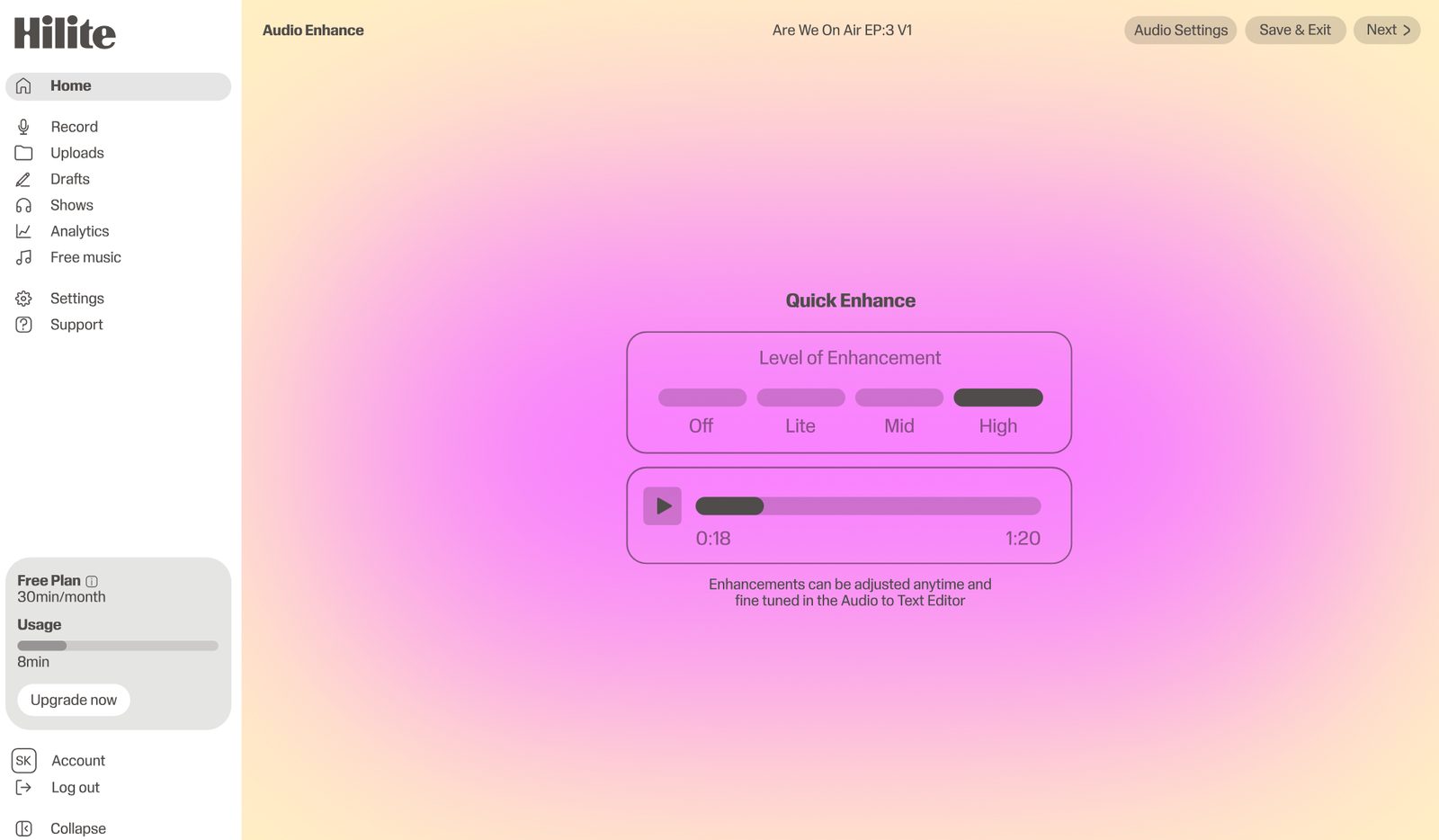
Educator · Enhance

Studio polish in one click, four levels

The problem

Built for creators, not engineers

  1. Complex software with a steep learning curveMulti-track DAWs were built for music engineers. The interface assumes you already know what compression, gain staging, and bus routing mean.
  2. Audio engineering knowledge requiredSetting input levels, monitoring for clipping, managing latency, choosing the right sample rate, the list of things you have to get right before you press record is long.
  3. Expensive microphones and interfacesThe "starter" gear lists on most blogs add up to a thousand dollars. That is a real barrier when you are not yet sure podcasting will work for you.
  4. Choppy remote recordingVideo-call recording compresses your voice and drops audio when the connection wobbles. The bar for a clean remote interview is higher than most tools clear.

How it works

Three steps to get started

Click record

No setup, browser-based, works on any modern device. We test your microphone in one click and start a new session.

Talk freely

Live waveform shows you what you sound like. Pause and resume anytime, monitor levels in real time, restart a take with one keystroke.

Stop and refine

One click moves you into the text-based editor with the transcript and waveform side by side, ready to cut and enhance.

FAQ

Common questions

If your question is not here, the support team replies within one business day.

Start using Video recording with Hilite