Alternatives › Adobe Podcast
Adobe Podcast now supports browser recording, transcript editing, enhancement and audio/video workflows. These alternatives are for creators comparing broader publishing, podcast-first workflows or different production priorities.
Why people switch
Choose an alternative when your priority is not simply audio cleanup: you may need built-in hosting and RSS, a podcast-first path from recording to publishing, deeper manual control, or a different approach to remote production.
Ranked

Best podcast-first record-to-publish alternative
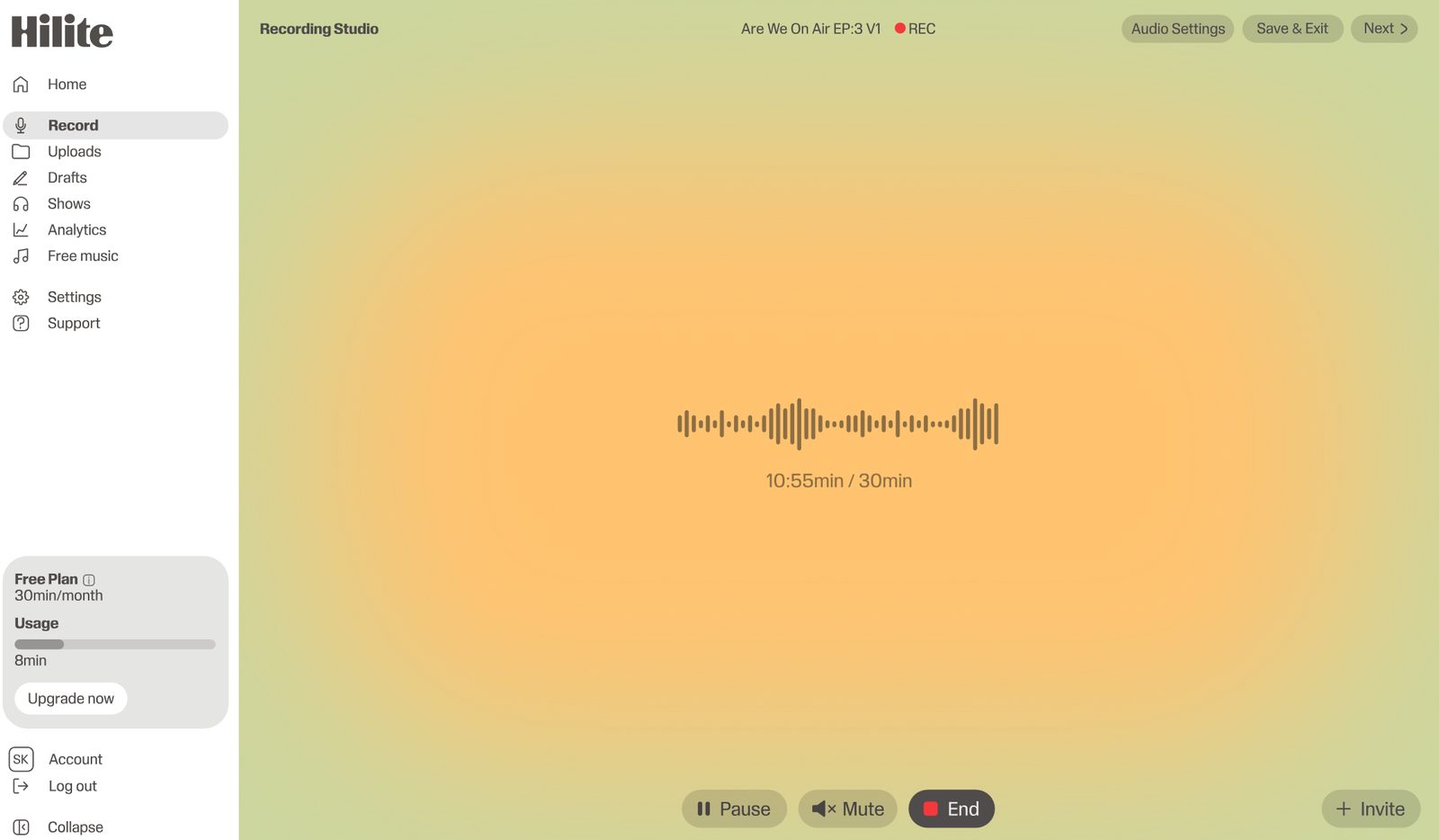
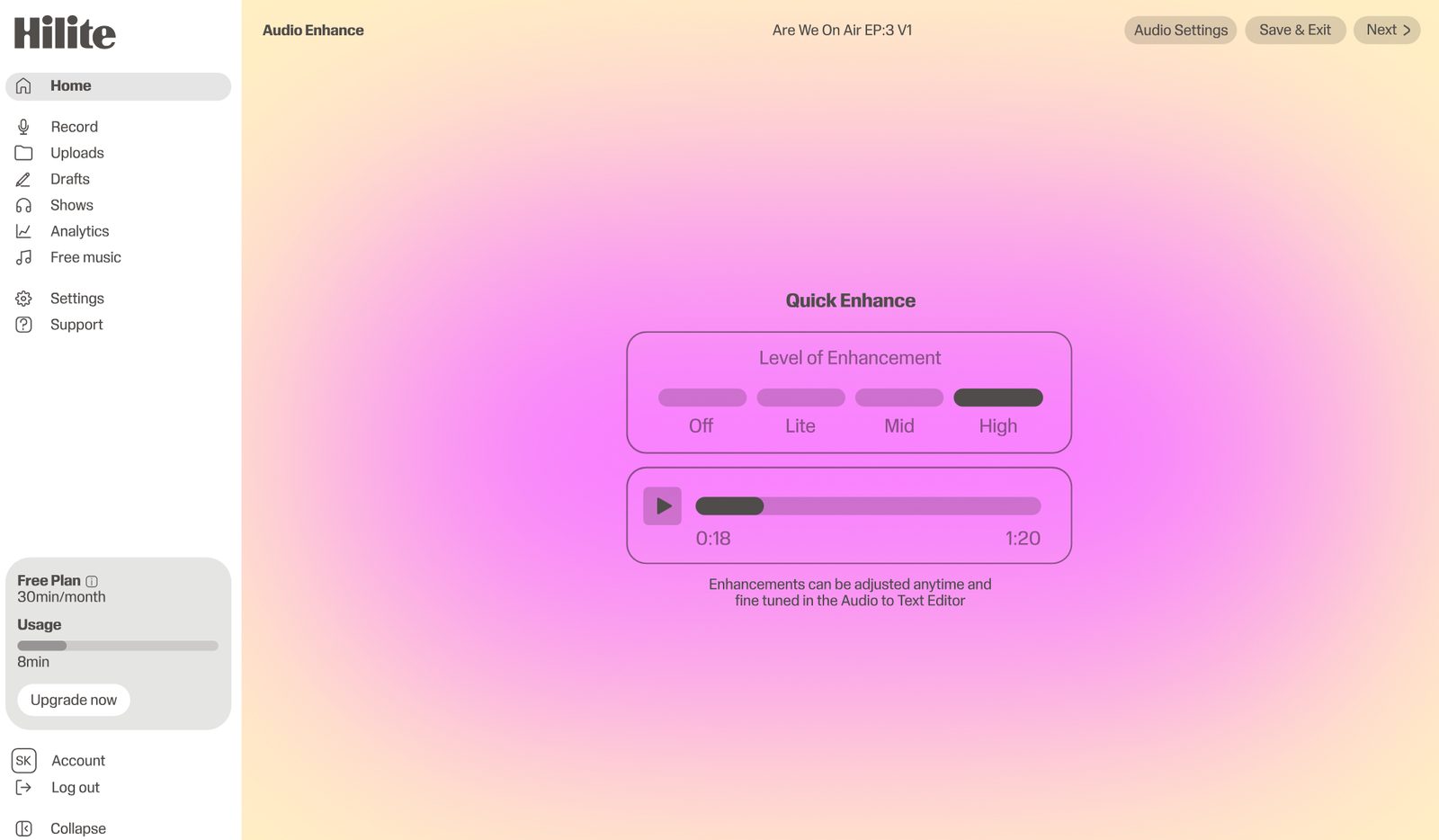
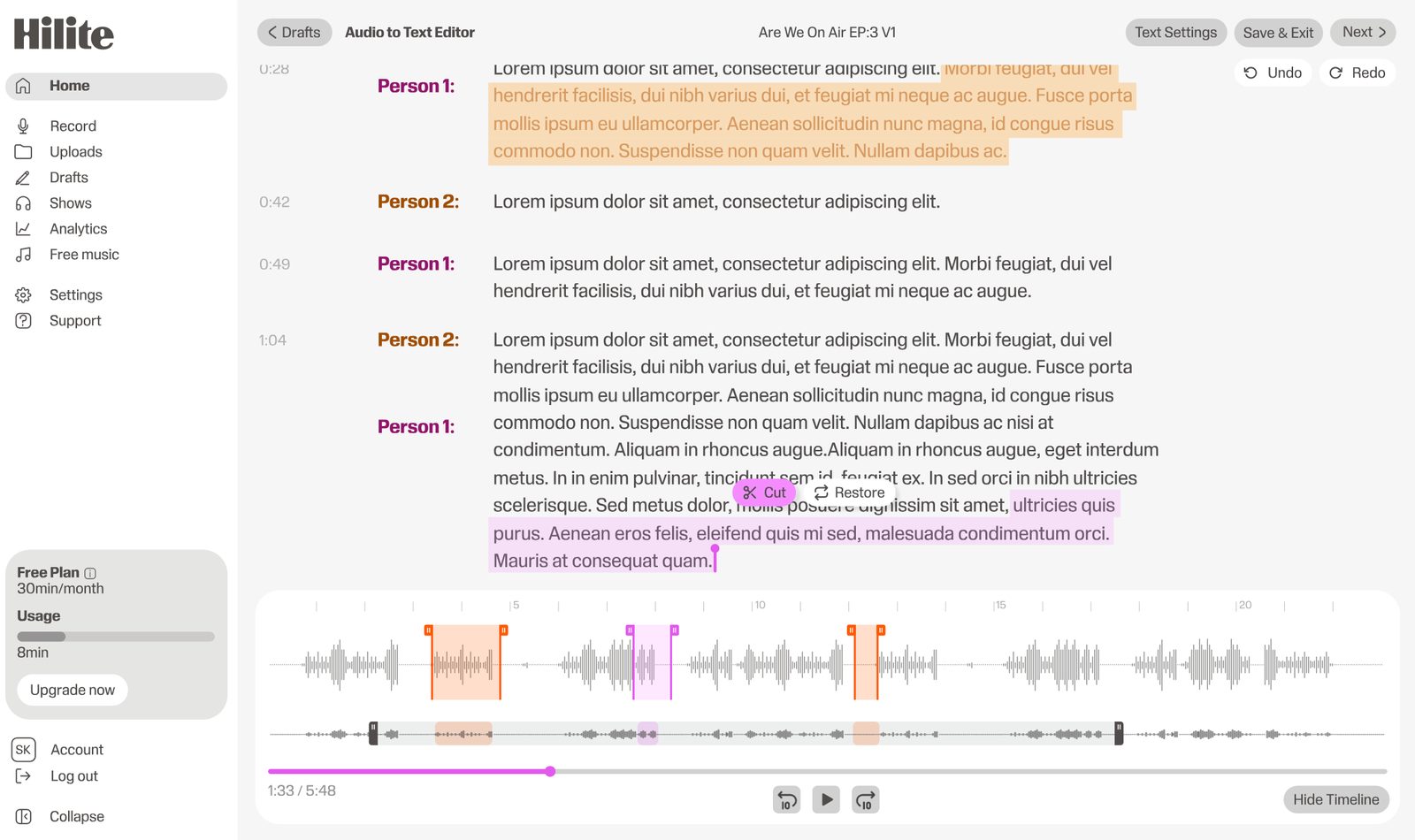
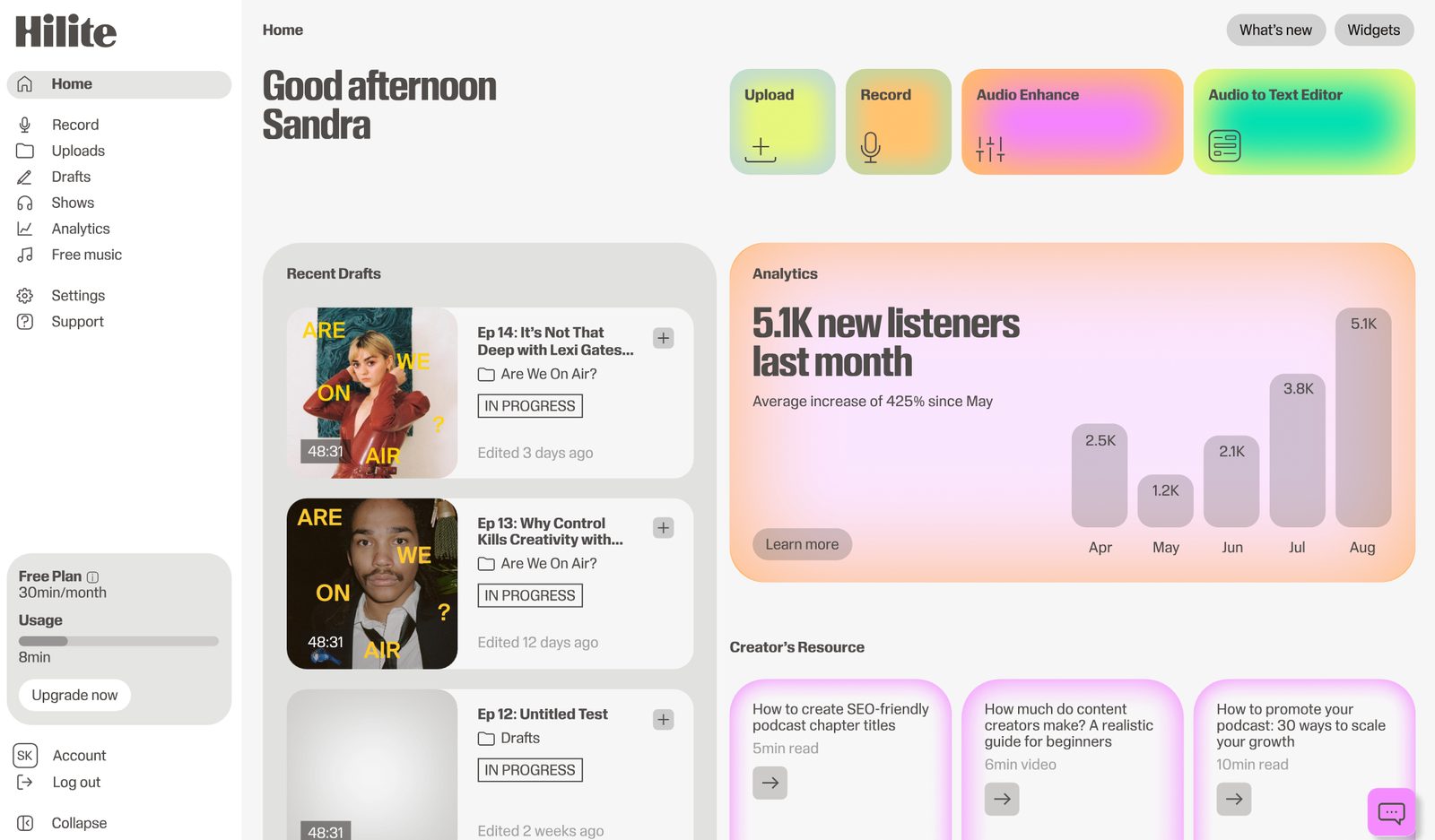
Hilite connects spoken-audio recording, transcript editing, enhancement, show notes, RSS and publishing in one guided workflow.
Pros
Cons

Best for remote audio and video capture
Riverside is well suited to interview teams that prioritize locally recorded guest tracks and video-first production.
Pros
Cons

Best broad transcript-based production suite
Descript combines transcript editing with a wider audio, video and screen-recording toolset.
Pros
Cons

Best guided podcast production alternative
Alitu focuses on simplifying recurring podcast recording, cleanup, editing and hosting work.
Pros
Cons

Best free manual desktop editor
Audacity offers detailed waveform editing and effects for creators willing to manage production and publishing separately.
Pros
Cons
Side by side
| Feature | Adobe Podcast | |
|---|---|---|
| Podcast hosting and RSS | Connected podcast publishing workflow | Production tools; publishing handled separately |
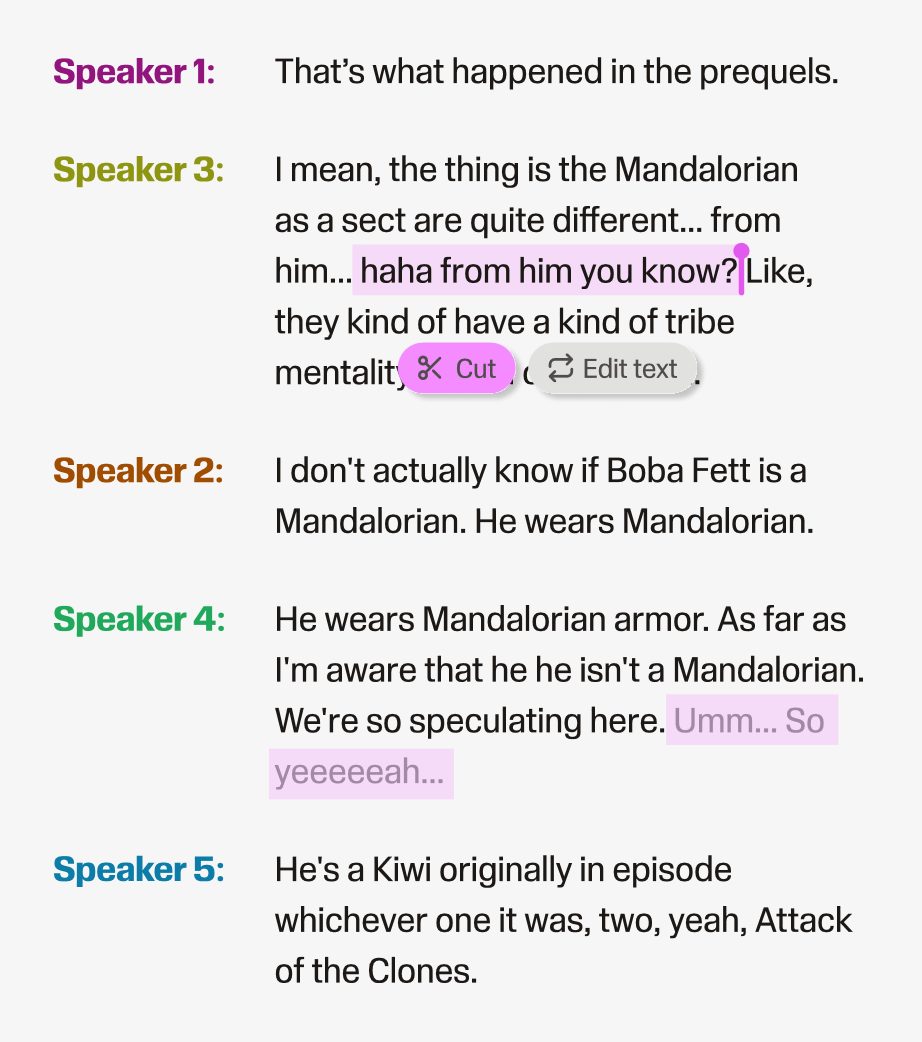
| Transcript-based editing | Edit spoken audio using text | Studio supports transcript editing |
| Automatic speech enhancement | Built into the audio workflow | Enhance Speech is a central feature |
| Remote recording | Browser-based spoken-audio recording | Studio records solo and remote guests |
| Video production | Audio-first product | Current Studio supports audio and video |
| Episode metadata and publishing | Show notes, RSS and publish workflow | Create and export; distribution is separate |
FAQ
Hilite is a strong choice for audio-first podcasters who want recording, transcript editing, enhancement, show notes and publishing connected in one workflow.
Yes. Adobe Podcast currently supports audio and video recording and editing, with additional video and multitrack capabilities in its evolving Studio product.
Riverside is a strong specialist option for remote audio/video capture. Hilite is preferable when the priority is connecting the recording to an audio-first publishing workflow.
Audacity is free and provides detailed manual audio editing, but it does not include the same browser recording, transcript, hosting or publishing workflow.
Try Hilite when you want an audio-first path from recording to listener.