Alternatives › Headliner
Best Headliner Alternatives for Podcast Clips in 2026
Headliner turns podcast audio into audiograms and video clips. If you want clips to come out of the same place you edit and publish, compare these.
Alternatives › Headliner
Headliner turns podcast audio into audiograms and video clips. If you want clips to come out of the same place you edit and publish, compare these.
Why people switch
Switch when watermarks on the free plan get in the way, when you're exporting the same episode into several apps each week, or when finding the clip-worthy moment takes longer than making the clip.
Ranked
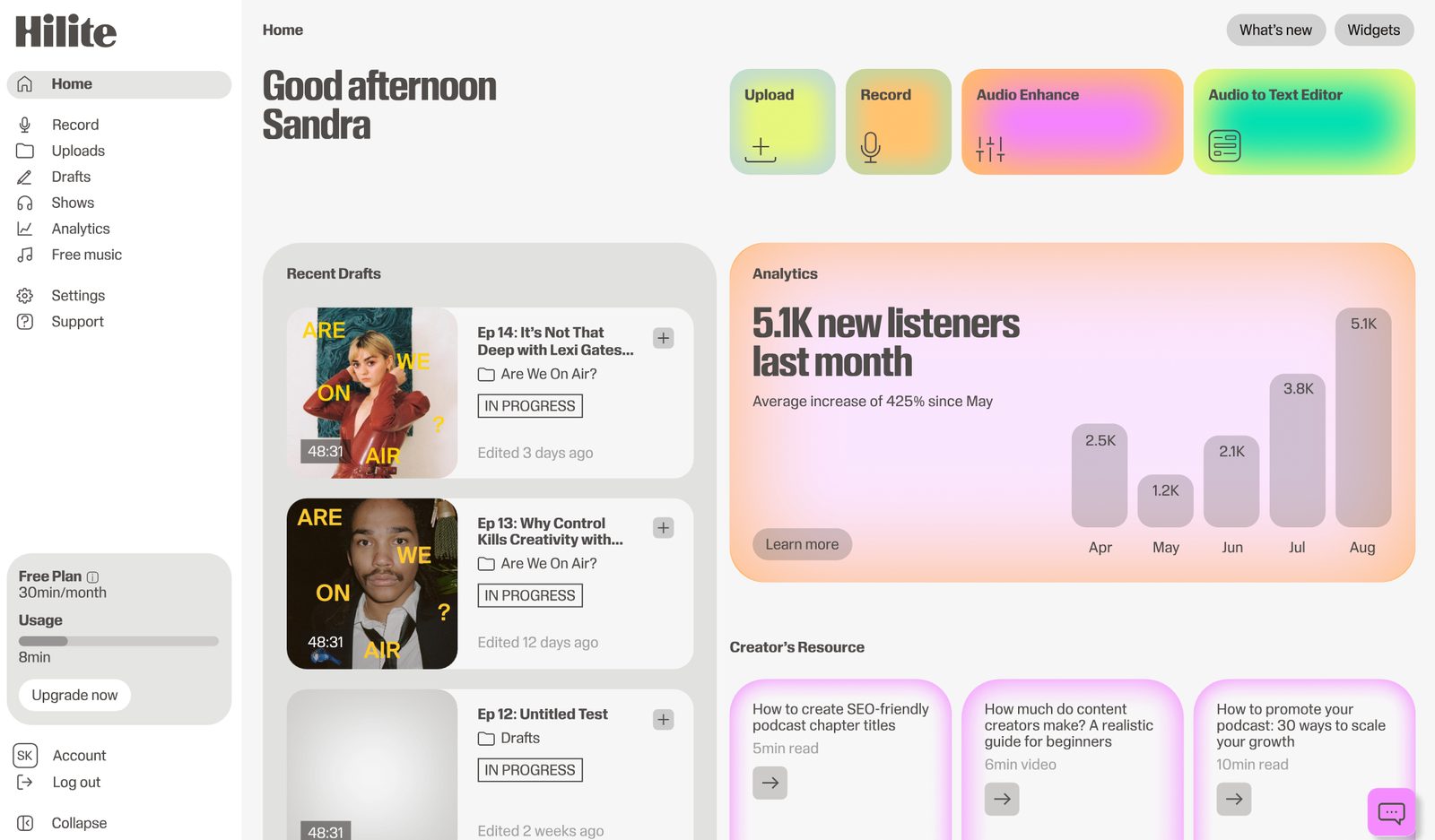
Best for clips that come straight from your edited episode
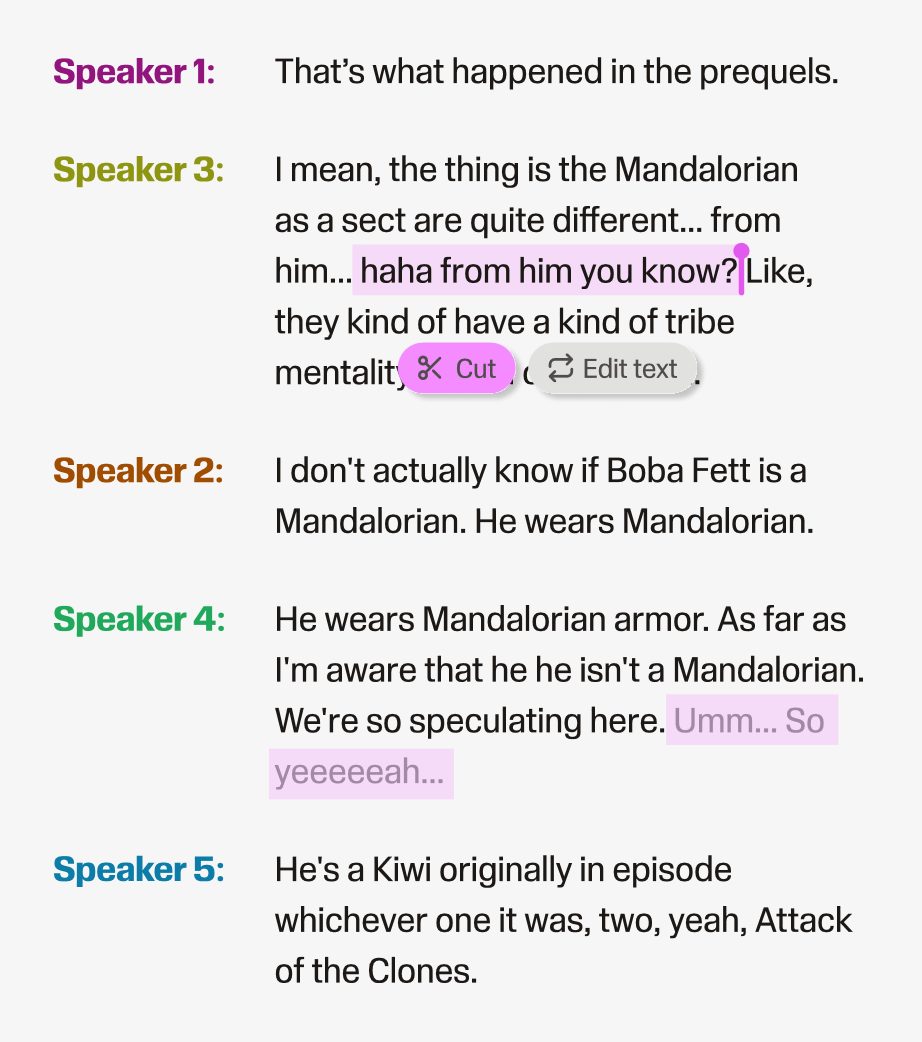
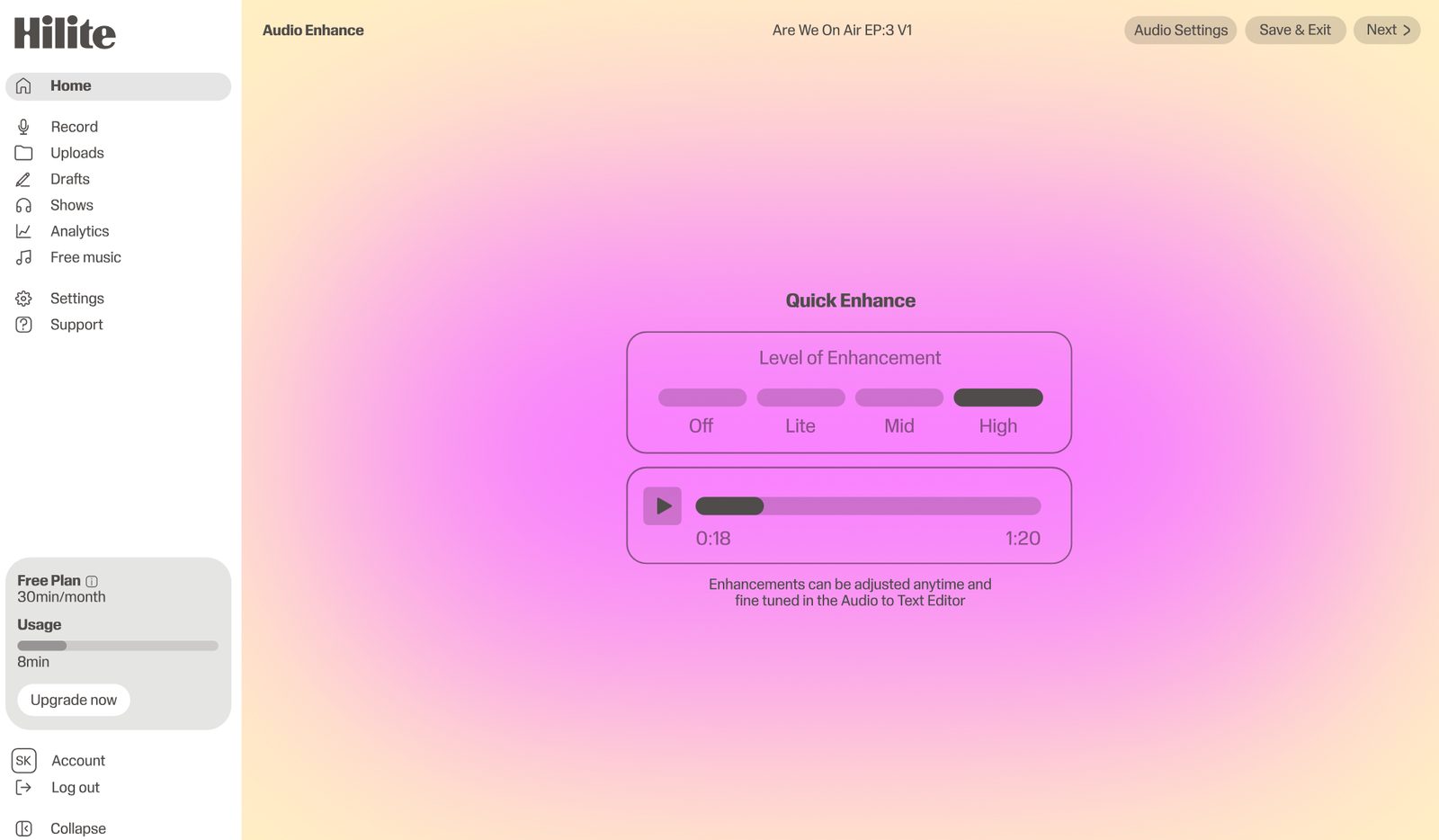
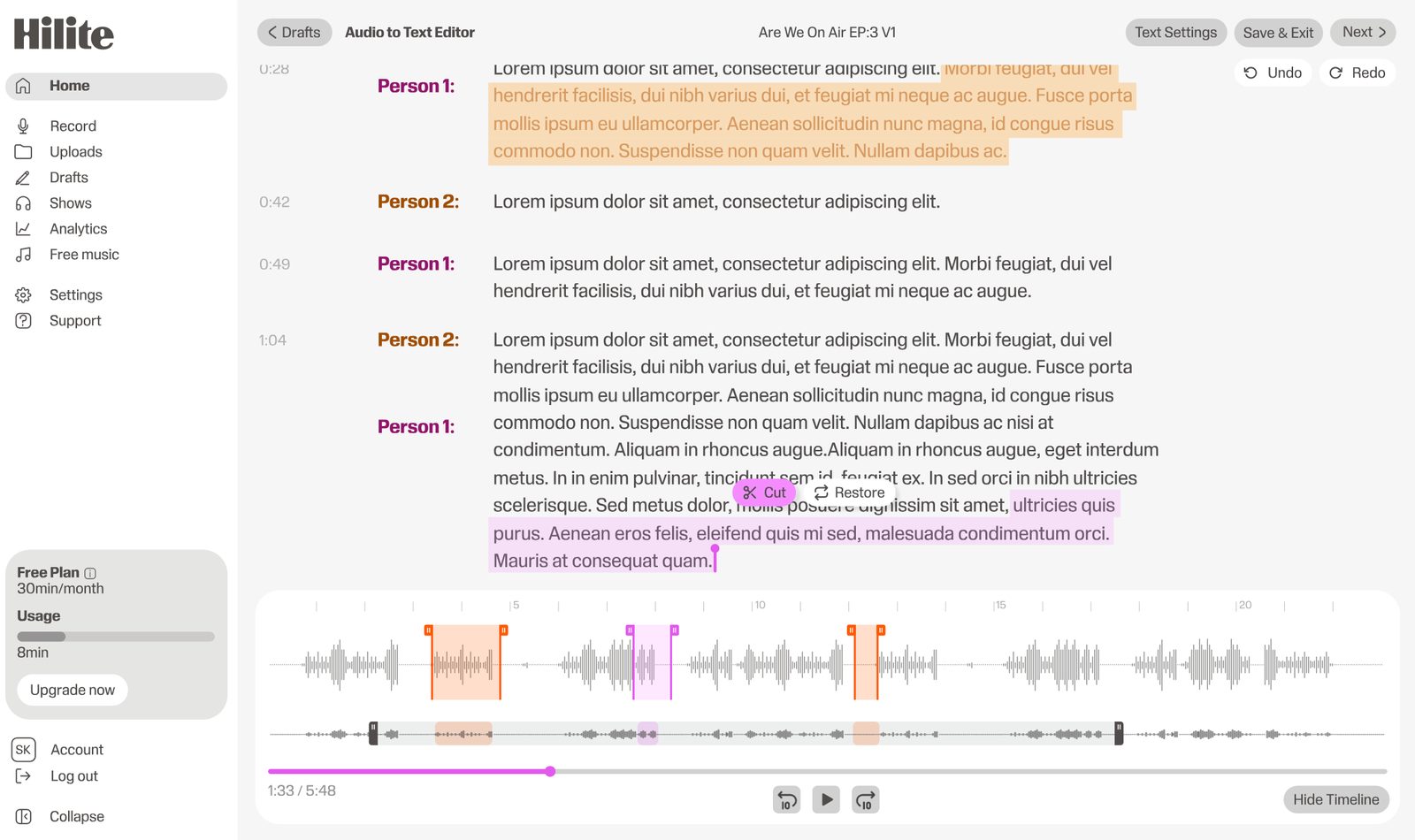
Hilite transcribes the episode, lets you edit by text, then pulls clip-worthy moments, captions, titles and show notes from the same transcript before publishing.
Pros
Cons
Best for AI clips from video podcasts
Opus Clip picks highlights from long videos and reframes them into vertical shorts with captions.
Pros
Cons
Best for editing-led clip work
Descript edits audio and video by editing the transcript and can export short clips from the same project.
Pros
Cons
Best if you record video in Riverside
Riverside can generate short clips from recordings made in its own studio.
Pros
Cons
Best for fully custom designed posts
Canva templates let you design quote cards, cover art and simple video posts around an audio clip.
Pros
Cons
Side by side
| Feature |  Hilite Hilite | Headliner |
|---|---|---|
| Social clips from episodes | From the transcript | Core feature |
| Unwatermarked videos on free plan | Free plan available | 1 unwatermarked video, the rest watermarked |
| Full-episode transcript editing | Built in | Transcript-based clip editing |
| Audio enhancement | Built in | Not included |
| Remote recording | Separate local tracks | Not included |
| Podcast publishing and RSS | Spotify and Apple Podcasts | Pushes episodes to YouTube |
FAQ
Headliner has a Forever Free plan. According to Headliner's help centre (checked 27 October 2026), it includes one unwatermarked video, with unlimited watermarked videos after that; Basic raises the unwatermarked allowance to ten. Check headliner.app for current prices.
Podcasters use Headliner to turn audio into audiograms with animated waveforms, to caption and clip video, and to publish full episodes as videos on YouTube.
Hilite is the best fit if you want clips, captions, show notes and publishing to come from the same transcript you edit. Opus Clip suits video-first shows, and Canva suits fully hand-designed posts.
They help, because social feeds autoplay video on mute. An audiogram, or a short clip over simple b-roll with big captions, gives an audio-only show something to post. The slow part is finding the moment; pulling quotes with timestamps from the transcript makes that much faster.
Try Hilite for editing, clips, show notes and publishing in one place.