Alternatives › Opus Clip
Best Opus Clip Alternatives for Podcasters in 2026
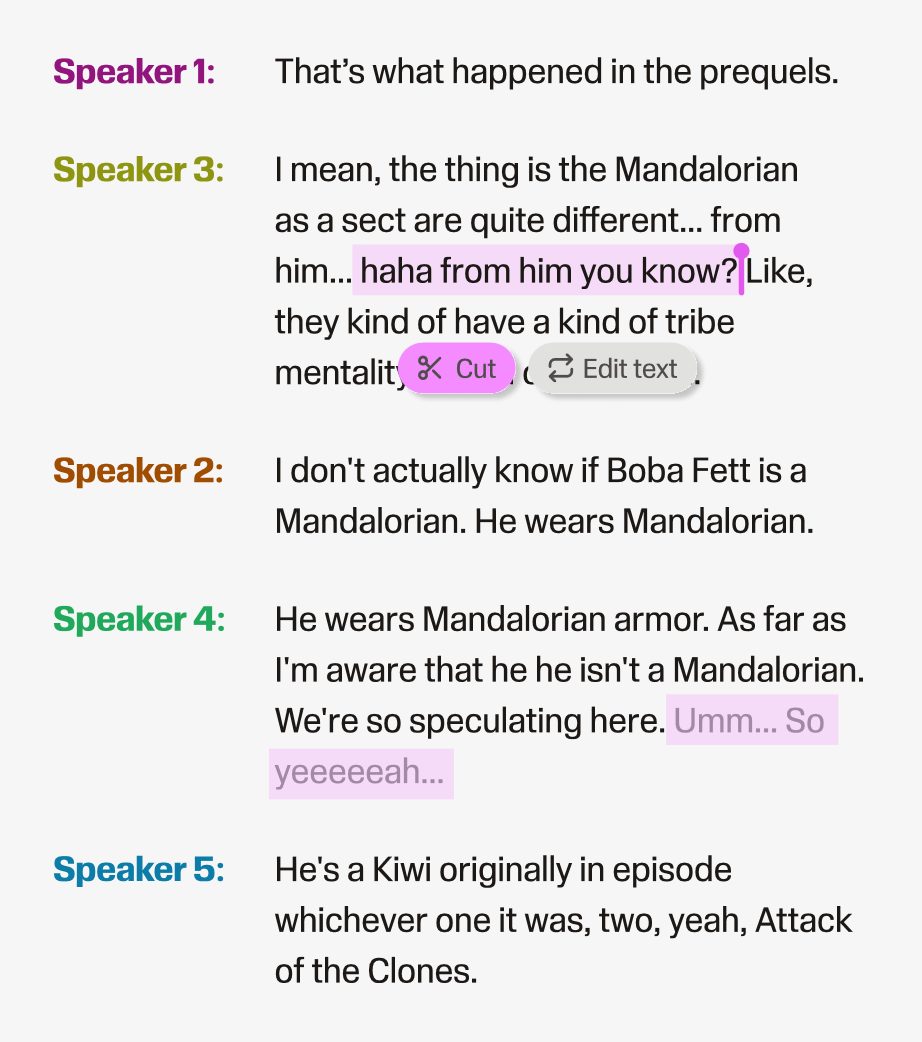
Opus Clip is built to turn long videos into vertical shorts. Podcasters often need something different: clean audio, a finished episode and clips from the same edit.
Alternatives › Opus Clip
Opus Clip is built to turn long videos into vertical shorts. Podcasters often need something different: clean audio, a finished episode and clips from the same edit.
Why people switch
Switch when your clips are a means to promote an episode rather than the product itself: when you also need the full episode cleaned, edited and published, when the free minutes run out each month, or when you want to pick the moment yourself instead of reviewing AI picks.
Ranked
Best for podcasters who need the episode and the clips
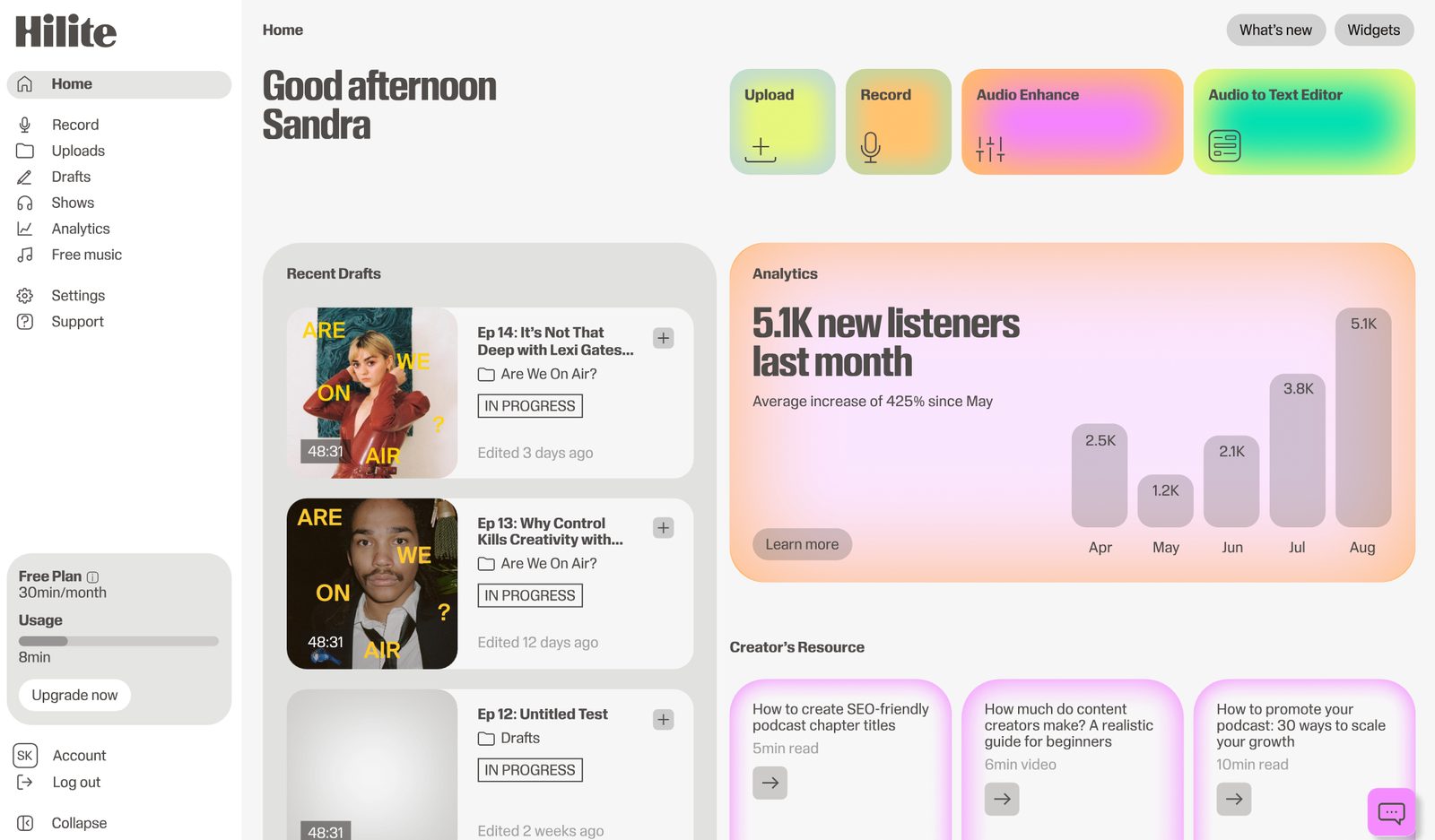
Hilite cleans and edits the full recording by transcript, publishes the episode, and lets you cut shareable clips from your best moments without leaving the editor.
Pros
Cons

Best for detailed video and transcript editing
Descript edits audio and video by transcript and can produce clips, with a broader toolset than most podcasters need.
Pros
Cons
Best for video-first interview shows
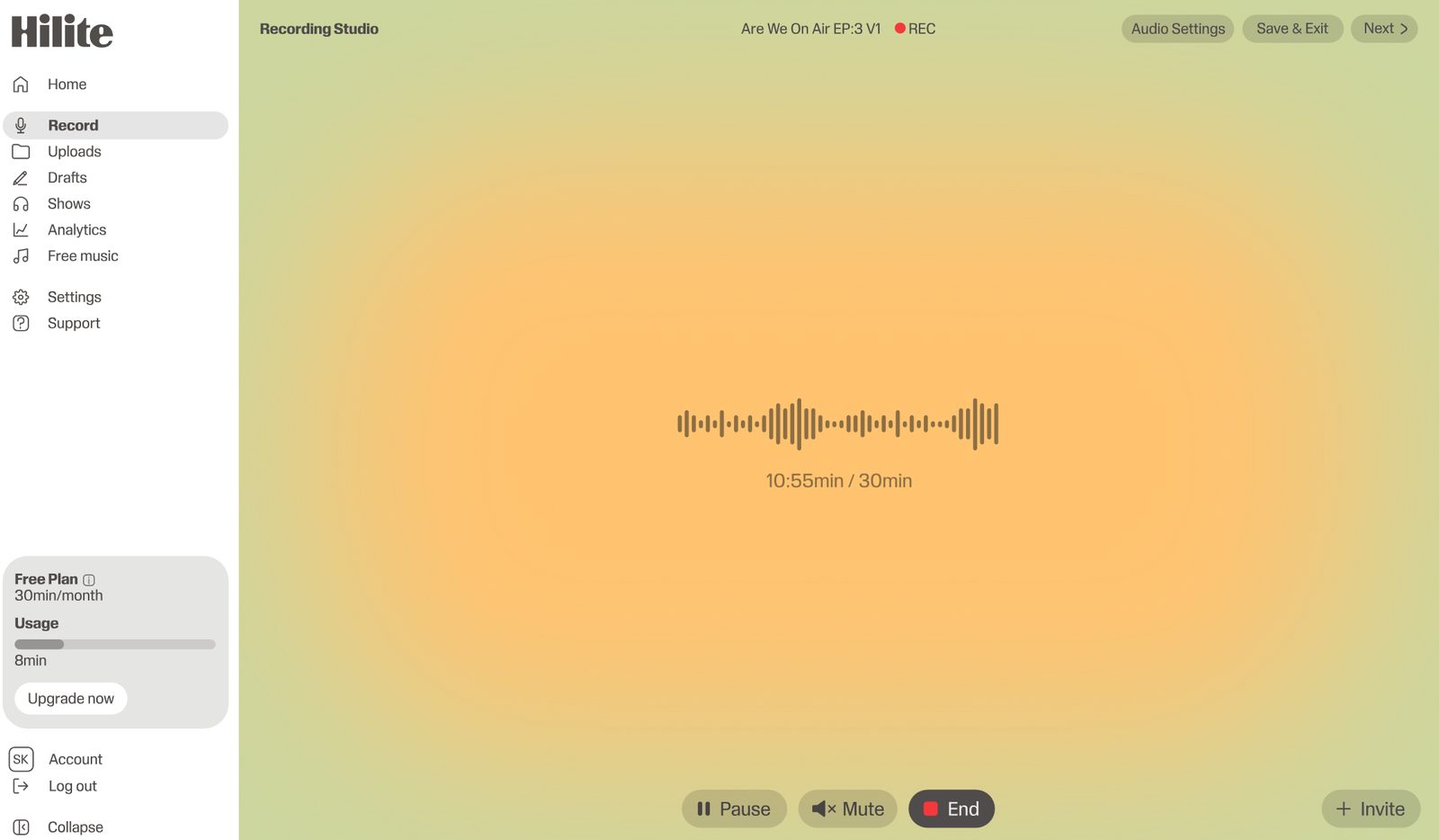
Riverside records remote video interviews and includes tools for turning them into short clips.
Pros
Cons
Best free manual clip editor
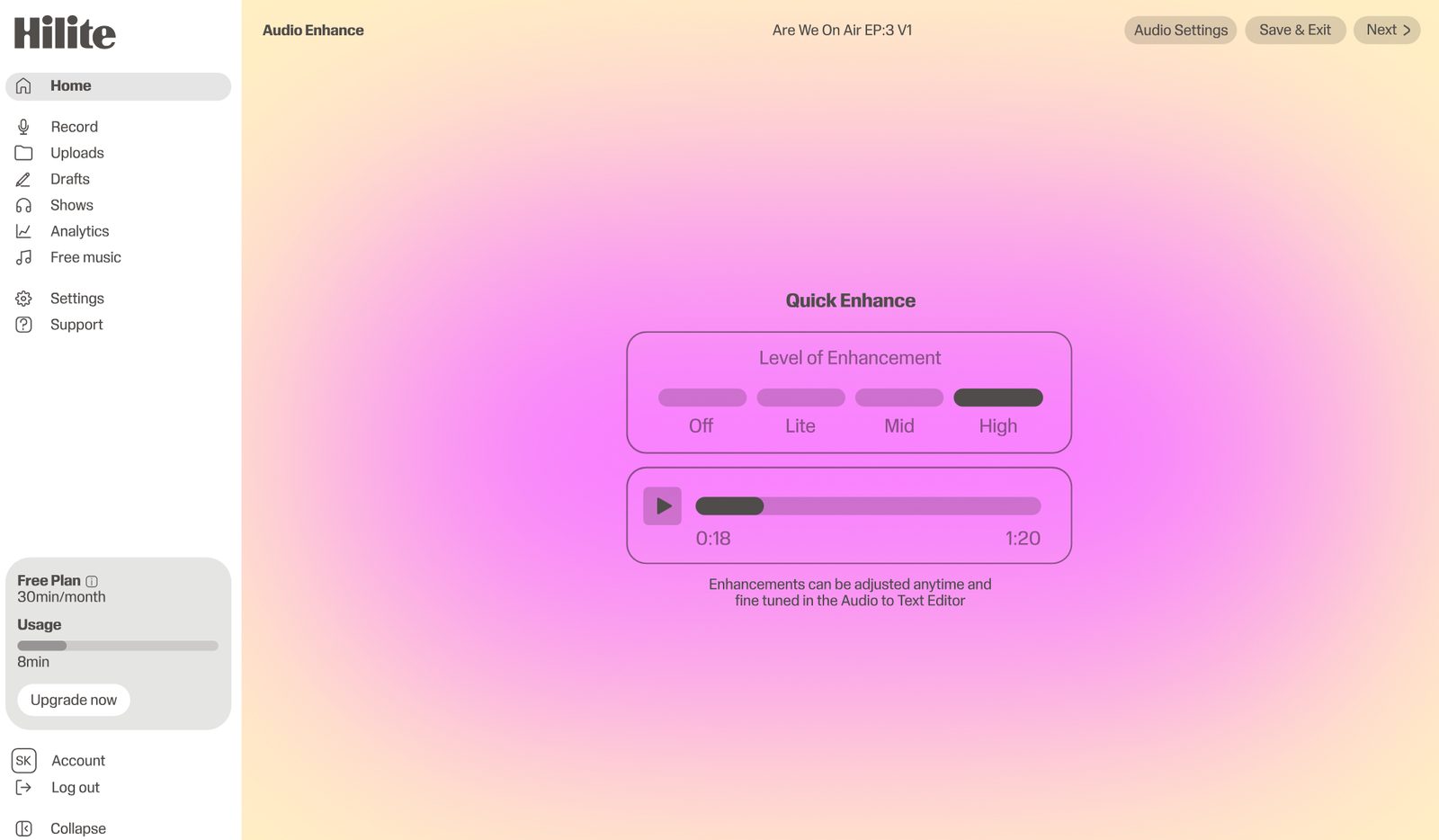
CapCut is a free video editor with captions and templates for people who prefer to choose and cut clips themselves.
Pros
Cons
Side by side
| Feature |  Hilite Hilite | Opus Clip |
|---|---|---|
| Full episode editing | Edit the whole episode by transcript | Built for short clips from long video |
| AI clip suggestions | Find and trim strong moments | Core feature with virality scoring |
| Audio enhancement | Noise removal and enhance built in | Focused on video output |
| Podcast publishing and RSS | Publish to Spotify and Apple Podcasts | Posts clips to social on paid plans |
| Vertical video with animated captions | Audio-first product | Main use case |
| Free plan | Free clip generator and trial | Limited monthly minutes, watermark |
FAQ
Opus Clip has a free plan. Pricing pages checked in 2026 list about 60 processing minutes a month, a watermark and a short download window on the free tier, with paid plans adding minutes and removing the watermark. Check Opus Clip's pricing page for current limits.
For audio-first podcasters, Hilite, because it edits and publishes the full episode and creates clips from the same edit. For video-first shows, Riverside or Descript.
Yes. Hilite's free podcast clip generator works in the browser for audio clips, and CapCut is a free manual video editor for people who want to cut vertical clips themselves.
Not always. Hosts we spoke to said AI cuts sometimes clip words or breaths, so review each clip before posting, and use a tool that lets you adjust the start and end.
Try Hilite when you want the full episode and its clips from one workflow.