Alternatives › StreamYard
Best StreamYard Alternatives for Podcasters in 2026
StreamYard is a live-streaming studio that many podcasters use to record remote guests. If you don't stream live, a podcast-first recorder may suit you better.

Alternatives › StreamYard
StreamYard is a live-streaming studio that many podcasters use to record remote guests. If you don't stream live, a podcast-first recorder may suit you better.
Why people switch
Switch when you record but rarely stream live, when the free plan's branding or local-recording hours limit you, or when you're tired of exporting a recording, editing it in another app and uploading it to a separate host.
Ranked
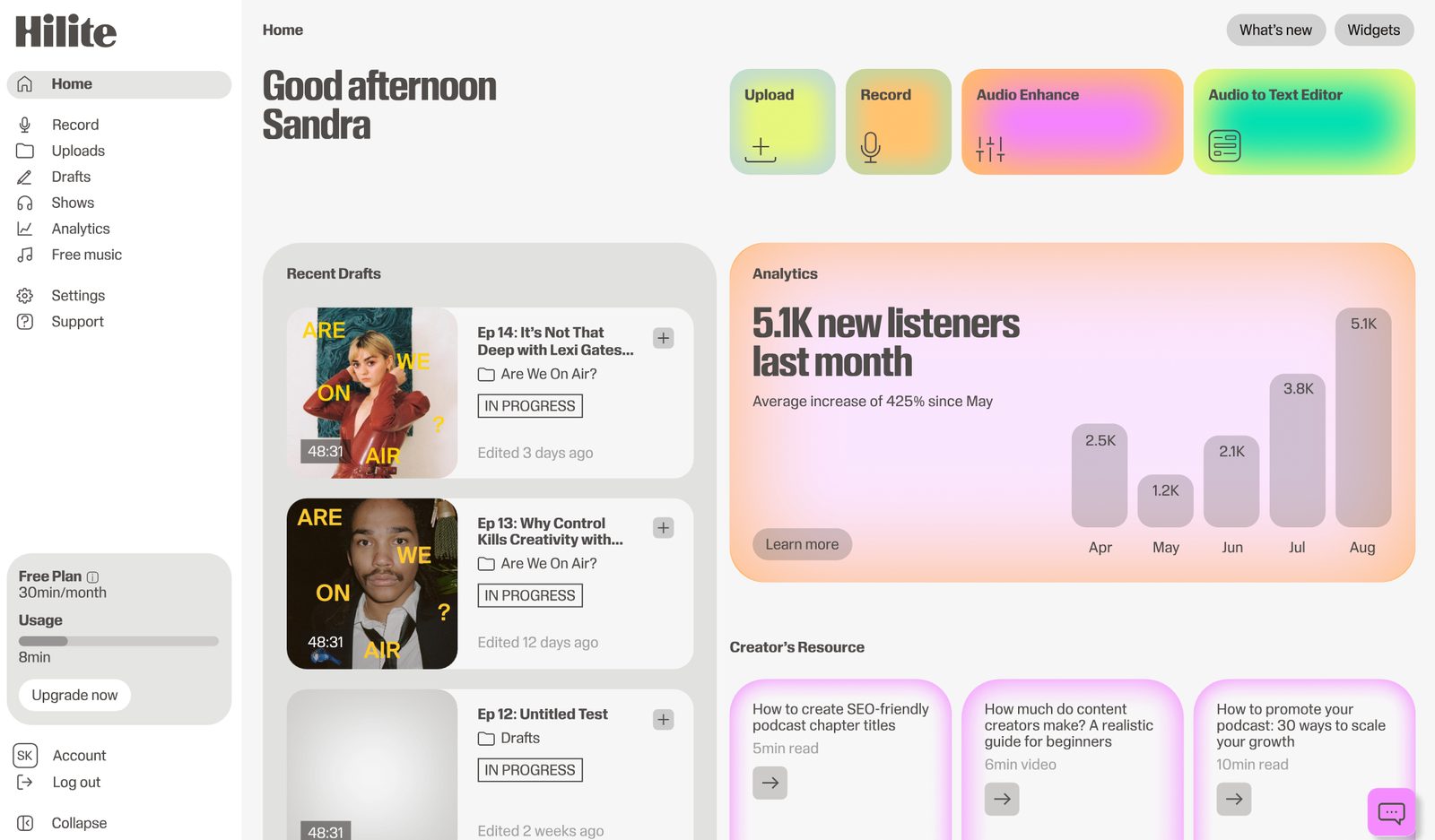
Best for recording, editing and publishing a podcast in one place
Hilite records remote guests in the browser with a local track per voice, then cleans, edits by transcript and publishes the episode.
Pros
Cons

Best for high-quality remote video
Riverside records local audio and video per participant and supports live streaming and clips.
Pros
Cons
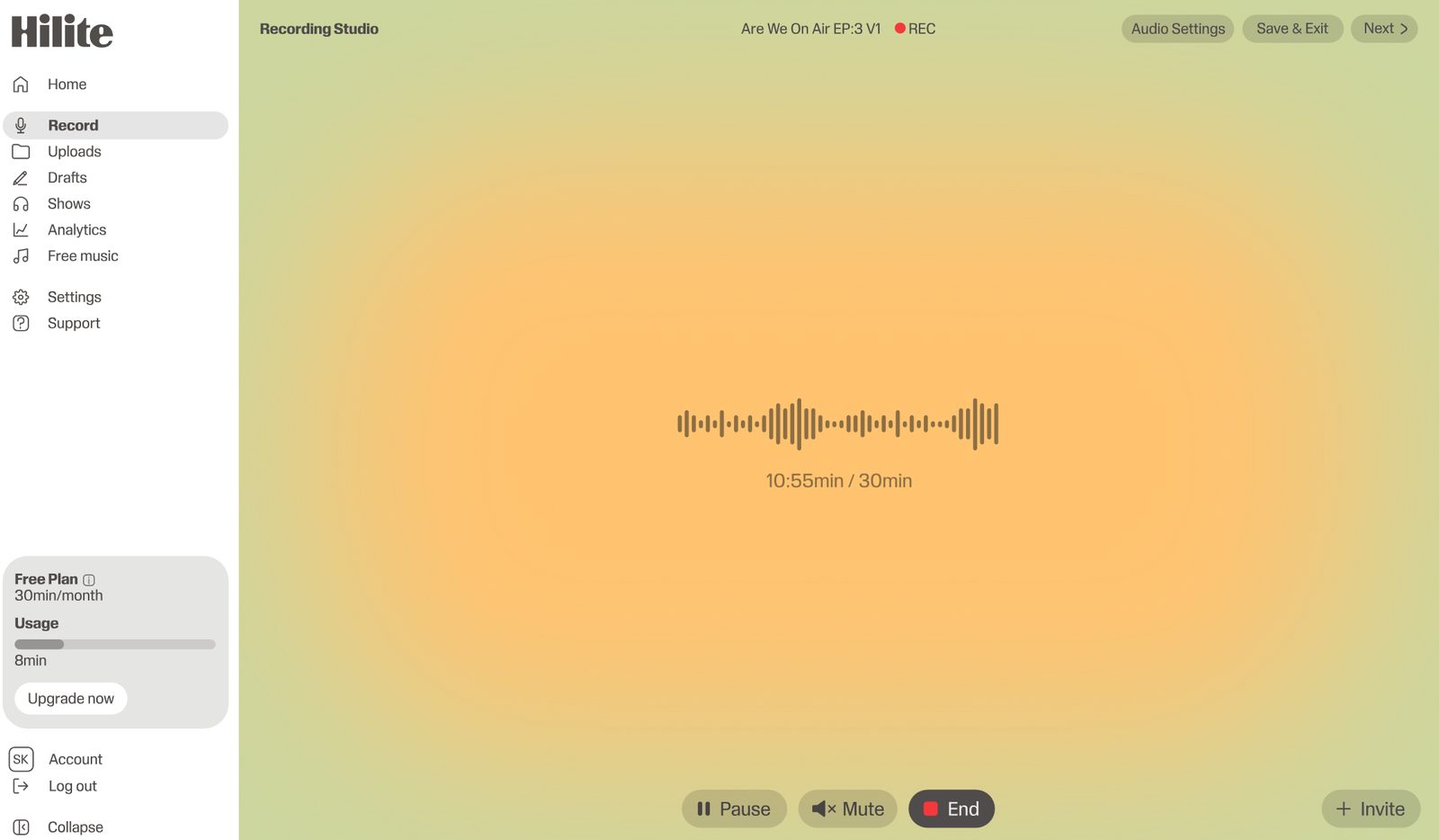
Best for multistreaming
Restream broadcasts to many platforms at once and includes a browser studio.
Pros
Cons
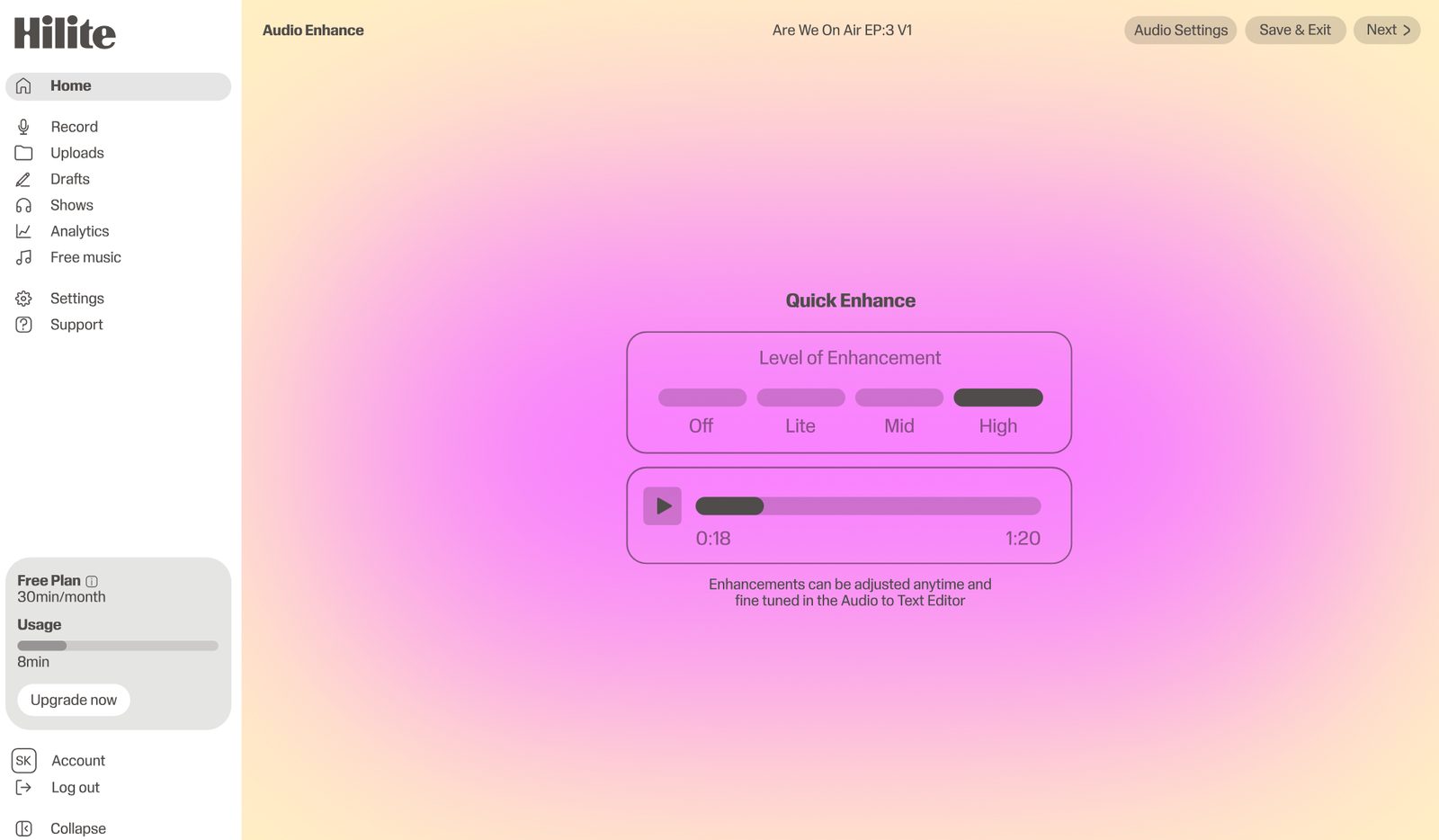
Best simple remote audio recorder
Zencastr records remote guests on separate tracks with a podcast focus.
Pros
Cons
Side by side
| Feature |  Hilite Hilite | StreamYard |
|---|---|---|
| Live streaming | Recording, not streaming | Core feature |
| Separate local track per guest | Local track recording | Local recordings capped on free plan |
| Transcript editing | Edit by deleting words | Export to another editor |
| Audio enhancement | Noise removal and enhance | Handled in other tools |
| Podcast publishing and RSS | Publish to Spotify and Apple Podcasts | Needs a separate podcast host |
| Branding on free plan | Your show, your branding | Free plan includes StreamYard branding |
FAQ
Yes, StreamYard has a free plan, but recordings carry StreamYard branding, monthly time is limited and local recordings are capped at a couple of hours a month, according to StreamYard's 2026 plan comparison. Paid plans remove the monthly cap and add unlimited local multi-track recording.
If you record but don't stream live, Hilite, because it records each guest on a local track and then edits, enhances and publishes in one workflow. If you need high-end video, Riverside.
StreamYard is stronger for live shows and webinars; Riverside is stronger for recording-quality video and audio with local tracks. Neither hosts your podcast, so you'll still need a publishing step.
Yes. Many podcasters record interviews in StreamYard and export the file. For the cleanest edit, use local recordings so each guest has a separate track.
Try Hilite when you want fewer tools between the interview and the listener.