Podcast recording
Record your podcast in the browser. Nothing to install and no interface to configure — open Hilite, check your levels, and start talking. When you stop, you are already in the editor, ready to trim, clean up, transcribe, and publish.
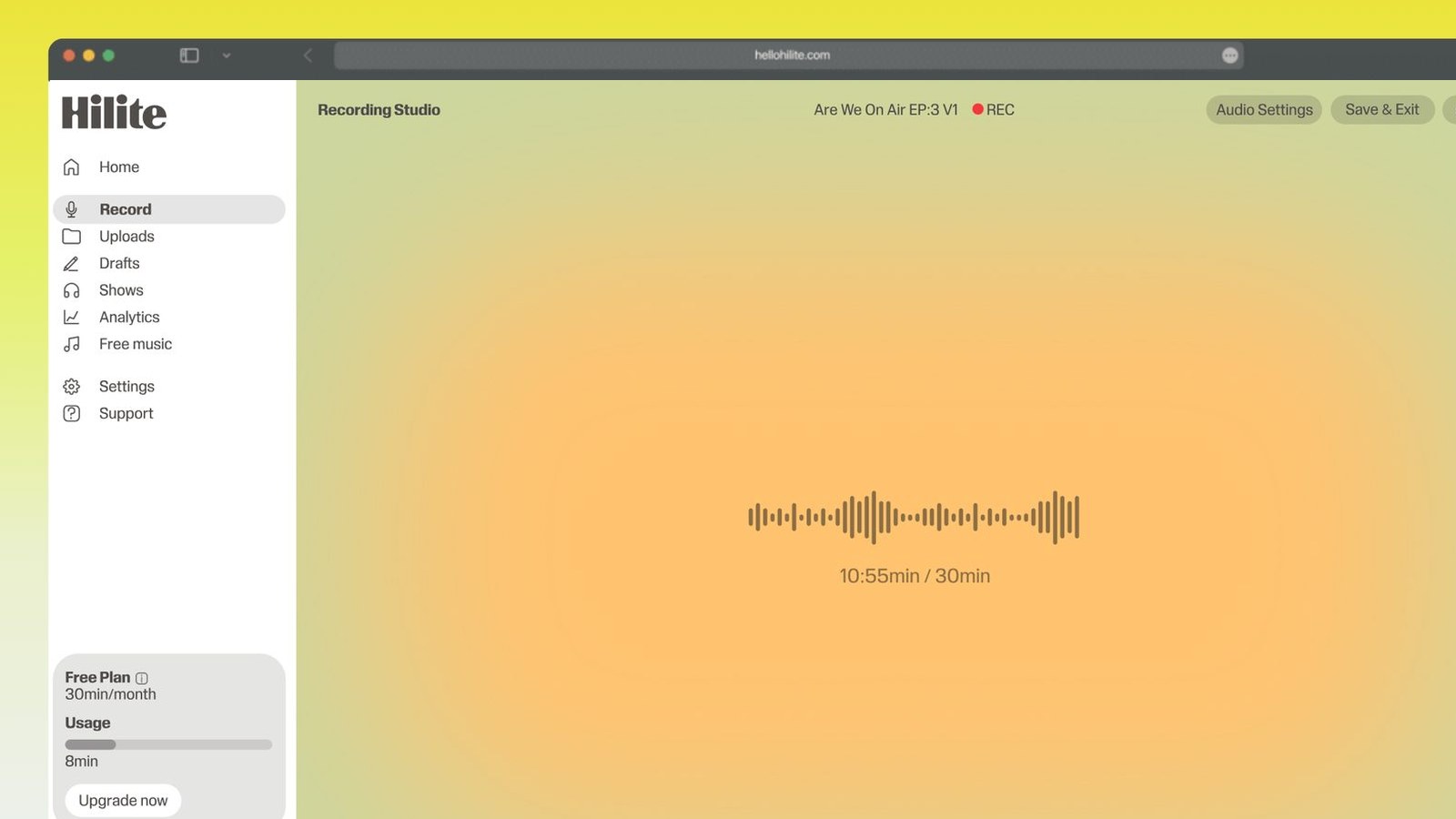
Record an episode in four steps
- 1
Open the recorder
Nothing to install. Give your browser microphone access and you are ready.
- 2
Check your levels
Say a line and watch the meter. Aim for clear movement without hitting the top.
- 3
Record your take
Pause whenever you need to. Listen back, and run it again if it is not the one.
- 4
Edit and publish
Trim the top and tail, reduce background noise, generate a transcript, and publish.

Keep working inside the Hilite editor
Your uploaded files open directly in a focused editor view. Arrange your clips, preview the timeline, adjust transitions, and export when the track sounds perfectly right.
- Record straight into the browser
- Watch levels as you speak
- Keep the take, or run it again
Input formats
Output formats
Built for every kind of audio
Whatever you are making, this tool helps you get to a cleaner, more useful result, then hand off to Hilite to enhance and polish.
- Solo episodesSit down, hit record, and get the episode out.
- InterviewsCapture the conversation without a setup call first.
- Devotionals and short-formRecord a few minutes and publish the same day.
- Lessons and coursesRecord a module, then transcribe it for your students.

Made for podcasters and their teams
Trim the dead air off the top and tail, and every recording is ready to edit, enhance, and publish.






FAQ
Common questions
If you do not see your question here, the support team replies within one business day.
- A quiet room, a microphone, and somewhere to record. A USB microphone or wired earbuds will sound better than a laptop’s built-in mic, but the room matters more than the equipment.
- No. Hilite records in the browser, so there is nothing to download or configure.
- You and your guest can each record locally and combine the files afterwards. That avoids the quality loss that comes from recording the call itself.
- Record at the highest quality you can and compress at the end. WAV keeps the most detail; MP3 is what most platforms want for the finished episode.
- Yes. When you stop recording, the take is already in the Hilite editor.
- You can record and start editing free. Longer projects and some exports need a free Hilite account.
Record the episode you keep meaning to make
Free to start. Record in the browser, then edit, enhance, transcribe, and publish in the same place.