Free online microphone test
Check that your microphone is connected, audible, and recording at a healthy level before an important podcast, interview, lesson, or voiceover.
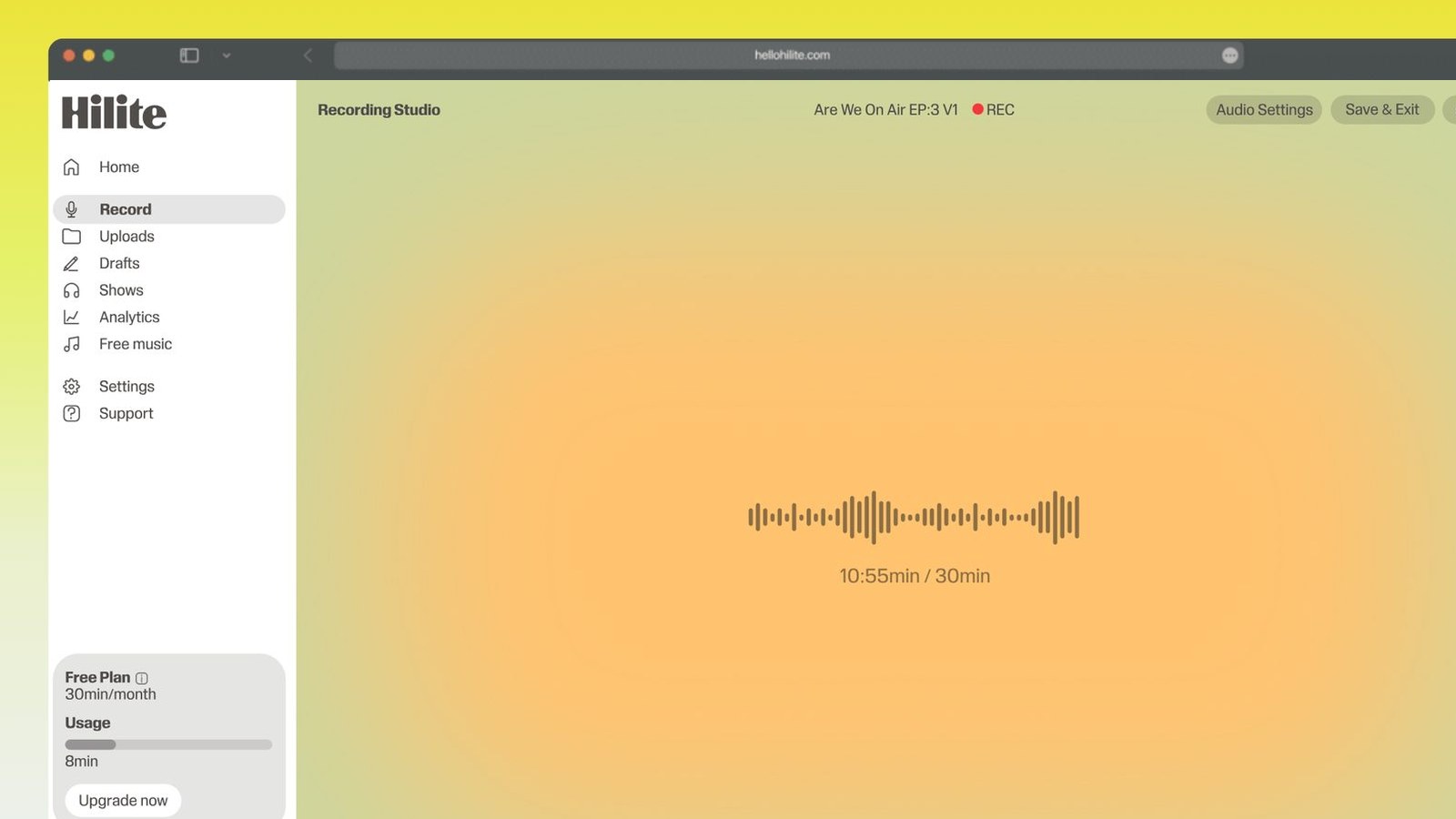
See how to record clear spoken audio with Hilite.
Test first, then record with confidence
- 1
Choose your microphone
Allow browser access and select the input you plan to use.
- 2
Speak naturally
Talk at the same distance and volume you will use while recording.
- 3
Check and listen
Watch the level, then play back a short sample for noise, distortion, or silence.
- 4
Start recording
When everything sounds right, continue into Hilite to record your session.

Keep working inside the Hilite editor
Your uploaded files open directly in a focused editor view. Arrange your clips, preview the timeline, adjust transitions, and export when the track sounds perfectly right.
- Record straight into the browser
- Watch levels as you speak
- Keep the take, or run it again
Input formats
Output formats
Built for every kind of audio
Whatever you are making, this tool helps you get to a cleaner, more useful result, then hand off to Hilite to enhance and polish.
- Avoid silent recordingsConfirm the correct microphone is active before the conversation starts.
- Catch level problems earlyHear clipping, low volume, room noise, and connection problems before recording.
- Built for creatorsTest podcast, interview, lesson, webinar, and voiceover setups in the browser.

Made for podcasters and their teams
Trim the dead air off the top and tail, and every recording is ready to edit, enhance, and publish.






FAQ
Common questions
If you do not see your question here, the support team replies within one business day.
- Yes. You can check your microphone and make a short test recording for free.
- The browser asks for microphone permission. Your test is only processed as needed to let you monitor and review it.
- Check browser permission, select the correct input, reconnect the microphone, and confirm it is not muted in your system settings.
- Speak naturally and aim for a strong signal that does not repeatedly hit the maximum or sound distorted.
Know your microphone is ready before you record
Finish this job for free, then continue in Hilite to record, edit, enhance, transcribe, and publish your audio.