Free online voice recorder
Record your voice or microphone straight in the browser. Nothing to install and nothing to set up—open the online voice recorder, check your levels, and talk. Use it for voice notes, interviews, lessons, podcast episodes, or any spoken audio, then download the file or continue editing.
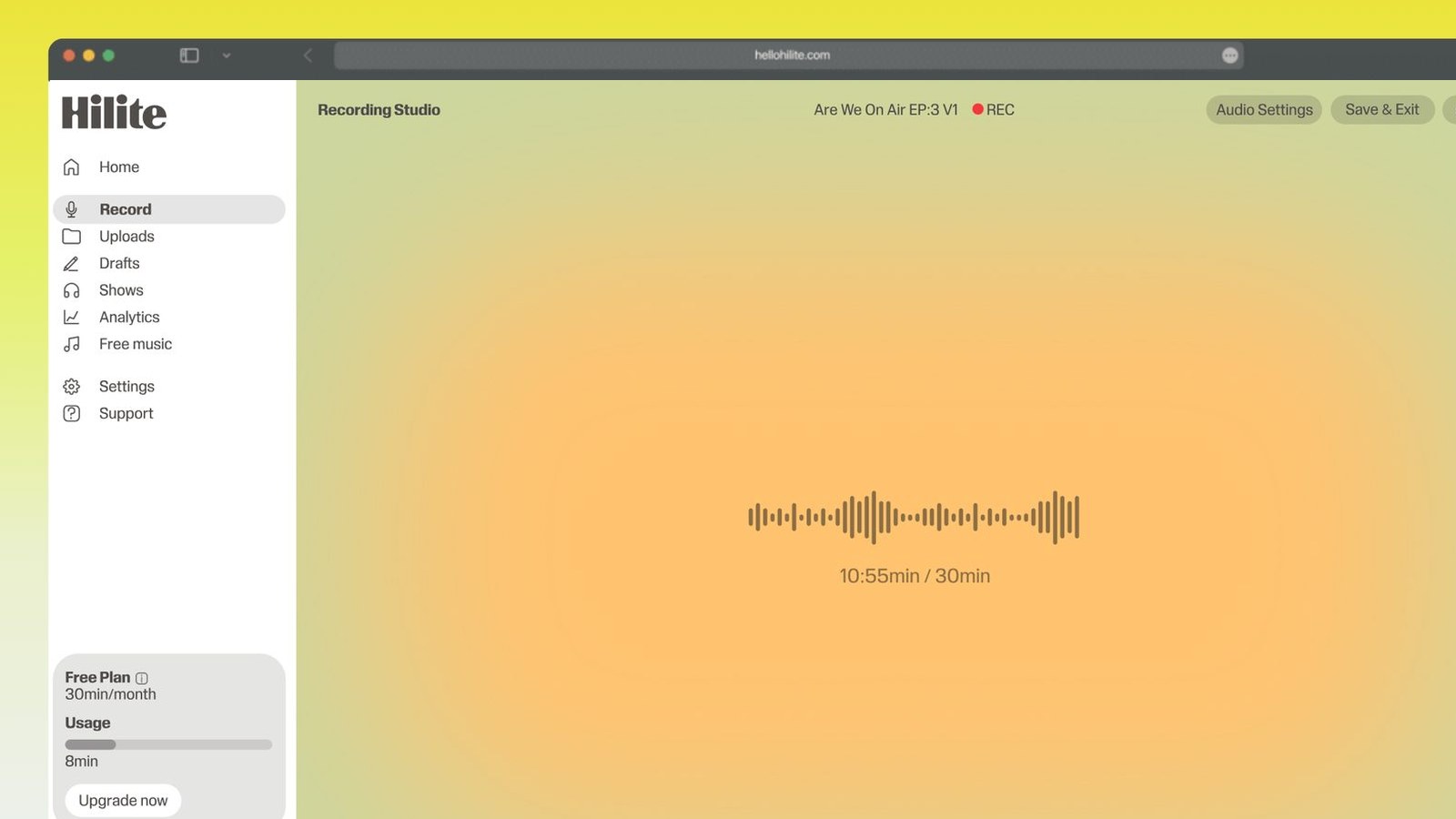
Record your voice in four steps
- 1
Open the recorder
Nothing to download. Allow your browser to use the microphone.
- 2
Check your levels
Say a line and watch the meter move. Loud enough to read clearly, not so loud it hits the top.
- 3
Record
Pause and resume as you go, and listen back when you are done.
- 4
Download or keep editing
Save the file, or continue in Hilite to trim, clean up, and transcribe.

Keep working inside the Hilite editor
Your uploaded files open directly in a focused editor view. Arrange your clips, preview the timeline, adjust transitions, and export when the track sounds perfectly right.
- Record straight into the browser
- Watch levels as you speak
- Keep the take, or run it again
Input formats
Output formats
Built for every kind of audio
Whatever you are making, this tool helps you get to a cleaner, more useful result, then hand off to Hilite to enhance and polish.
- Voice notes and memosGet the thought down before it goes.
- Interviews and meetingsCapture the conversation, then turn it into text.
- Lessons and lecturesRecord once and give students both the audio and the transcript.
- Podcasts and devotionalsRecord a take and publish it the same day.

Made for podcasters and their teams
Trim the dead air off the top and tail, and every recording is ready to edit, enhance, and publish.






FAQ
Common questions
If you do not see your question here, the support team replies within one business day.
- Yes. You can record and listen back without paying or installing anything. Saving longer projects and some exports need a free Hilite account.
- It is the same thing. Hilite records whatever reaches your microphone, and it is built for spoken audio: voice notes, interviews, lessons, and episodes.
- No. It records in your browser, on desktop and on mobile.
- You can export common formats including MP3, WAV, and M4A.
- The browser needs microphone permission, and the right input has to be selected. Check the permission prompt first, then check which microphone your system has set as the input.
- It stays in your browser session until you download it or save it to a Hilite project, so download or save before you close the tab.
- Yes. Hilite records microphone audio directly in a supported browser, then keeps the take available for trimming, enhancement, transcription, and export.
- Open the recorder, allow microphone access, choose the correct input, make a short level test, and press record.
Press record
Free to start. Record in the browser, then trim, clean up, transcribe, and share.