Free podcast script generator
Enter your topic and format and get a timed, ready-to-read podcast script for a solo, interview or co-hosted episode. Edit the bracketed parts, then record it straight in your browser.
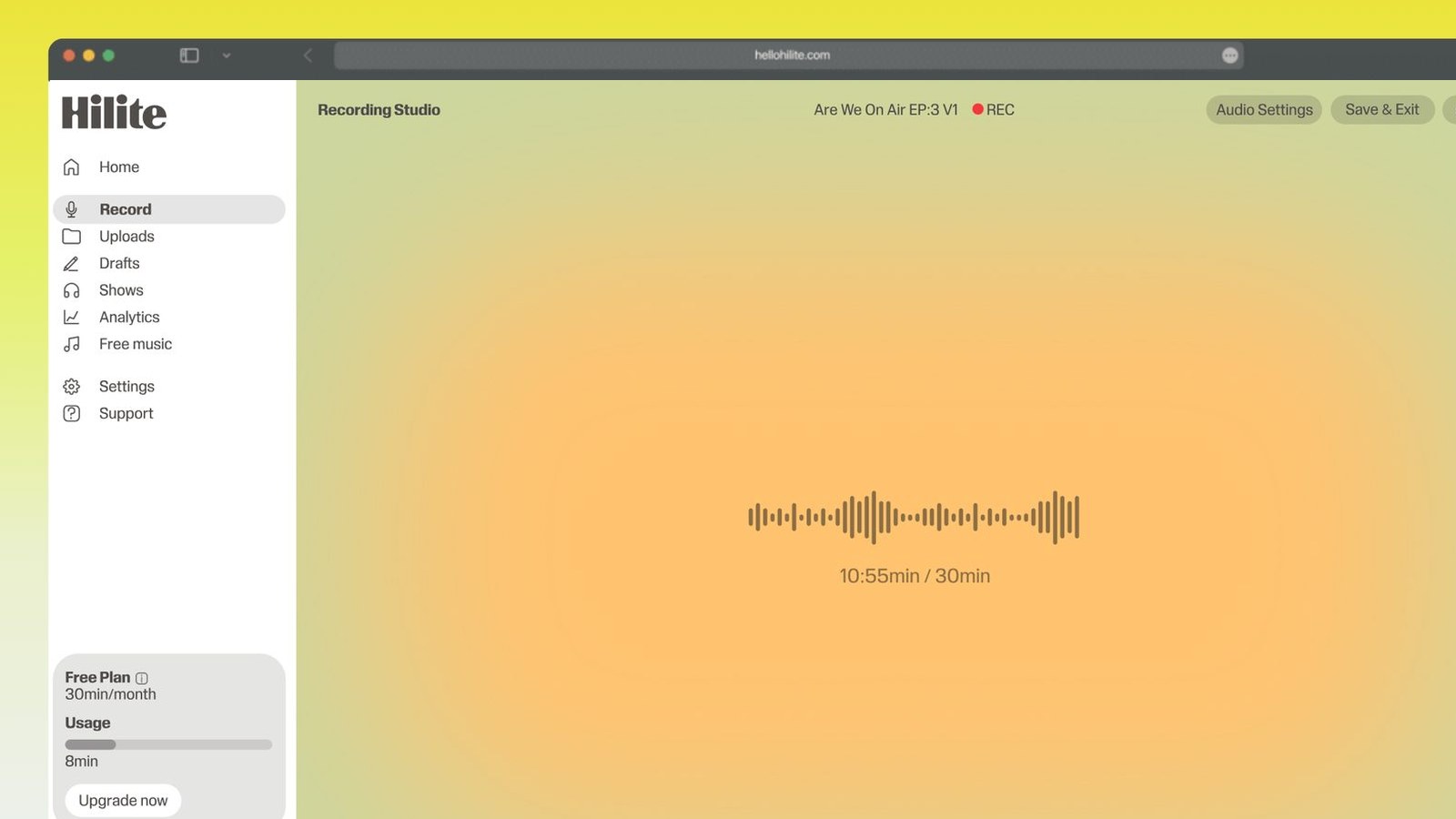
Record each section of your script, then edit the episode by transcript.
From script to published episode
- 1
Describe the episode
Add the topic, format and length. Show name, your name and a call to action are optional.
- 2
Generate the script
You get a cold open, intro, three timed segments, a recap, a call to action and an outro, written for your format.
- 3
Fill in the brackets
Replace the bracketed prompts with your own points and examples. Write the open and recap in full; keep the middle as bullets.
- 4
Record and edit
Record in Hilite, then edit by transcript: delete the words you do not want and the audio goes with them.

Keep working inside the Hilite editor
Your uploaded files open directly in a focused editor view. Arrange your clips, preview the timeline, adjust transitions, and export when the track sounds perfectly right.
- Record straight into the browser
- Watch levels as you speak
- Keep the take, or run it again
Input formats
Output formats
Built for every kind of audio
Whatever you are making, this tool helps you get to a cleaner, more useful result, then hand off to Hilite to enhance and polish.
- A structure that holds attentionEvery script follows the same proven shape: a hook, a clear promise, three segments and a recap.
- Written for your formatInterview scripts come with questions and follow-ups. Co-hosted scripts split the lines between two voices.
- Timed to the minutePick a length and each segment gets a runtime, so you know when to move on.
- Straight into recordingTake the script into Hilite and record section by section, then tighten it by editing the transcript.

Made for podcasters and their teams
Trim the dead air off the top and tail, and every recording is ready to edit, enhance, and publish.






FAQ
Common questions
If you do not see your question here, the support team replies within one business day.
- Yes. It runs in your browser with no sign-up. Copy the script or download it as a text file.
- Write the cold open, intro and recap in full, because those need to be tight. Keep the segments as bullet points so you sound like yourself rather than someone reading.
- Yes. Choose the interview format and the script includes a guest introduction, questions for each segment and follow-up prompts.
- It gives you the structure, timings and the lines that frame the episode. The bracketed parts are where your own points, stories and examples go. That is what makes it sound like your show.
Script done. Now record it.
Record in your browser, edit by transcript and publish from one place with Hilite.