Record a bedtime story
Open Voice Memos on a phone, or Voice Recorder on Windows, press record and read the book — for a story you're sending tonight, that genuinely is enough. Where those apps run out is everything that happens after: they can't take out the thump when you set the phone down, the page turn that lands louder than your voice, or the dog barking in chapter two. They also can't fade the ending, so the file stops dead and the room goes silent all at once, which is exactly the moment a half-asleep child opens their eyes. Hilite records in a browser tab on a phone, tablet or laptop, and the recording lands straight in an editor where you can cut the noises out, even the volume so nobody has to touch the dial at 8pm, and let the last line fade away.
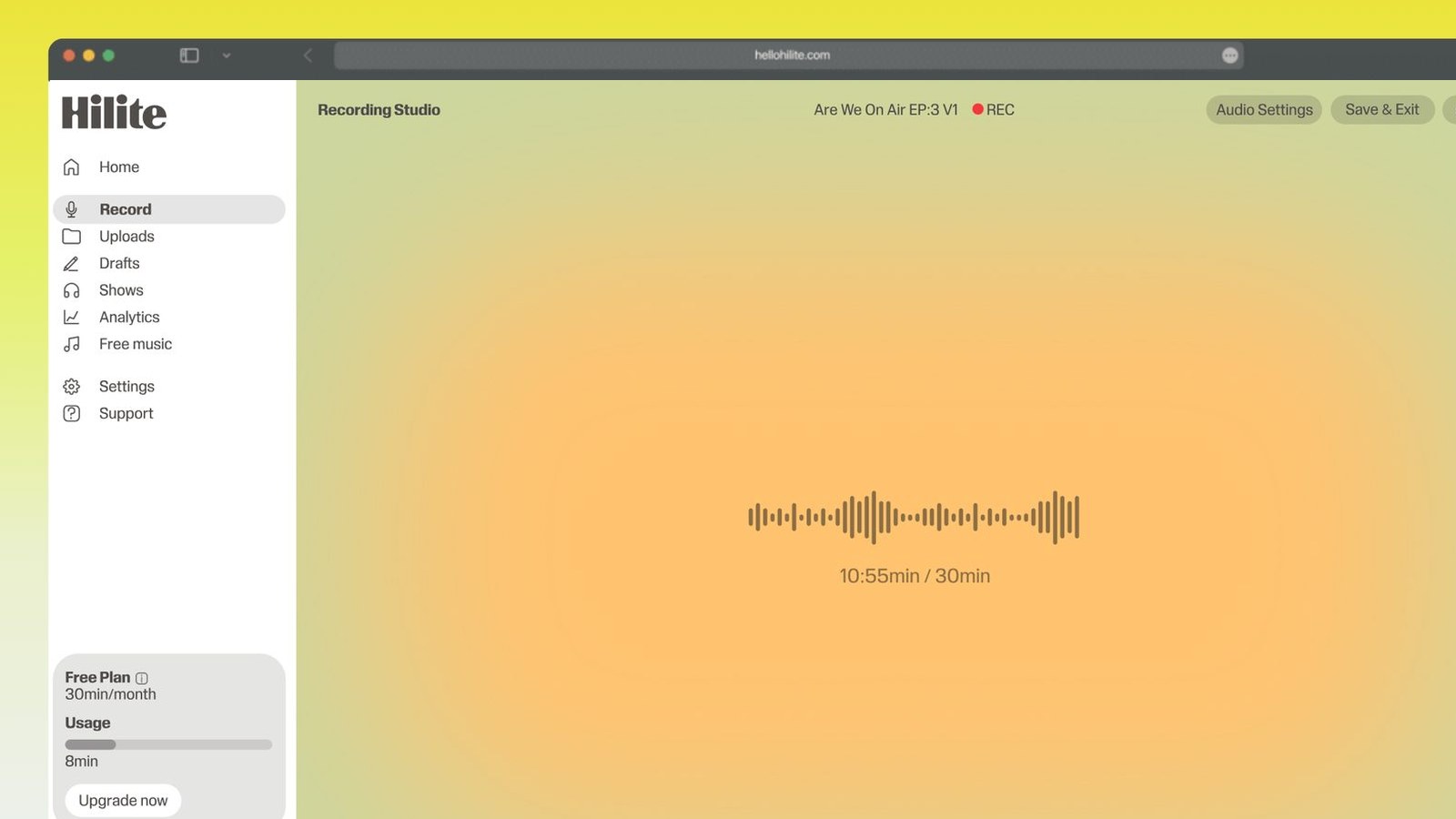
Record a bedtime story in four steps
- 1
Read it once out loud first
Before you record, read the book to yourself properly, aloud. You'll find the sentence you stumble over and the page where the voice should start dropping, and the recorded read comes out steadier for it.
- 2
Wait until the house is quiet
Late evening beats mid-afternoon. Shut the door, turn off the fan, and put your phone on silent rather than vibrate — a notification buzzing on a desk is enormous on a recording.
- 3
Record in a browser tab
Open Hilite, allow the microphone, and sit a hand's width away and slightly off to one side so your p-sounds miss it. Hold the book beside the mic rather than in front of it, and turn pages away from it — page turns are the loudest thing in most bedtime recordings.
- 4
Slow down, then tidy up
Let the pace and the volume drop page by page until the last page is barely above a murmur. Then cut the page turns and the stumbles, level it so it stays even throughout, and fade the final few seconds out instead of stopping dead.

Keep working inside the Hilite editor
Your uploaded files open directly in a focused editor view. Arrange your clips, preview the timeline, adjust transitions, and export when the track sounds perfectly right.
- Record straight into the browser
- Watch levels as you speak
- Keep the take, or run it again
Input formats
Output formats
Built for every kind of audio
Whatever you are making, this tool helps you get to a cleaner, more useful result, then hand off to Hilite to enhance and polish.
- The read has to slow downA story works on a child when the pace drops and the voice quietens as it goes. Start at normal speaking pace and be noticeably slower and softer by the last page — that arc is the whole technique, and it's the one thing no editor can add afterwards.
- Gentle voices, not big onesCharacter voices are worth doing, but keep them small. A booming giant gets a laugh and a wide-awake child, which is the opposite of the job — shift the pitch a little, change the pace, and let the words carry the rest.
- A voice kept for laterPlenty of these get recorded for a reason that isn't tonight: a parent away for a fortnight, a grandparent whose voice a family wants to hold on to. That file is worth the same care as anything you'd publish.
- Quiet house, quiet fileRecord when the house is genuinely quiet and hold the book off to the side of the mic — paper is far louder to a microphone than it is to you. Whatever still gets in, you can cut out or pull down afterwards.

Made for podcasters and their teams
Trim the dead air off the top and tail, and every recording is ready to edit, enhance, and publish.






FAQ
Common questions
If you do not see your question here, the support team replies within one business day.
- Ten to fifteen minutes suits most children, which is roughly one picture book read slowly or a single short chapter. Longer than about twenty minutes and you're recording something to be listened to rather than something to fall asleep to. If you want it to cover a longer settle, record two or three separate stories rather than one long file — short files are easier to repeat, easier to send, and easier to skip past the one that's become a favourite.
- Record it before you go, while you're in the same house as the book and the room is quiet — it will sound far better than something snatched in a hotel room with air conditioning. Record several at once so there's one for each night, name the files so whoever is doing bedtime can find them in the dark, and send them as mp3s, which play on any phone, tablet or speaker without an app. If you're already away, the same phone recording still works; just find the quietest corner, sit close to the mic, and expect to clean up more afterwards.
- Keep them all within a whisper of your normal voice. Instead of volume, change the things that don't jolt: pitch a little up or down, pace a little faster or slower, a slight change of rhythm. A wolf can be low and slow rather than loud, and a mouse can be light and quick rather than shrieky. The test is simple — if a voice would make a child laugh out loud, it's too big for a bedtime recording, however good it is.
- For a one-off you're sending tonight, whatever's already on the phone: Voice Memos on iPhone, Recorder on Pixel, Voice Recorder on Windows. They capture perfectly well and take about ten seconds to learn. They stop being enough when the recording is going to be played every night or kept for years, because none of them will remove the noises you didn't notice while reading, even out the volume, or fade the ending. That's the point at which recording somewhere with an editor attached saves you re-recording the whole book.
- Move the paper, not the mic. Hold the book to one side of the microphone and turn each page away from it, low and slow rather than a quick flick. If you can, separate the page you're about to turn with a finger before you start reading it, so the turn is one small movement instead of a rummage. Anything that still gets through is easy to cut out afterwards, because a page turn sits in a natural gap between sentences and takes nothing with it.
- Sit them somewhere soft — an armchair in a carpeted room with curtains, not a kitchen table — and put the mic or phone a hand's width from them, slightly off to one side. Let them read a page or two before you actually start, so the first recorded page isn't the nervous one. Record more than you think you need, including the bits where they say something to the child before or after the story; those few unscripted seconds are usually what the family ends up treasuring most. Keep the original file somewhere safe as well as the edited version.
- Reading a book you own aloud to your own child, and recording it so they can hear it while you're away, is a private family use and nobody is coming for you. Publishing it — putting it on YouTube, a podcast feed, or selling it — is a different thing, and that needs permission from the publisher. If you want to make kids' sleep content publicly, either write your own stories or use public domain material: older fairy tales, Beatrix Potter, and a great deal of classic children's writing are out of copyright and free to record.
- Export it as an mp3 and it will play almost anywhere — a phone, a tablet, a Bluetooth speaker, or a smart speaker with the file added to a library. Mp3 is the safest format because nothing refuses to play it, unlike some of the formats phone recorders save by default. Keep the file small and the name plain, and put it in a folder with the others so whoever is on bedtime duty can hand a child the choice without hunting.
Record it while the house is quiet
Read it, tidy it, and send a file that plays the same gentle way every night.