Record a daily devotional
Recording one devotional is easy. Recording the thirtieth on a wet Tuesday when you're tired is the real problem, and it's what quietly ends most daily shows. So the setup matters more than the microphone: one room, one chair, one distance from the mic, one time of day, written down so you can rebuild it in a minute instead of fiddling for twenty. Voice Memos and the Recorder app capture a devotional perfectly well and plenty of good ones started there — they just leave you with thirty files at thirty different volumes and nowhere to fix them. Hilite records in a browser tab on whatever device you have to hand and drops each one into an editor, so the file you finish is the file you publish.
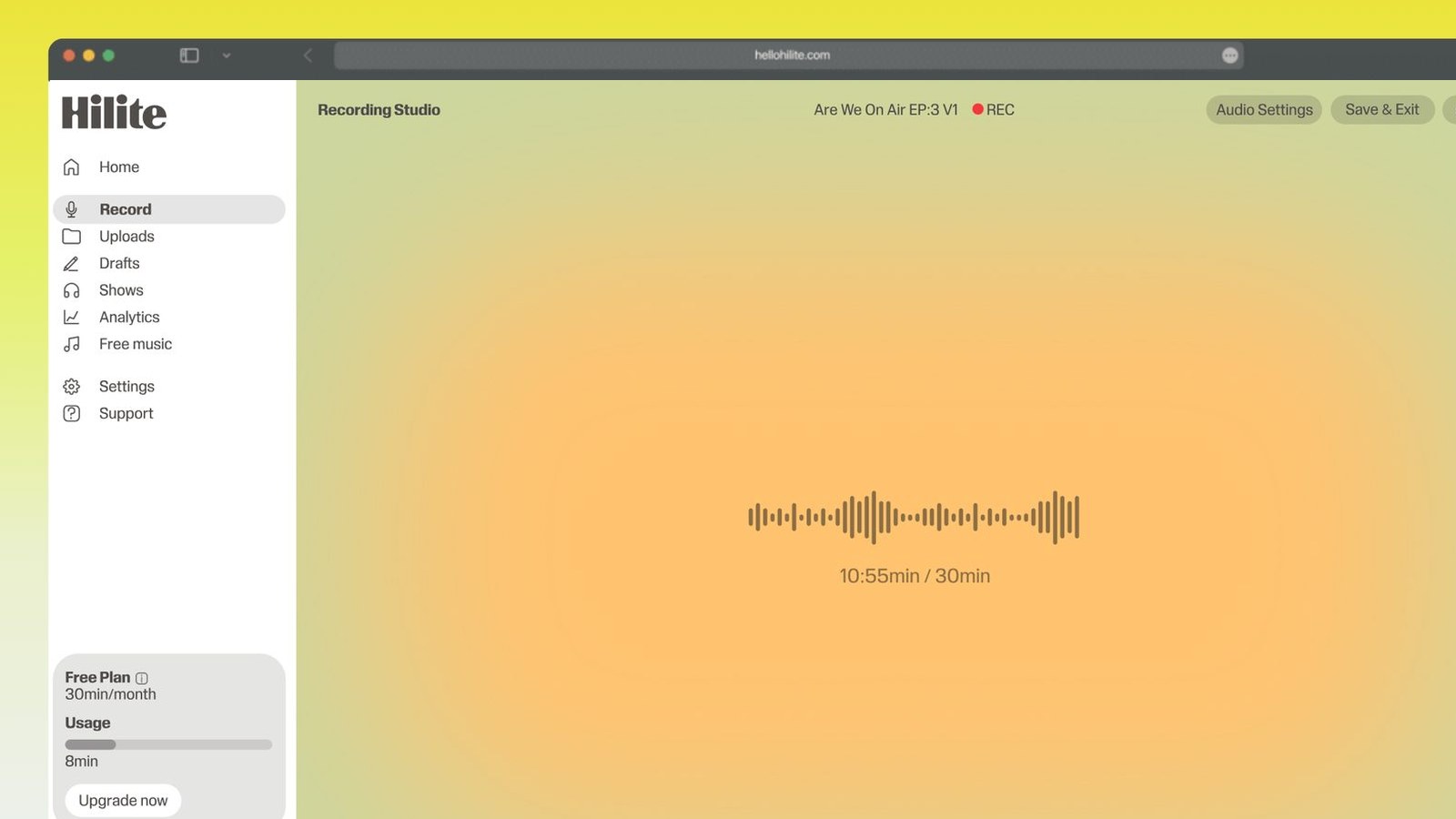
Record a daily devotional in four steps
- 1
Pick one room and mark the spot
Choose the quietest, softest room you have — carpet, curtains and a bed absorb reflections better than any treatment you'd buy. Then mark where the mic and the chair go with a bit of tape, and take a photo of the whole setup.
- 2
Write down your settings
Note the device, the input you selected, the level you set and roughly how far your mouth is from the mic — a hand's width is a good default. This card is what lets episode 40 sound like episode 4 without you guessing.
- 3
Record several in one sitting
Start the recording, do the first episode, stop, breathe, drink some room-temperature water, start the next. Four or five is a comfortable batch for most people; when your voice starts to feel tired or dry, stop rather than pushing on, because tiredness is audible.
- 4
Name them and level them together
Label each file with its date or number the moment you finish it, before they blur into each other. Then level the whole batch to the same target so the week sounds like one show and not five sessions.

Keep working inside the Hilite editor
Your uploaded files open directly in a focused editor view. Arrange your clips, preview the timeline, adjust transitions, and export when the track sounds perfectly right.
- Record straight into the browser
- Watch levels as you speak
- Keep the take, or run it again
Input formats
Output formats
Built for every kind of audio
Whatever you are making, this tool helps you get to a cleaner, more useful result, then hand off to Hilite to enhance and polish.
- Sustainable beats perfectFive minutes recorded every weekday will reach more people than twenty minutes recorded when you have time. Daily shows die of exhaustion, not of poor audio.
- Record in batchesSit down once and record four or five episodes back to back. You warm up after the first one, the room and the settings stay identical, and you buy back the mornings.
- Write the setup downMic, input level, distance, device, room, chair position. A card by the desk or a photo on your phone means next week's recording matches this week's without you remembering anything.
- Consistency is the soundListeners notice change more than quality. A show that sounds the same every day feels made on purpose, even if the room is an ordinary spare bedroom.

Made for podcasters and their teams
Trim the dead air off the top and tail, and every recording is ready to edit, enhance, and publish.






FAQ
Common questions
If you do not see your question here, the support team replies within one business day.
- Set up once and repeat it. Pick one quiet, soft room, put the mic a hand's width from your mouth and slightly off to one side so your p's and b's don't hit it, set the level so normal speech peaks around -12 dB, and write all of that down. Then record several episodes in one sitting rather than one each morning. The recording part is genuinely simple; the part that decides whether the show survives is having a setup you can reproduce in under a minute.
- Three to seven minutes suits the format and the listening occasion — most people play a devotional while making coffee, driving to work or before they get out of the car. More important than the exact length is that it's the same length every day, because people slot a predictable five minutes into a routine and can't slot in something that might be twenty. If in doubt, aim short: a tight five that lands daily beats a rich fifteen that appears twice a week.
- Four to six is a realistic batch for most voices, which is roughly a week. Your voice tires in ways you don't notice while speaking but hear immediately on playback — it gets drier, flatter and slightly lower, and by episode eight it sounds like a different person from episode one. Take a proper pause between each, sip room-temperature water rather than anything cold, and stop at the first episode that feels like effort. Two comfortable sessions a week beat one heroic one.
- Freeze the variables and record in batches. Same room, same time of day, same mic in the same taped position, same input level, same clothing habits — a stiff jacket rustles and a soft jumper doesn't. Write those settings on a card and keep it where you record. Then level every episode to one loudness target when you export. Almost everything that makes a feed sound inconsistent is a change you made without meaning to.
- Less than you'd think, and the room matters more than the microphone. A basic USB mic or even a decent wired headset, used close to your mouth in a soft room, will beat an expensive mic used at arm's length in a kitchen. Buy the mic stand and the pop filter before you buy the upgrade. If you're recording on a phone, wired earbuds with an inline mic held near the collar are a big improvement on the phone's own mic held out at arm's length.
- Batch, in almost every case. Recording every morning means setting up every morning, and each setup is a chance to change something and a chance to skip a day. Batching gives you identical conditions across the whole batch, a warmed-up voice for most of it, and a buffer so an illness or a busy week doesn't break the run. The one thing batching can't carry is topicality, so if your devotional responds to the day's news, keep one slot free and record that one fresh.
- Don't stop and start over. Pause for two full seconds, then pick the sentence up again from the beginning of it and keep going. The silence gives you an obvious visual gap in the waveform to find later, and if you want to be certain, clap once or say the word edit into the mic. A five-minute episode with three marked retakes takes about a minute to tidy; restarting the whole thing every time you stumble is how a ten-minute job turns into an hour.
- Yes, and for a daily format it's often the right call because the friction is what matters. A Chromebook can't install most recording software at all, which is why a browser-based recorder is useful on one. On a phone, the built-in Voice Memos or Recorder app is fine for capture, but you're then moving files around to edit them. Recording in a browser tab on either device puts the file straight into an editor, which removes a step you'd otherwise repeat every single day.
Build a setup you can repeat
Record a week in one sitting, in the same room with the same settings, and publish something that sounds like itself every day.