Record a hypnosis session
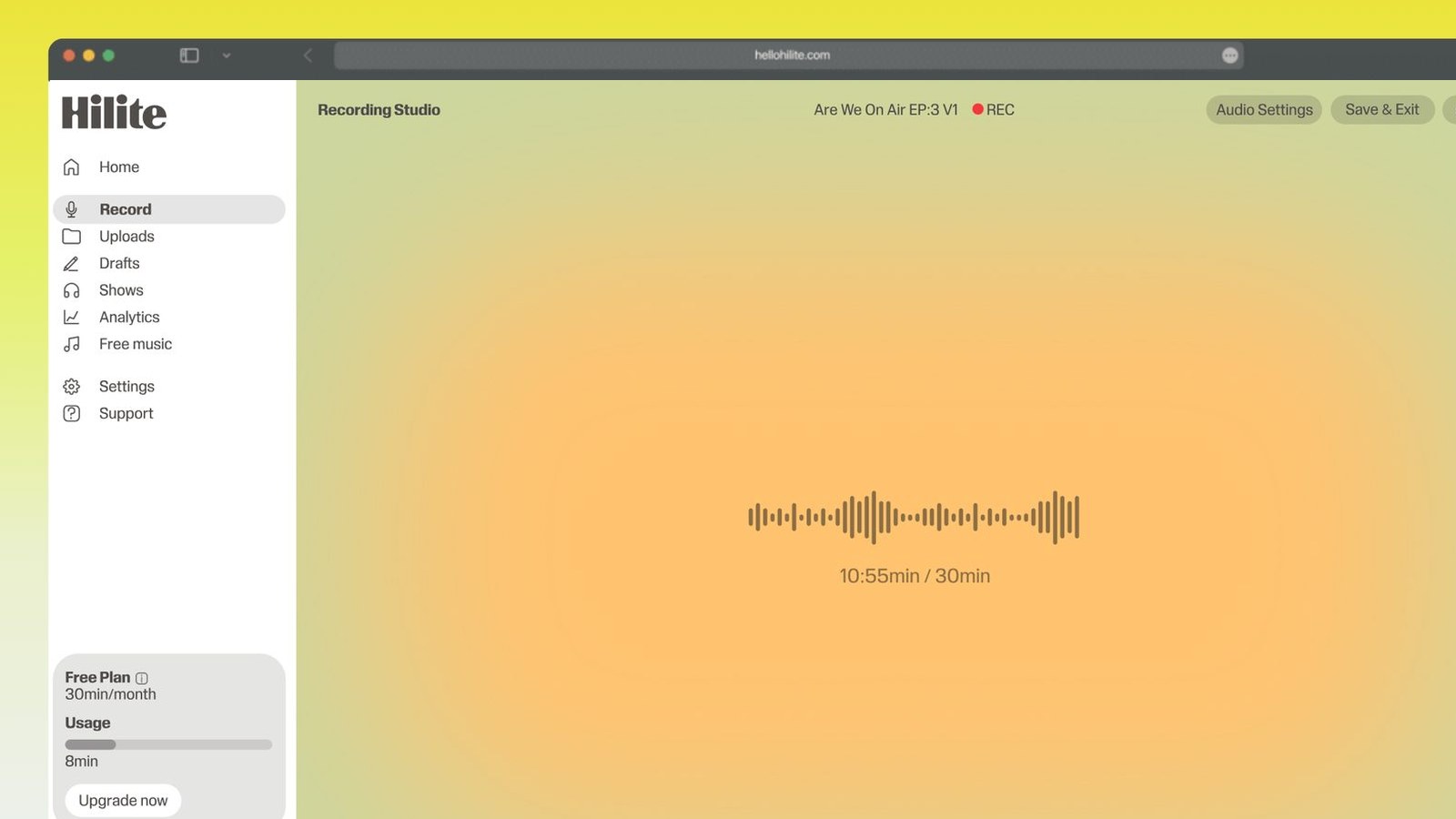
A hypnosis recording is not a session with a microphone in the corner. Voice Memos, Windows Voice Recorder or QuickTime will capture your voice perfectly well, and for testing a script out loud that is genuinely all you need. The difference that matters is structural: there is nobody in the room to settle the listener at the start or to bring them back at the end, so the track has to carry its own induction at the top and its own count-up at the end. That is a recording decision, made before you press record, and getting it wrong is the commonest fault in free hypnosis audio — tracks that drift off into music with the listener still down. Hilite records a long take in a browser tab with nothing to install, and opens it straight into an editor that levels, cleans and exports it.
Record a hypnosis track in four steps
- 1
Build the whole arc into the script
Induction, deepener, the body of the work, then a full count-up back to the room. Mark on the page where the long pauses go, because you will not judge them reliably while you're speaking.
- 2
Record slower than feels natural
Almost everyone records a first hypnosis track too fast — it feels unbearably slow in your own mouth and lands about right in someone else's ears. Drop below your normal speaking pace and stay there.
- 3
Leave the pauses at full length
Count them out if you have to. Four or five seconds of silence feels endless in the room and is exactly where the suggestion settles for the listener, so resist the pull to fill it.
- 4
Bring them back, then clean it up
Finish the count-up properly and let the recording run a moment after. Then trim the ends, take the room hum off, level the whole track and export an mp3.

Keep working inside the Hilite editor
Your uploaded files open directly in a focused editor view. Arrange your clips, preview the timeline, adjust transitions, and export when the track sounds perfectly right.
- Record straight into the browser
- Watch levels as you speak
- Keep the take, or run it again
Input formats
Output formats
Built for every kind of audio
Whatever you are making, this tool helps you get to a cleaner, more useful result, then hand off to Hilite to enhance and polish.
- The track stands aloneNobody is there to settle the listener or bring them back, so both jobs have to be in the recording. Plan the induction and the count-up as part of the take, not as something you bolt on later.
- One voice for forty minutesEnergy drifts across a long take and the listener hears it as the practitioner losing interest. Recording in one sitting, seated, with water to hand, keeps the tone even end to end.
- Hum you only notice at 3amA fridge or a boiler you can't hear in a two-minute test becomes the loudest thing on a thirty-minute track played in headphones at bedtime. Take it off before the file goes out.
- A file you can hand overExport an mp3 at an even loudness so the client isn't reaching for the volume during the induction and flinching at the count-up. That's the difference between a demo and something you can sell.

Made for podcasters and their teams
Trim the dead air off the top and tail, and every recording is ready to edit, enhance, and publish.






FAQ
Common questions
If you do not see your question here, the support team replies within one business day.
- The difference is that nobody is in the room. In a live session you settle the person in front of you, watch how they respond and pace the induction to what you're seeing, then bring them back at the end. A recording can do none of that, so everything has to be built into the file: it needs its own induction at the top to take the listener down, and its own count-up at the end to bring them back. You also can't adjust — the pacing you choose is the pacing everyone gets, which is why recorded tracks are slower and leave longer gaps than you would use face to face.
- Yes, both, every time. The induction is the only thing available to settle a listener who has just pressed play in their own bedroom, and the count-up is the only thing that brings them back out. The count-up in particular is not optional and not a stylistic choice — a track that simply stops, or drifts away into a music fade with the listener still down, is the most common fault in free hypnosis audio you'll find online. Record the return in full, at the same clear pace as the rest of the track, and make it unmistakable that the session has ended.
- Slower than feels natural, and probably slower than that. The pace that sounds right while you're speaking is nearly always too quick on playback, because you're reading ahead and the listener isn't. A practical test: record two minutes, leave it for a day, then play it back at the time of night someone would actually use it. If it feels comfortable to you on that playback it's still likely a touch fast, since you know what's coming next. The same applies to the pauses — leave them at full length even though the silence feels long in the room.
- For most people, used sensibly, yes — with a few things stated plainly. Don't listen while driving, cycling or operating anything, and say so on the track and in the description; this is the single most important line on the page. Listen somewhere you can be still and safe for the whole length of the file, and make sure the recording brings you back properly rather than fading out. A recording also cannot respond to the person listening to it, so it is not a substitute for a session with a practitioner where one is needed — if someone is dealing with something serious, a track is support alongside proper care, not instead of it.
- Less than you'd think, but closer than you're currently sitting. A modest USB condenser a hand's width from your mouth will beat an expensive microphone across the desk, because the thing that makes a track sound amateur is room reverb, and reverb is the one problem software can't undo. Record in the softest room you have — curtains, a bed, a wardrobe of clothes behind you all help — and speak across the mic rather than straight into it so your p's don't thump. A pop filter, or a sock over the mic, does the rest.
- Yes, if you can manage it. Tone consistency is the thing listeners notice without being able to name it, and your voice at the start of a session and after a break sound different enough to be audible in the middle of a calm track. Record the whole thing in one sitting, in the same position, with water to hand. If you do fluff a line, don't stop — pause, take a breath, and say the sentence again cleanly, then cut the false start out later in one of the natural gaps. That's a much easier repair than matching your voice across two sessions on different days.
- Most self-hypnosis tracks land between fifteen and thirty minutes, and that's driven by structure rather than a rule. You need enough time for a real induction, a deepener, the actual work, and an unhurried count-up — squeeze that into eight minutes and the induction gets rushed, which is where the whole thing falls over. Sleep tracks are the exception and can run longer, because the listener is not expected to come back to the room at all; those need their own separate handling, and a normal count-up on a sleep track defeats the point of it.
- Generally yes, and plenty of practitioners do, with two things to sort out first. The script has to be yours or licensed — a lot of induction wording circulates freely, but published scripts from books are somebody's copyright. Any music underneath needs a licence that covers commercial use, and a track you found on YouTube almost certainly doesn't. Beyond that it's a quality question: a saleable track needs an even loudness so nobody is riding the volume, a clean noise floor, a full count-up, and a spoken line about not listening while driving.
Record the whole session, not just the script
Induction at the top, real pauses in the middle, a proper count-up at the end — recorded in a tab and cleaned up in the same place.