Record a sound bath
Voice Memos and Windows Voice Recorder will record a sound bath, and what comes back is usually a let-down: the strikes sound crunchy and the long tails swell and sag in a way they never did in the room. That's automatic gain control — the phone quietly turns itself down on a strike and back up during the decay, which is precisely backwards for this material. Bowls and gongs have enormous dynamic range and very long tails, and clipping is the failure mode, because the strike is far louder at the mic than it sounds to your ears. Planning the session and the sequence of instruments is a separate job; this page is about capturing it. Hilite records in a browser tab on a laptop, where you can set an input level and leave it alone, and the take lands in an editor that trims and cleans without chopping the tails.
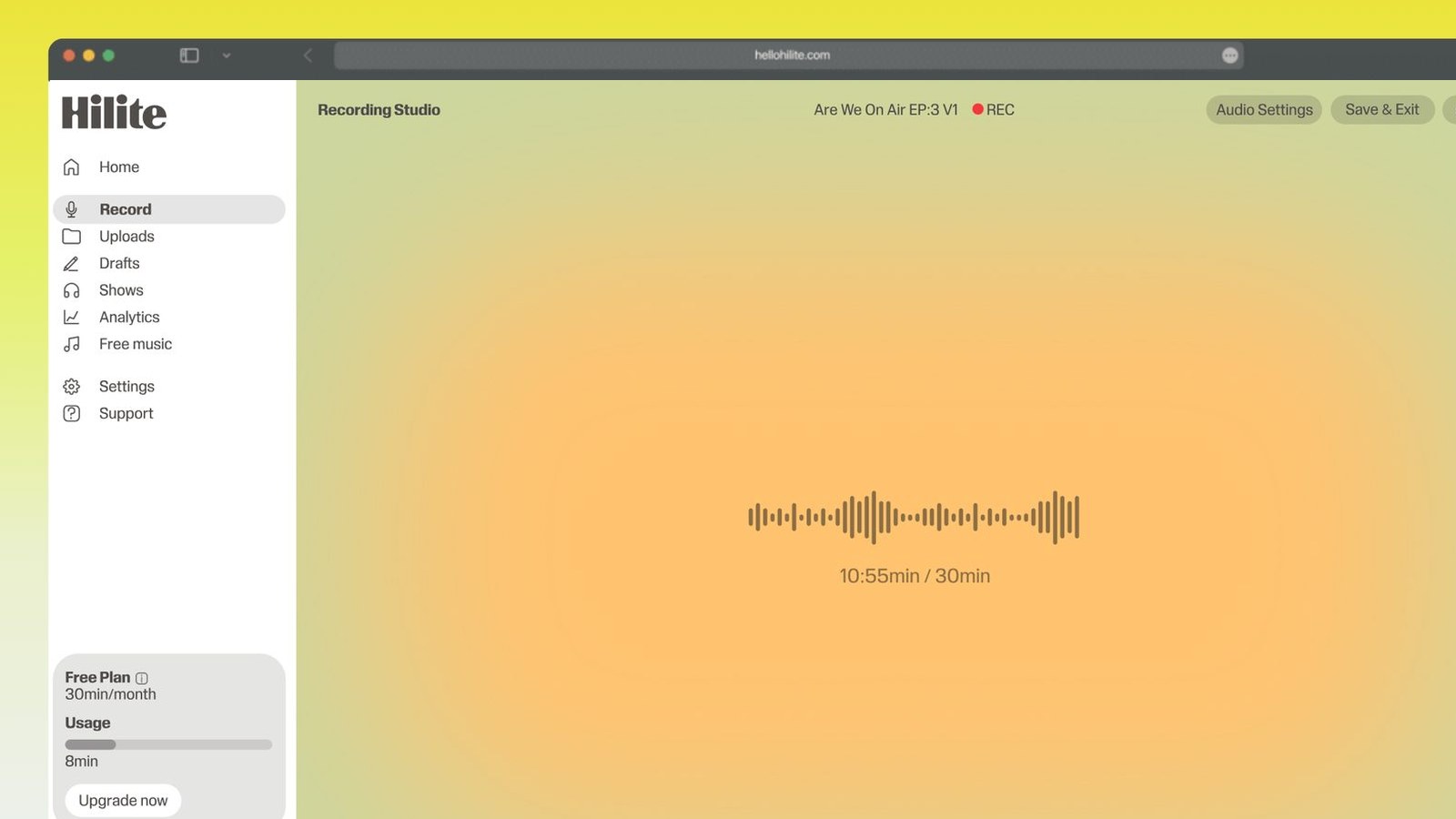
Record a sound bath in four steps
- 1
Set the level on your hardest strike
Before you record anything, hit the gong or the biggest bowl as hard as you'll hit it in the session, and set the input from that. You want the meter peaking well short of the top, with a lot of empty space above it. It will look far too quiet and that's correct — digital clipping is unfixable, whereas a quiet recording is fine, and you can always bring the whole thing up later.
- 2
Walk the room to find the distance
Mic distance is the instrument here, not a setting. Close in you get the strike and the metal but not the bloom; far back you get the room but the attack goes soft and vague. Get someone to strike while you walk the room and listen for the spot where the tail opens out — usually a couple of metres back and a little above the rims, looking down at the set rather than at one bowl.
- 3
Let every tail finish
Play more slowly than you would live. A bowl that sounds finished in the room is often still ringing at the mic, and a new strike landing on a dying tail muddles both. Wait until the decay has genuinely gone before the next hit, and hold ten seconds of clean silence at the top and again at the end — that silence is what your fades and your noise reduction will need later.
- 4
Record the whole session in one pass
Start the recorder, keep the tab in front, silence phones, put a note on the door and don't stop for anything. A sound bath can't be assembled from sections, because the room and the tails carry across. Afterwards, trim the ends with long fades, clean the floor gently and export.

Keep working inside the Hilite editor
Your uploaded files open directly in a focused editor view. Arrange your clips, preview the timeline, adjust transitions, and export when the track sounds perfectly right.
- Record straight into the browser
- Watch levels as you speak
- Keep the take, or run it again
Input formats
Output formats
Built for every kind of audio
Whatever you are making, this tool helps you get to a cleaner, more useful result, then hand off to Hilite to enhance and polish.
- Headroom is the whole jobA gong strike can be twenty times louder than the tail it leaves behind. Set the level for the loudest hit you'll play, not for the quiet bits, and live with a low-looking waveform.
- Nothing riding your gainA fixed input level means the dynamics you played are the dynamics you captured. That difference is the whole reason a phone recording of bowls sounds pumped and lifeless.
- Built for long sessionsAn hour-long take needs no install and no storage panic on a borrowed studio laptop. Open the tab, keep it in front, and the recording lands in an editor when you stop.
- Edits that respect the tailsTrim, fade and clean gently in the same place you recorded, instead of exporting into a tool whose defaults will gate the decay off.

Made for podcasters and their teams
Trim the dead air off the top and tail, and every recording is ready to edit, enhance, and publish.






FAQ
Common questions
If you do not see your question here, the support team replies within one business day.
- You clipped the strikes. Bowls and especially gongs put out a very short, very loud transient at the moment of contact, and it's far louder at the mic than it seems in the room, where your ears are quietly protecting you. If the input was set by how the sustain looked, the strike goes over the top of the digital ceiling and gets squared off, which you hear as a crunch or a crack right at the hit. There's no fixing it afterwards. Set your level on the loudest strike you intend to play, leave a lot of headroom above it, and accept a waveform that looks too small.
- You can, and it's the single worst common tool for this specific job, because of automatic gain control. The phone's recorder assumes you're capturing speech and constantly adjusts its own sensitivity to keep everything at a similar volume: it ducks hard the instant you strike, then winds back up as the tail decays, so the strike loses its impact and the decay swells instead of fading. The result sounds like it's breathing. Phones are fine for a voice note or a rehearsal reference; for a session you'll publish, record onto a laptop or a handheld field recorder where you can fix the gain.
- Further than you'd expect, and the exact distance is worth ten minutes of experiment. Very close and you capture the strike, the friction of the mallet and the metallic edge of one bowl, but not the bloom — that spread of overtones which only forms a metre or two out as the sound leaves the rim. Too far and you get a distant, washy room with no attack. A reasonable start is around two metres back and a bit above the rims, angled down over the whole set rather than pointed at a single bowl. Have someone strike while you walk the room and listen: your ears will find the spot faster than any rule.
- Low, with a lot of headroom. Set the input using your loudest planned strike, and aim for that peak to sit clearly below the top of the meter rather than nudging it — many people who record this material work with peaks in the region of 12 to 18 dB below full scale. The waveform will look thin next to a podcast and that's the point: the gap between a gong hit and the end of its tail is enormous, and you need room for the hit. Quiet is recoverable in the edit; clipped is not.
- It helps, but a good mono recording beats a badly placed stereo one. Bowls spread out across a physical arc in front of you, and stereo captures that spread, which is a large part of why a recording feels immersive rather than flat. If you have a stereo mic or a pair, place it so the set falls inside the pattern and don't spread it so wide the middle goes hollow. If you only have one mic, centre it over the set and don't worry — a clean, well-placed mono file with intact tails is a better track than a wide one that clipped.
- Yes, but not in the way it does for voice. For speech you want a dead room; here a bit of natural reverb is part of the sound, and the reflections are helping. What you don't want is flutter — that fast metallic ringing you get between two parallel hard walls, which you can hear by clapping once in the middle of the room. If the clap buzzes, hang a blanket or open a curtain on one of the two facing walls and clap again. Also worth knowing: reverb is the one thing you cannot remove later, so it has to be right in the room.
- Longer than in a live session. In the room the tail blends into the space and your ear lets it go, but a mic keeps hearing it well after you've stopped listening, so a strike that lands on the previous decay reads as a muddle on playback. Wait until you genuinely can't hear the last one, then wait a beat more. It also gives you something practically useful: clean gaps for the edit, so you can trim or fade without cutting into a tail.
- Yes. Unlike a spoken track, you can't punch in a fix, because every moment carries the tail of the moment before and the exact sound of the room at that point. A splice mid-decay is audible, and re-striking a bowl an hour later won't match. Record the full session in one continuous pass, hold ten seconds of silence at each end for fades, and treat anything that goes wrong in the middle as a level problem to solve in the edit rather than a cut to make.
Capture the tail, not just the hit
Fixed gain, plenty of headroom and one unbroken take, recorded straight into an editor in your browser.