Record ASMR
In ASMR the microphone is the content, not a way of capturing it. Proximity, which mic you own and where each sound sits across the stereo field are the whole craft, and the software you record into barely registers next to them. That has a blunt consequence worth saying early: a laptop's built-in mic cannot make ASMR, because it's a foot away and specifically tuned to throw away the quiet detail you're trying to record. Audacity is free and records ASMR perfectly well once you have a real mic, so if it's already installed you have nothing to gain from moving. Where it runs out is being a desktop install you can't put on a borrowed or locked-down machine — Hilite takes the same USB mic or interface in a browser tab and drops the take straight into an editor.
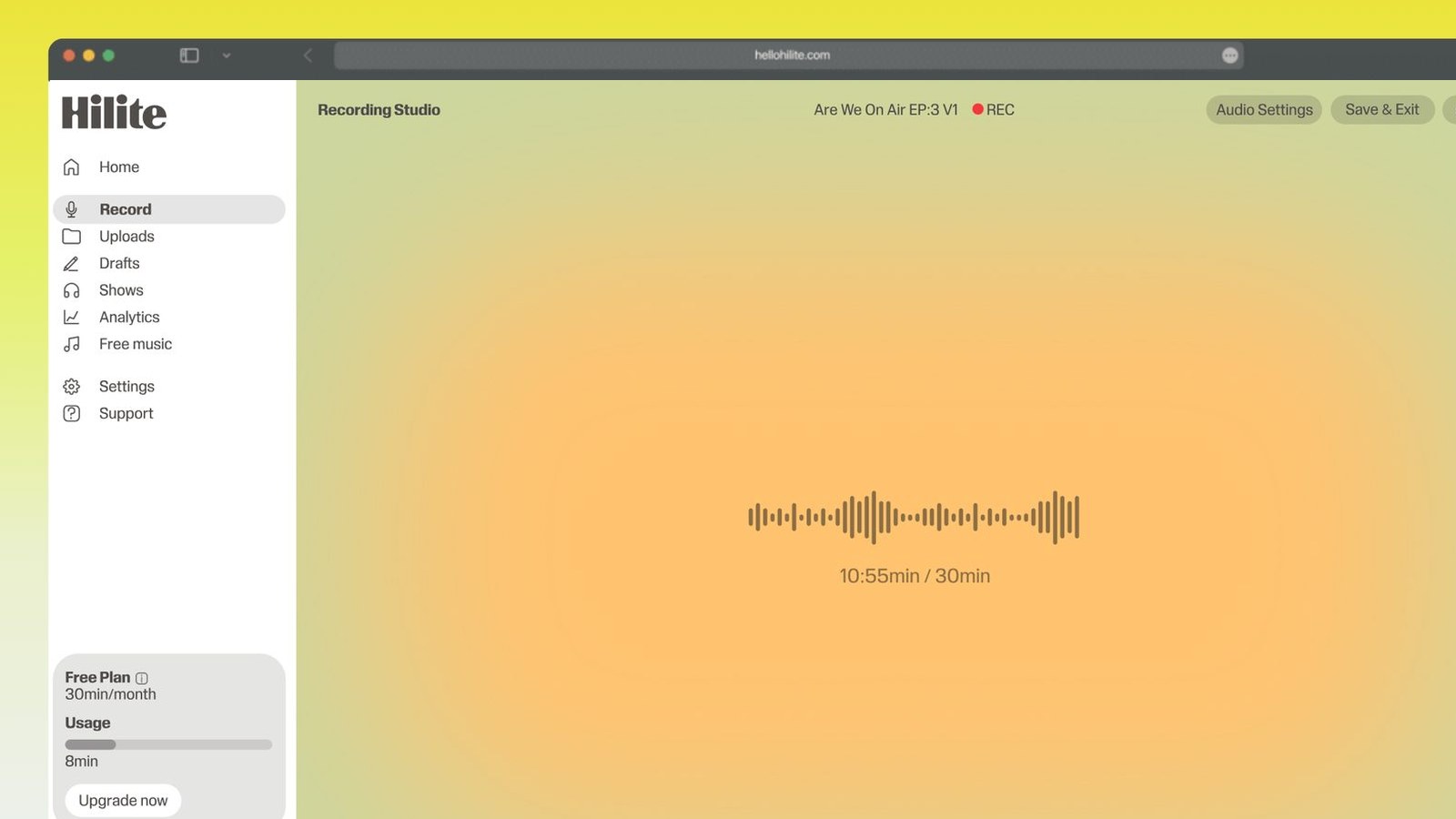
Record ASMR in four steps
- 1
Silence the room first
Fridge, boiler, extractor fan, laptop fan, phone on silent and face down. Record late at night if you can — the traffic outside and the building's own hum drop away, and that's an hour of noise removal you never have to do.
- 2
Set gain on your quietest trigger
Do a test with the softest thing you'll do, not with your normal voice. Push the gain up until that registers clearly, then check a loud tap doesn't clip — if it does, back off a little rather than moving further away.
- 3
Get the mic off the desk
A mic standing on the table hears every tap through the wood as a thump, and nothing in editing takes that out. Use a boom arm or a shock mount, or sit it on a folded towel and keep your hands and props on a separate surface.
- 4
Wear headphones for the whole take
Closed-back, so nothing leaks back into the mic. Listen to what the mic is hearing rather than what you're hearing, then trim the ends and export when you're done.

Keep working inside the Hilite editor
Your uploaded files open directly in a focused editor view. Arrange your clips, preview the timeline, adjust transitions, and export when the track sounds perfectly right.
- Record straight into the browser
- Watch levels as you speak
- Keep the take, or run it again
Input formats
Output formats
Built for every kind of audio
Whatever you are making, this tool helps you get to a cleaner, more useful result, then hand off to Hilite to enhance and polish.
- The mic is the whole thingWhere you place it and how close it sits decides whether a trigger works, before any software gets involved. A cheap condenser three inches away beats an expensive one across the room.
- Your noise floor is fatalA fridge, a boiler or traffic outside sits at roughly the same level as the triggers themselves. In speech that hum is harmless background; in ASMR it's mixed in with the content.
- Headphones are not optionalEverything you're recording is too quiet to hear across the room, so without monitoring you find out about the handling noise and the clipped taps an hour later.
- Gain set to the quiet stuffSet the input level against your softest trigger rather than your speaking voice, then keep headroom for the one tap that comes out twice as loud as the rest.

Made for podcasters and their teams
Trim the dead air off the top and tail, and every recording is ready to edit, enhance, and publish.






FAQ
Common questions
If you do not see your question here, the support team replies within one business day.
- Something you can get very close to, which matters far more than what you spend. A single USB condenser three inches from the source will produce better ASMR than an expensive studio mic sitting a foot back, because proximity is the effect. If you want the ear-to-ear sound that people associate with the genre, you need two channels — either a binaural mic built into a model of a head, or a matched pair of small condensers placed roughly a head's width apart and pointed outwards. Start with one good close mic and learn what it does; the binaural setup is an upgrade, not a starting requirement.
- Because the source is very quiet and you've turned the gain up to compensate, which raises the microphone's and preamp's own noise along with it. There are three real fixes and they're all at the recording end. Get closer, so you need less gain for the same level. Record in a quieter room at a quieter time, so what you're amplifying is only the mic's hiss and not the building. And use a mic and interface with decent self-noise if you're buying — cheap preamps hiss most at exactly the high gain settings ASMR needs. Trying to remove the hiss afterwards is where most ASMR recordings get ruined.
- Closer than for speech — a few inches for whispering and hand sounds, sometimes almost touching for tapping and brushing on the mic itself. That closeness is what makes it feel like the sound is happening beside the listener's head rather than in a room they're watching. Two things come with it: plosives, because a whispered p at three inches hits the capsule hard, and handling noise, because at that distance any knock travels straight in. A pop filter handles the first and a shock mount or boom arm handles the second. Whisper across the mic rather than straight into it and most of the problem goes away.
- Yes, and this is the step people skip. The material is far too quiet to judge by ear in the room, so without monitoring you have no idea whether the mic is hearing what you think it is — a tap that sounds gentle to you may be clipping, and a whisper you can hear perfectly well may be sitting underneath the noise floor. Wear closed-back headphones so the monitoring doesn't leak back into the mic, and listen to the mic's output rather than the room. Everything you notice while recording is a problem you don't have to fix later, and some of them can't be fixed later at all.
- The desk is carrying them. A microphone on a table stand is coupled to the surface, so every tap of a prop, every shift of your elbow and every knock against the leg travels through the wood into the capsule as a low thump — and low-frequency structural noise is close to impossible to remove afterwards without gutting the recording. Put the mic on a boom arm clamped to something you're not touching, or in a shock mount, or at minimum on a folded towel. Then keep whatever you're tapping on a different surface from the mic, and don't rest your arms on the same table.
- Late at night, and it's not a superstition. Your noise floor is the limiting factor in ASMR, and traffic, neighbours, building ventilation and general daytime rumble all drop several notches after about eleven. The same room can be unusable at four in the afternoon and perfectly quiet at midnight. Turn the fridge off at the wall if it's in earshot and set an alarm so you remember to turn it back on. If nights aren't possible, early morning before the roads pick up is the next best window.
- You can start there and plenty of people have, but be clear about the limits. Phone mics are mono, heavily processed for voice calls, and often apply noise suppression you can't switch off — which strips out exactly the quiet high-frequency detail that makes ASMR work. You'll get something listenable for tapping and close whispering and nothing at all resembling the ear-to-ear effect. If you want to spend a little, an external mic that plugs into the phone is a bigger jump in quality than a better phone, and a cheap USB condenser into a laptop or tablet is a bigger jump again.
- You need two microphones, separated by roughly the width of a head, recorded as two channels that stay separate. That's either a purpose-built binaural mic with a capsule in each ear of a dummy head, or a matched pair of small condensers on stands about seven inches apart facing outwards. Then work around them physically — move from one side to the other, whisper into one and then the other — because the movement across the stereo field is the effect. The one thing that undoes all of it is exporting in mono or collapsing the channels while editing, which turns an immersive take into a flat one.
Quiet room, close mic, headphones on
Get those three right and the recording is most of the way there before you open an editor.