Record your own affirmations online
Record affirmations in your own voice, trim mistakes, improve clarity, and save a track you can return to. Hilite works in the browser, so you can create the recording without installing a dedicated affirmation app.
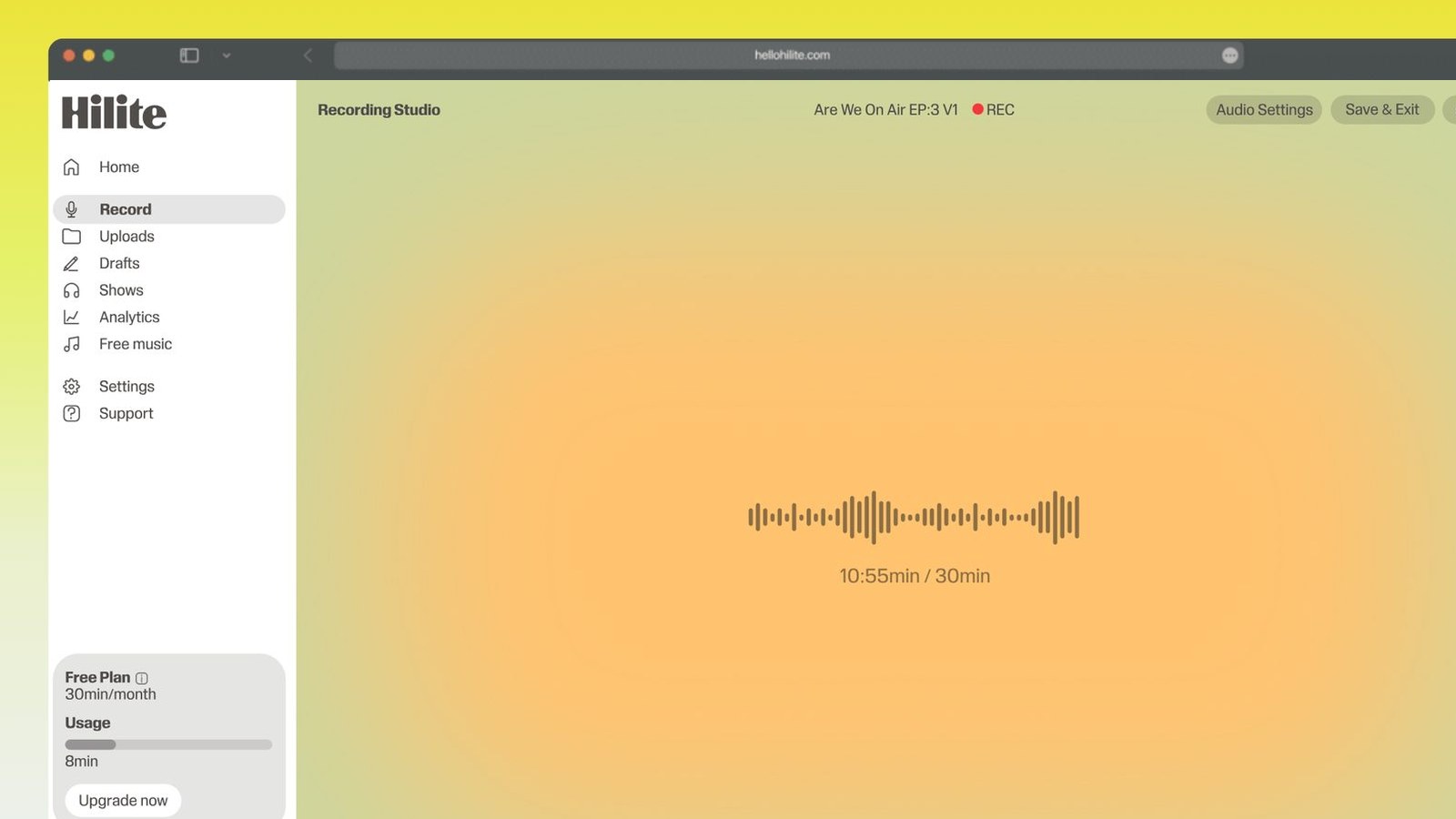
Capture the voice track in the browser, then continue into editing.
Record your own affirmations in four steps
- 1
Write a short set
Choose one purpose and write concise, believable statements in language you naturally use.
- 2
Record at a steady pace
Use a quiet room, consistent microphone distance, and enough space between lines.
- 3
Edit the spoken track
Remove mistakes and distracting gaps while keeping the delivery calm and human.
- 4
Save and listen
Export the finished recording and keep the source separately for future changes.

Keep working inside the Hilite editor
Your uploaded files open directly in a focused editor view. Arrange your clips, preview the timeline, adjust transitions, and export when the track sounds perfectly right.
- Record straight into the browser
- Watch levels as you speak
- Keep the take, or run it again
Input formats
Output formats
Built for every kind of audio
Whatever you are making, this tool helps you get to a cleaner, more useful result, then hand off to Hilite to enhance and polish.
- Your own voiceCreate a track that sounds personal instead of relying on a generic prerecorded voice.
- No dedicated appRecord and edit in a supported browser on phone or computer.
- Fix mistakesRemove repeated lines and false starts without rerecording the entire track.
- Build a repeatable practiceSave different recordings for morning, confidence, sleep, or another specific use.

Made for podcasters and their teams
Trim the dead air off the top and tail, and every recording is ready to edit, enhance, and publish.






FAQ
Common questions
If you do not see your question here, the support team replies within one business day.
- Yes. Start with the free browser recorder, then edit and export the spoken track.
- No. Hilite runs in the browser on a supported phone or computer.
- Many people prefer the familiarity and personal wording of their own voice. The useful choice is the one you will listen to consistently.
- You can combine spoken audio with music you own or are licensed to use. Keep the voice easy to hear.
- Start with a focused track that is short enough to repeat. Clarity and consistency matter more than length.
Record the words you want to return to
Create, edit, and save your affirmation track in one browser workflow.