Free voiceover recorder
Record narration for videos, presentations, courses and posts in the Hilite app in your browser. Read from your script, retake any line, then clean up the take and export it for Canva, CapCut, iMovie, PowerPoint or anywhere else. This page explains the workflow; recording opens in the app.
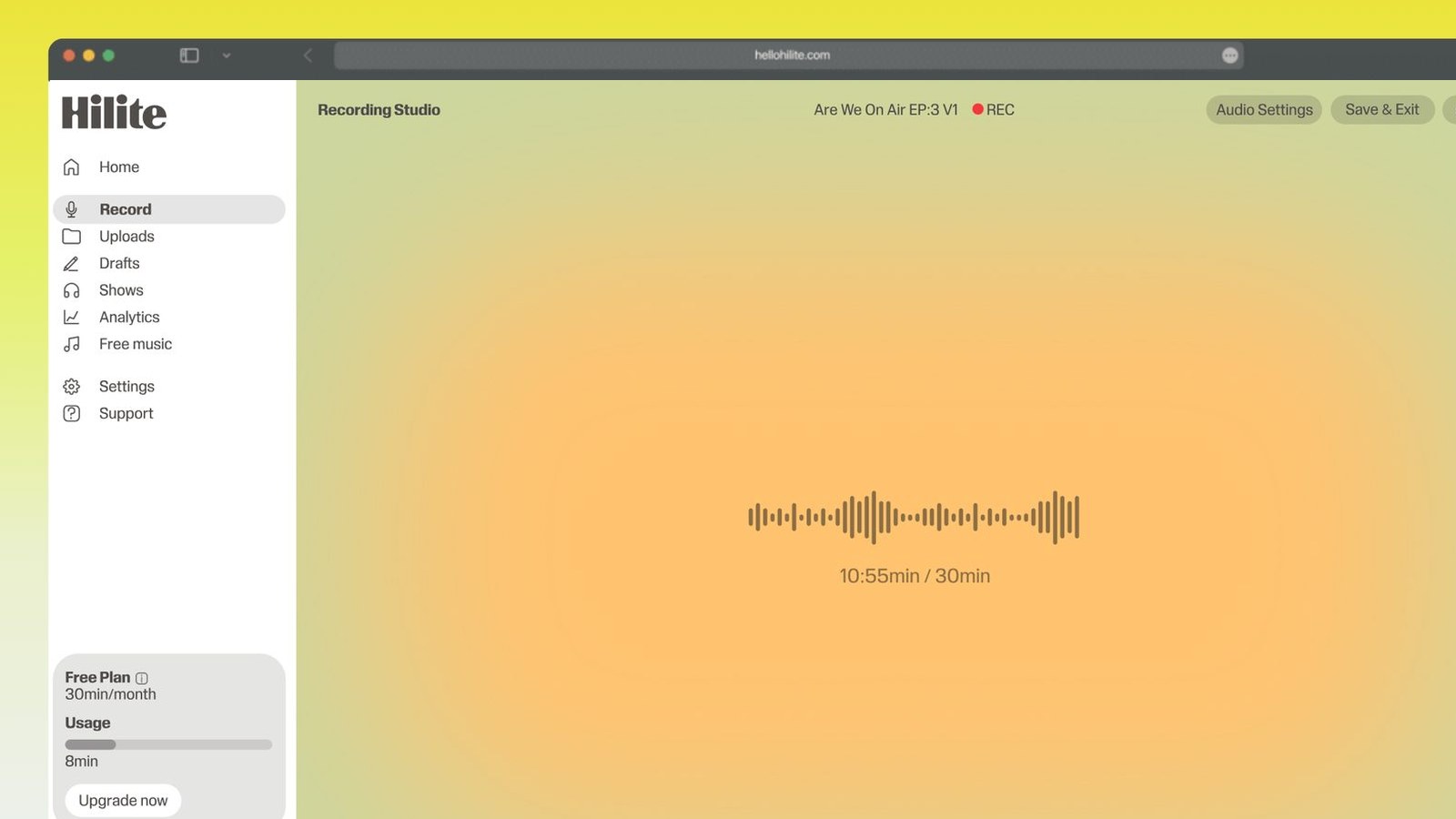
Record a voiceover in four steps
- 1
Open Hilite and sign in
Select Open Hilite to record, then sign in or create a free account. Recording takes place in the app.
- 2
Check your microphone
Allow microphone access, choose your best input, and record a 10 second test so you can hear the room before the real take.
- 3
Record your voiceover
Read your script in sections. Pause and resume between sections, and do another take of any line you stumble on.
- 4
Clean up and export
Delete mistakes from the transcript, remove filler words and background noise, then export the file for your video or slides.

Keep working inside the Hilite editor
Your uploaded files open directly in a focused editor view. Arrange your clips, preview the timeline, adjust transitions, and export when the track sounds perfectly right.
- Record straight into the browser
- Watch levels as you speak
- Keep the take, or run it again
Input formats
Output formats
Built for every kind of audio
Whatever you are making, this tool helps you get to a cleaner, more useful result, then hand off to Hilite to enhance and polish.
- Video narrationRecord the voice once, then drop it into Canva, CapCut or iMovie.
- PresentationsNarrate slides for PowerPoint or Google Slides, one file per slide.
- Courses and trainingRecord lessons that sound consistent from the first module to the last.
- Posts and newslettersRead your own writing aloud and publish it as audio the same day.

Made for podcasters and their teams
Trim the dead air off the top and tail, and every recording is ready to edit, enhance, and publish.






FAQ
Common questions
If you do not see your question here, the support team replies within one business day.
- You can start with Hilite's free plan. Recording takes place in the app and requires a free account. Check the pricing page for the current recording and export limits.
- No. This records your own voice. If you want a synthetic voice, you need a text-to-speech tool instead.
- No. It records in your browser on desktop and mobile.
- You can export common formats including MP3, WAV and M4A, which work in Canva, CapCut, iMovie, PowerPoint and Google Slides.
- Pause, go back to the start of the sentence and read it again. Then delete the fluffed version from the transcript; the audio is cut to match.
- Yes. Hilite's background noise removal and enhancement clean steady noise like fans and hum, and echo removal reduces room sound.
Record your first voiceover
Sign in or create a free account, record a take, and clean it up before you export.