Compare › Riverside
Hilite vs Riverside
Riverside is built for high-quality remote recording. Hilite is built for the full podcast workflow: record, edit, enhance, publish, and share.

Compare › Riverside
Riverside is built for high-quality remote recording. Hilite is built for the full podcast workflow: record, edit, enhance, publish, and share.
Key differences
Hilite guides you step by step from upload to publish. Riverside focuses on a broader production workflow that can take longer to master.
Hilite assumes no prior audio knowledge. Most creators publish their first episode faster with a guided workflow.
Hilite takes you from raw audio to live on Spotify and Apple Podcasts without leaving the platform.
Feature by feature
| Feature |  Hilite Hilite | Riverside |
|---|---|---|
| Text-based editing | Edit audio by editing the transcript | Varies by tool |
| AI show notes & titles | Auto-generated every episode | Available on some plans |
| Audio enhancement | One-click Studio Sound | Manual or plan-dependent |
| Podcast hosting & RSS | Built-in — all platforms | Usually requires a separate host |
| Free plan | Free plan available | Limited free tier |
If you want to record, edit, enhance, and publish without juggling multiple tools, Hilite is built for that workflow end to end.
Start creating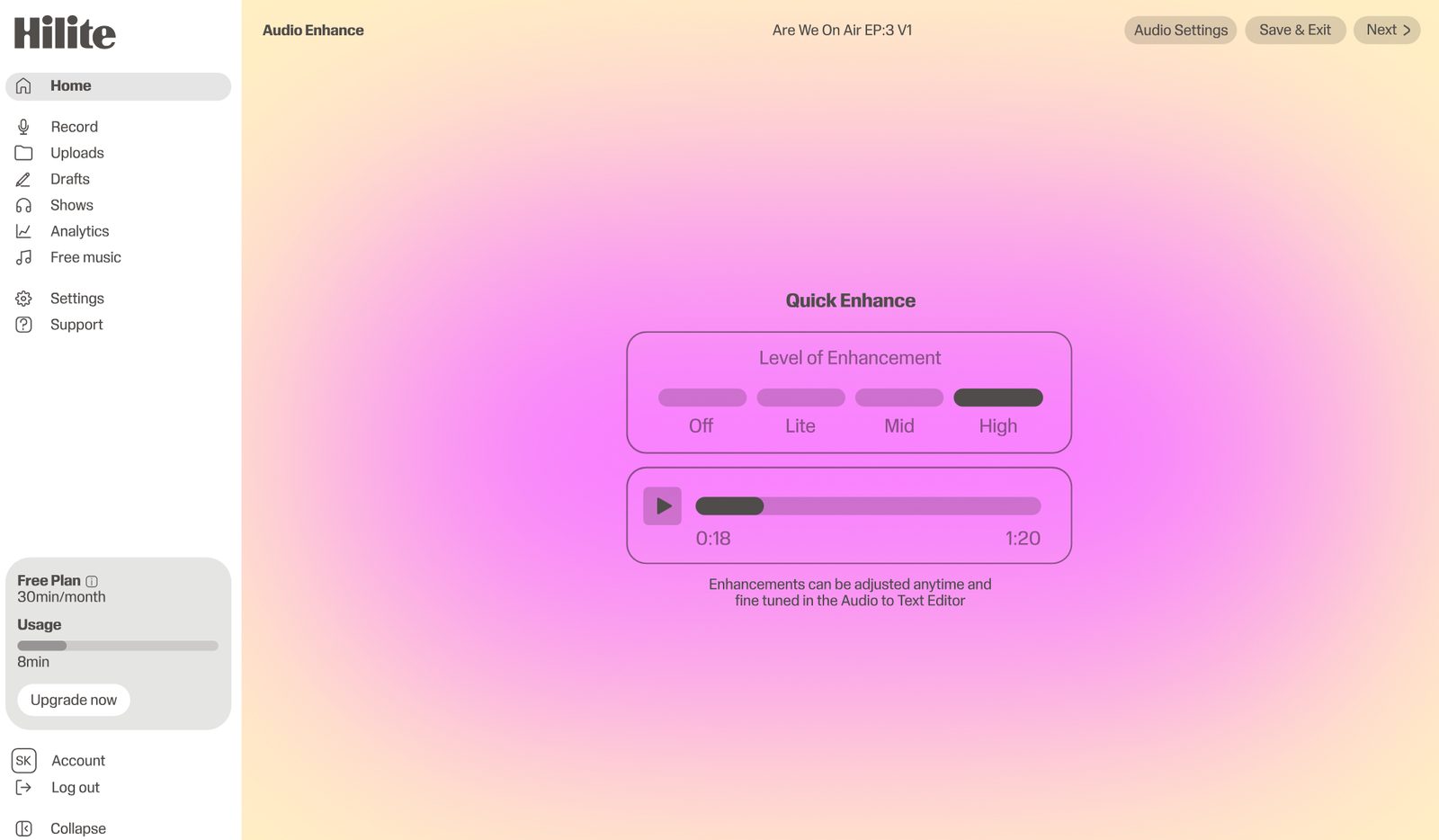
“I went from idea to published episode in one afternoon.”What our creators say, consistently
FAQ
Yes, if you want the broader podcast workflow beyond remote recording. Hilite supports recording, transcript editing, enhancement, content generation, publishing, and sharing.
Choose Hilite if your bottleneck is finishing and publishing episodes. Hilite is built to help creators move from raw voice to published podcast with less workflow friction.
Choose Riverside if high-quality remote audio and video recording is the most important part of your workflow, especially for interviews and video podcasts.
Yes. Hilite supports transcript editing, AI audio enhancement, episode content generation, publishing, and sharing as part of the podcast workflow.
Yes. Riverside is generally stronger for video-first remote recording workflows. Hilite is stronger for creators focused on audio podcast workflow and publishing.
Yes. Some creators may record remote interviews in a dedicated tool and then use Hilite for editing, enhancement, content generation, publishing, and sharing.
Edit, enhance, and publish your podcast — free, in one place.