Alternatives › Riverside
Riverside is excellent for remote recording, but many podcasters need more than capture quality. These alternatives are ranked for creators who want recording, editing, enhancement, publishing, and a simpler post-production workflow.

Why people switch
Riverside's strength is recording — separate local tracks, high-quality video, studio-clean audio from anywhere. But once the recording ends, Riverside leaves you on your own. You still need to edit, enhance, write show notes, and publish. For many creators, that's where the real work is.
Ranked

Best overall Riverside alternative for podcast workflow
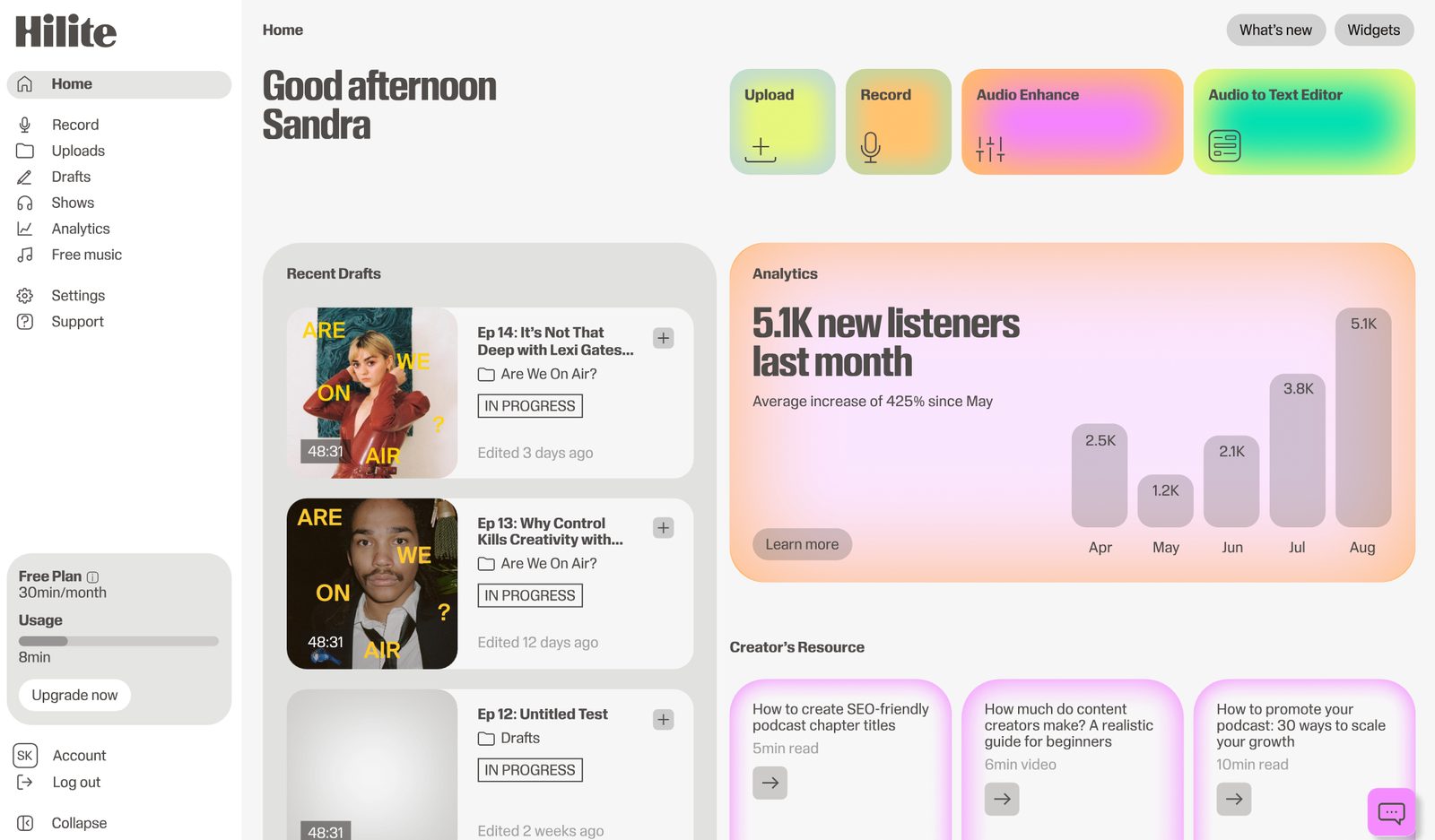
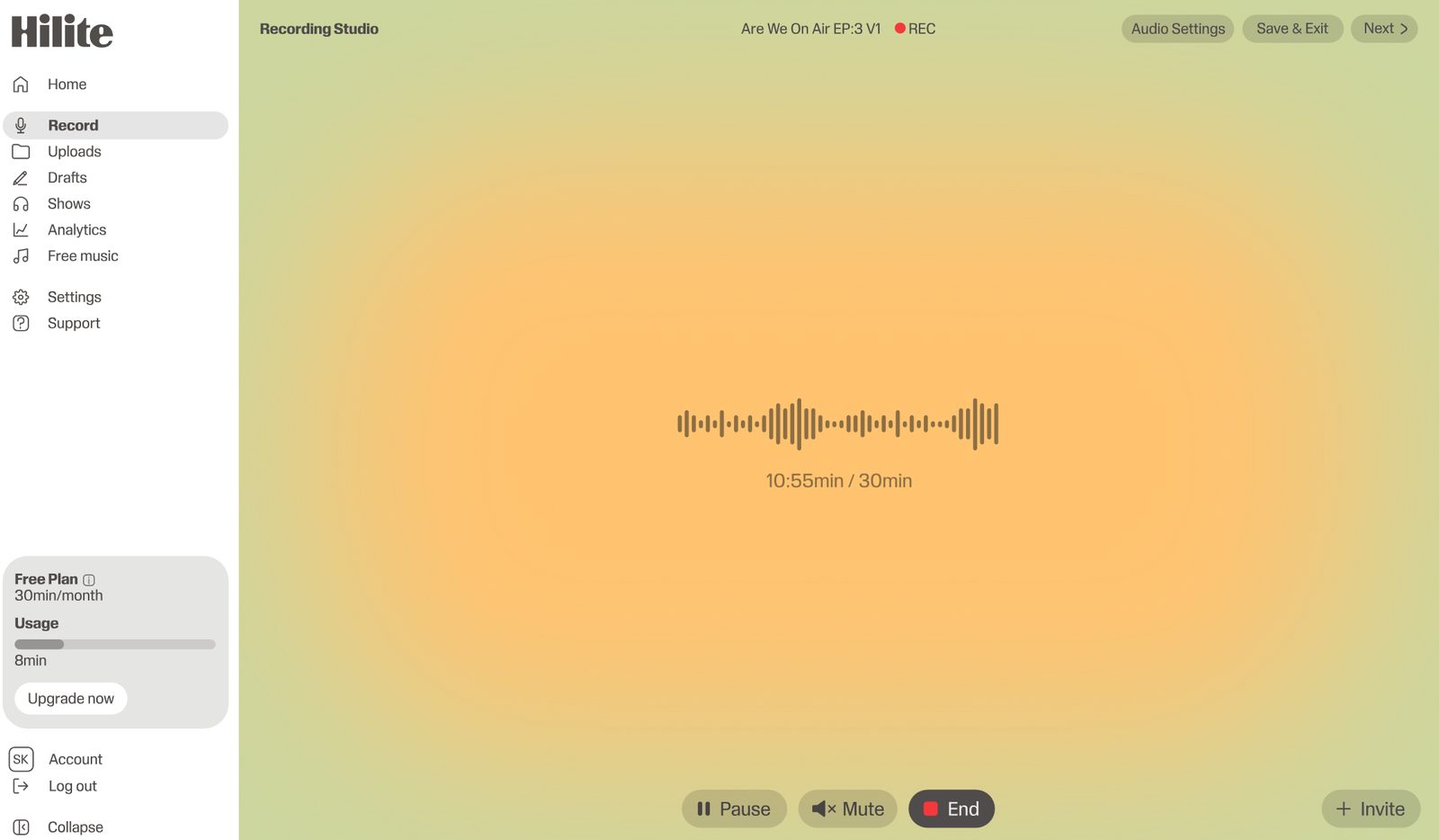
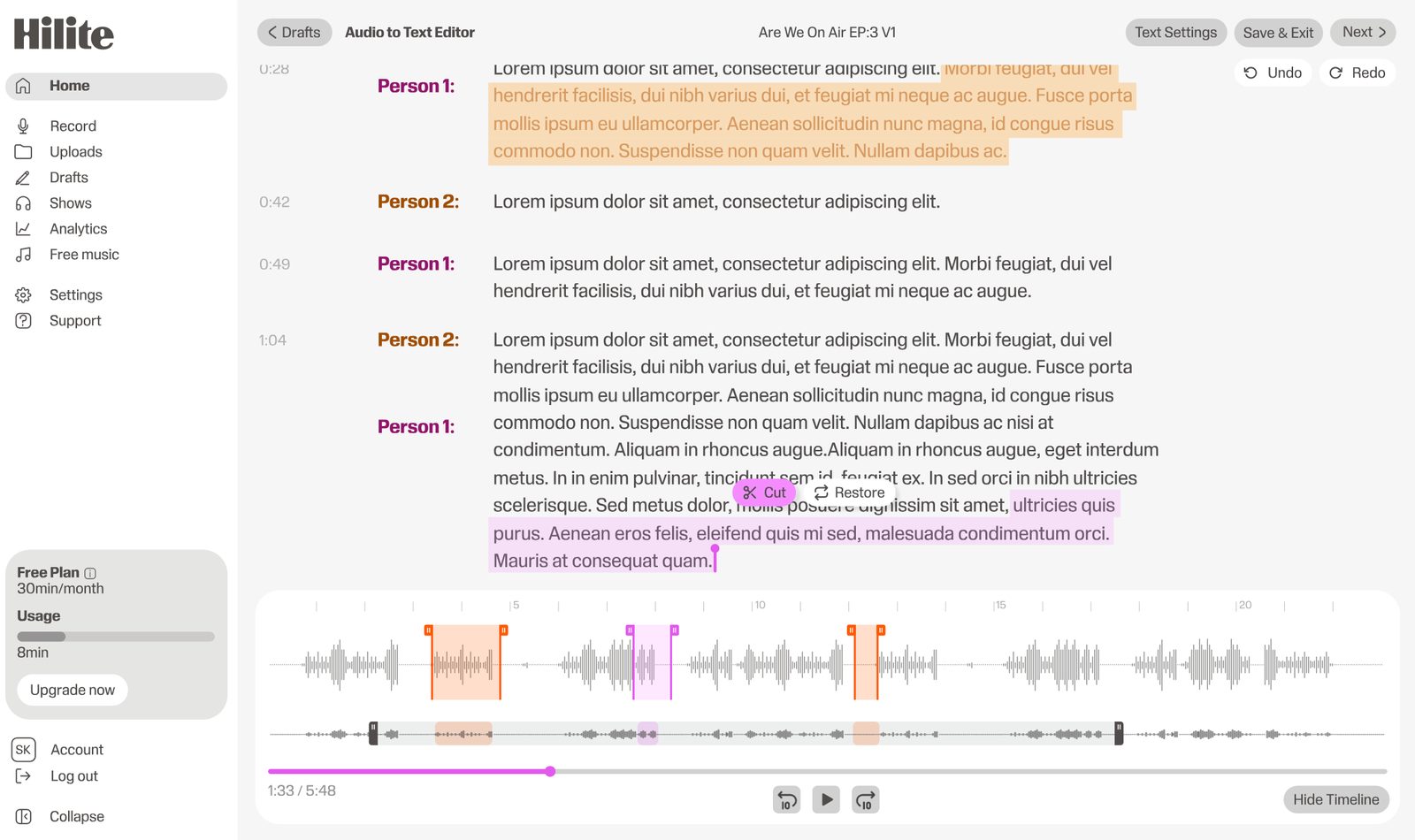
Hilite is the best Riverside alternative for creators who need more than high-quality recording. It helps you move from raw voice to finished episode with recording, transcript editing, audio enhancement, titles, descriptions, show notes, publishing, and sharing in one place.
Pros
Cons

Best direct remote recording alternative
Zencastr is a natural Riverside alternative for creators who want remote recording with separate tracks. It is useful for interview shows, but creators may still need additional tools for editing, enhancement, and publishing.
Pros
Cons

Best browser-based recording and editing mix
Podcastle is useful if you want browser-based recording plus AI-assisted editing. It is easier to approach than some production tools, though Hilite is more focused on the end-to-end podcast workflow.
Pros
Cons

Best for dedicated remote interviews
SquadCast is a strong remote recording tool for podcasters who want stable guest sessions and separate tracks. It is a good fit when recording quality is the priority, but it is not a complete record-to-publish workflow by itself.
Pros
Cons

Best simple setup for teams already using Zoom
Some creators already record calls in Zoom because it is familiar. Pairing Zoom with Hilite can work when the recording method is simple but the post-production workflow needs help. Hilite can support editing, enhancement, content generation, publishing, and sharing after the recording.
Pros
Cons
Side by side
| Feature | Riverside | |
|---|---|---|
| Remote recording (guests) | Upload-based — no live recording | Core feature — separate local tracks |
| Audio enhancement | One-click Studio Sound | Magic Audio on higher plans |
| Text-based editing | Edit audio via transcript | Basic transcript editing |
| AI show notes | Auto-generated every episode | Not included |
| Podcast hosting & RSS | Built-in — all platforms | Recording studio only |
| Free plan | Free plan available | Free tier very limited |
FAQ
Hilite is the best Riverside alternative if you need the full podcast workflow after recording: transcript editing, audio enhancement, content generation, publishing, and sharing. Zencastr and SquadCast are stronger if remote recording quality is the only priority.
Choose Hilite if the hard part is turning recordings into finished episodes. Riverside is excellent for capture quality, while Hilite is built around the full creator workflow from recording to publishing.
Zencastr and SquadCast are strong direct alternatives for remote interviews. Hilite is better when you want the interview to flow into editing, enhancement, show notes, publishing, and sharing.
Yes. Riverside is worth using when high-quality remote audio and video capture is your main requirement. It may be more tool than needed for creators focused on simple spoken-word podcast publishing.
You can, especially for simple interviews or internal shows, but Zoom usually will not match dedicated local-track recording tools. Pairing a basic recorder with Hilite can help with the editing and publishing side.
Not fully. Riverside is stronger for video-first remote recording. Hilite is stronger for creators who want a podcast-first workflow that turns raw audio into a finished, published episode.
Hilite handles everything after the session ends — for free.