Alternatives › Otter.ai
Best Otter.ai Alternatives in 2026
Otter is built around meetings — a bot joins your call and takes notes. If what you actually have is an audio file, these alternatives are ranked for you.
Alternatives › Otter.ai
Otter is built around meetings — a bot joins your call and takes notes. If what you actually have is an audio file, these alternatives are ranked for you.
Why people switch
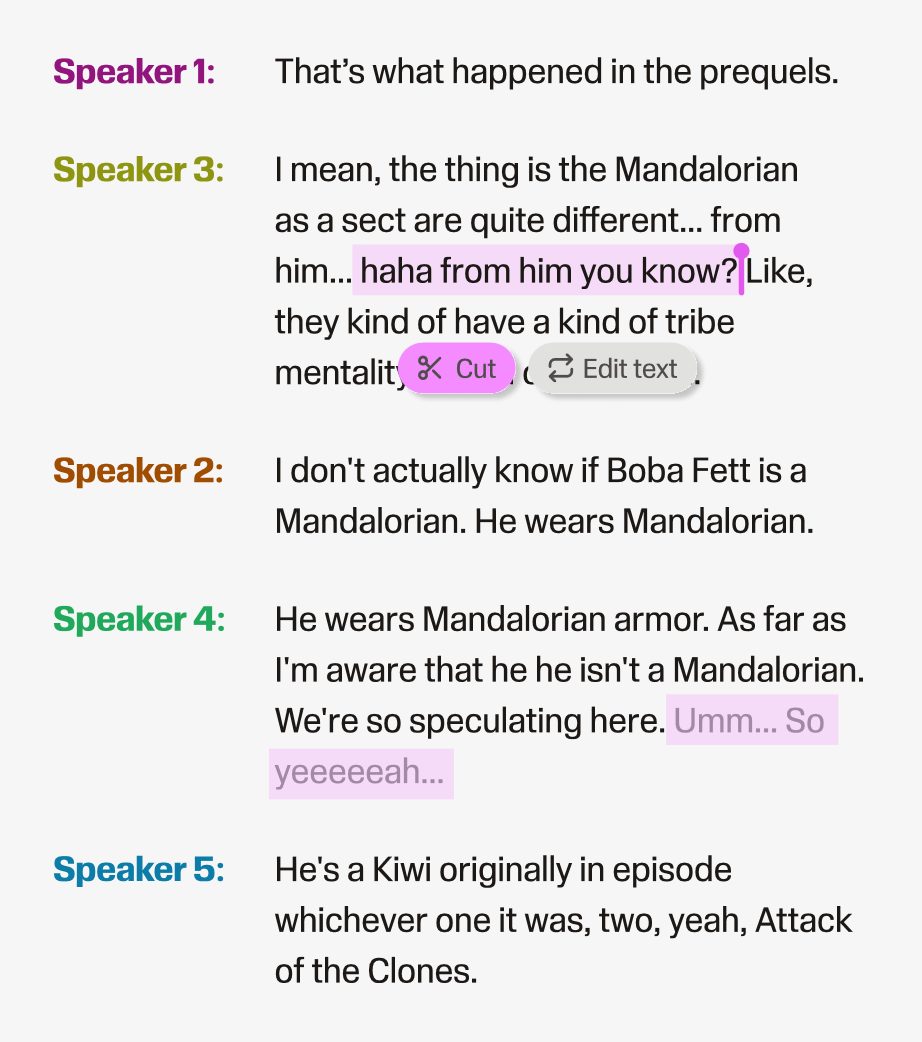
Two limits send people looking. The first is the file import cap: Otter's Basic plan allows 3 lifetime audio or video file imports, and Pro allows 10 a month. If you have a folder of recordings rather than a calendar of meetings, you hit that immediately. The second is scope — Otter transcribes, but it does not edit the audio, clean it up or publish it, so a podcaster or course creator still needs a second tool for everything that happens after the transcript.
Ranked
Best for transcribing recordings you already have
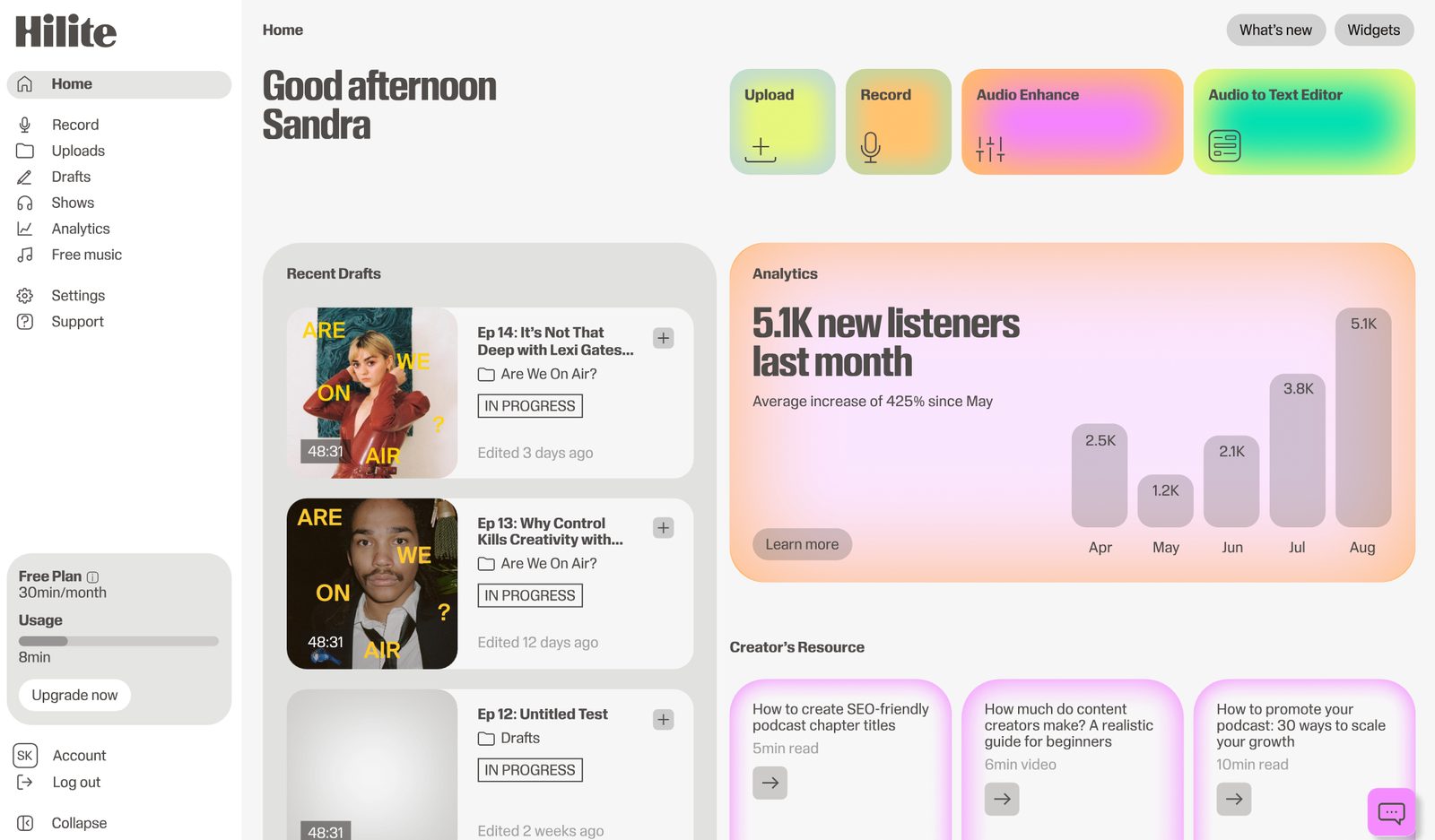
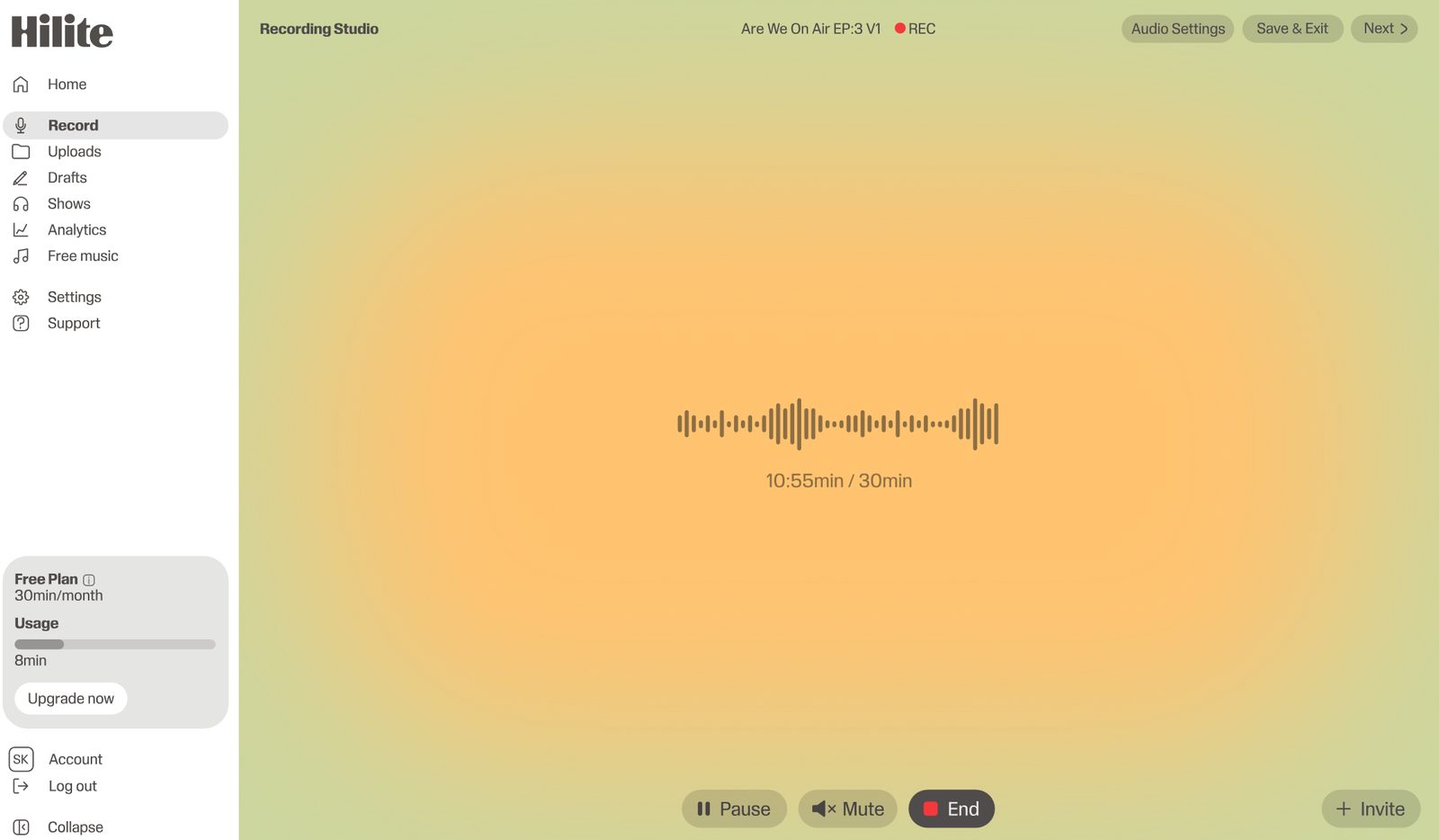
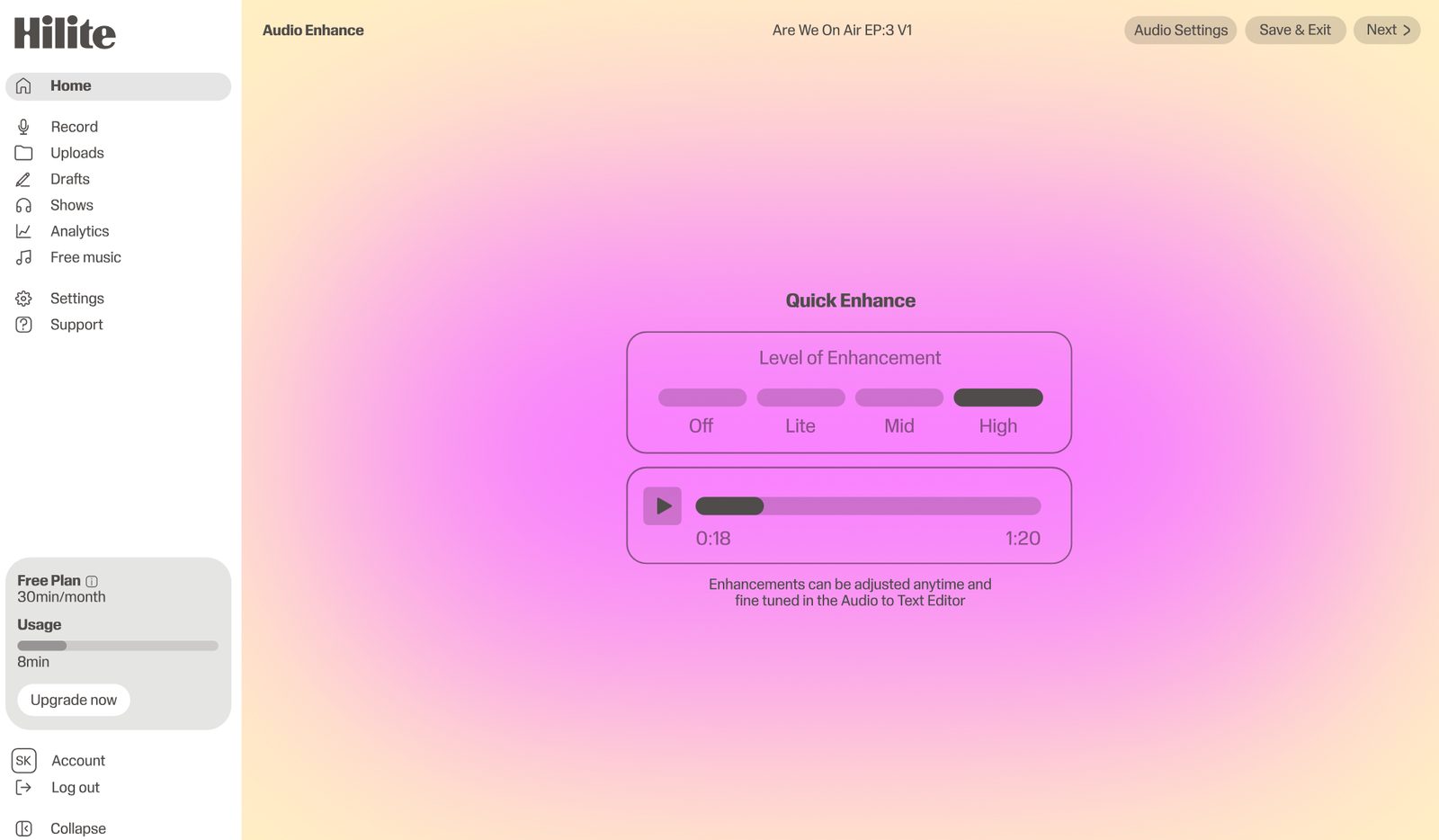
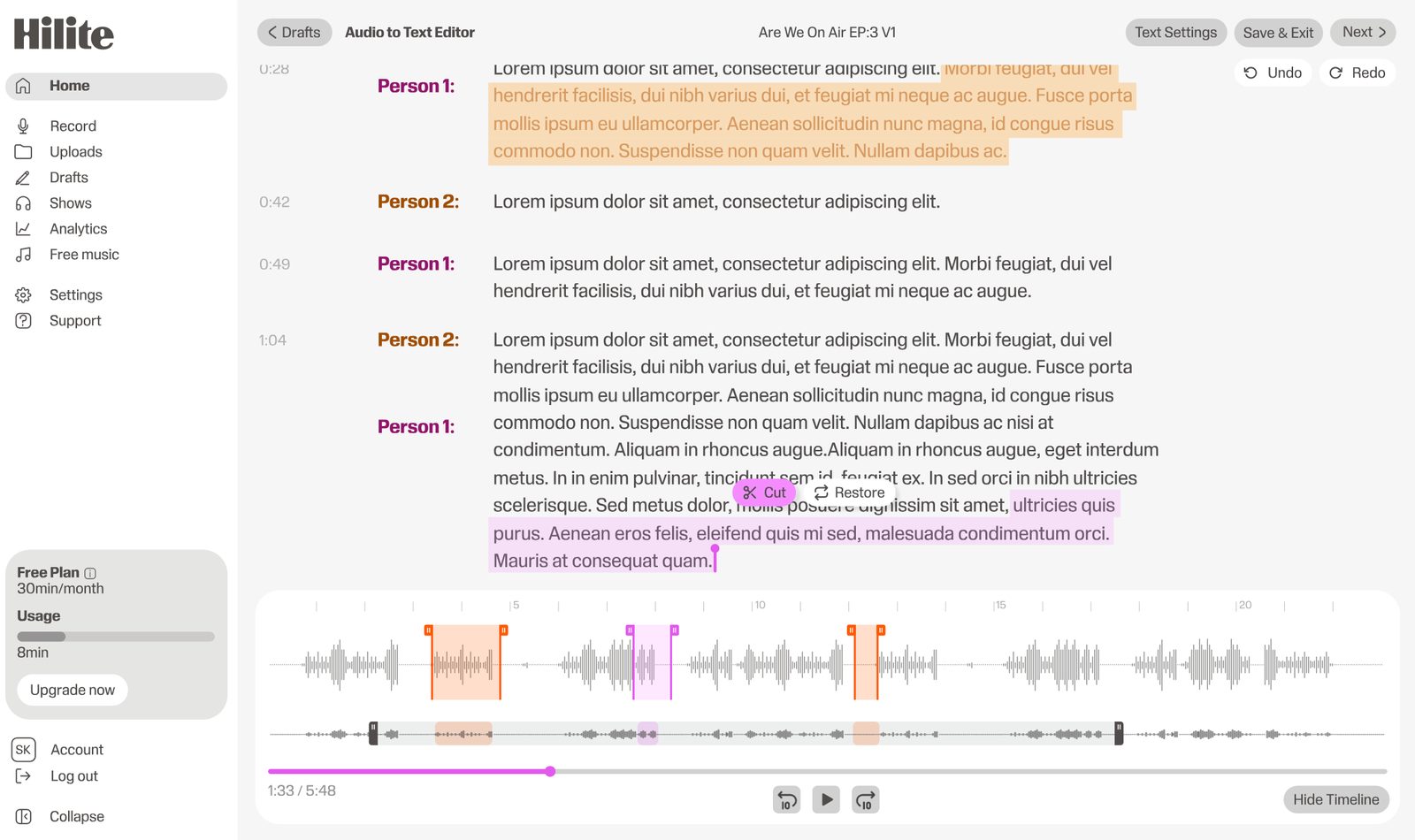
Hilite is the best Otter alternative for people working from audio files rather than live calls. Upload a recording, get a timestamped transcript you can download, and then keep going in the same place — edit the audio, clean it up, and publish it. There is no monthly cap on how many of your own files you are allowed to bring in, which is the single thing most people leaving Otter are looking for.
Pros
Cons
Best like-for-like meeting bot
Fireflies is the most direct swap if what you like about Otter is the bot that joins your calls. Its free plan advertises unlimited transcription in 100+ languages, capped instead by 400 minutes of stored recording per team rather than by minutes transcribed. Downloading transcripts, summaries and recordings requires the Pro plan.
Pros
Cons
Best for editing by transcript
Descript turns the transcript into the editing surface: delete a sentence in the text and it disappears from the audio. If your reason for wanting a transcript is that you are about to cut the recording down, Descript does more with it than Otter ever will. It is a heavier tool, and priced accordingly.
Pros
Cons
Best when accuracy has to be guaranteed
Rev offers human transcription alongside its automatic service, which matters when a mis-transcribed word has consequences — legal records, medical research, regulated environments. You pay per minute rather than per seat, and you wait longer, but a person has read it.
Pros
Cons
Best for multilingual note-taking
Notta covers a wide set of languages and works across web, mobile and browser extension, which makes it a reasonable Otter replacement for people who take notes in more than one language or capture audio on a phone as often as on a laptop.
Pros
Cons
Side by side
| Feature |  Hilite Hilite | Otter.ai |
|---|---|---|
| Transcribe uploaded audio files | Core use case — upload and transcribe | 3 lifetime imports free, 10/month on Pro |
| Meeting bot joins your calls | Not a meeting tool | Yes — Otter's core feature |
| Download the transcript | Download from the editor | Export formats listed from Pro upward |
| Edit the audio itself | Full editor — cut, clean, enhance | Transcription only |
| Publish to podcast platforms | Built-in RSS and distribution | Not a publishing tool |
| Free plan | Free plan available | 300 minutes/month, 30 min per conversation |
FAQ
It depends on what your audio is. If it arrives as files — interviews, lectures, podcast recordings, voice memos — Hilite is the better fit, because Otter's file import allowance is 3 in the lifetime of a free account and 10 a month on Pro. If you specifically want a bot in your meetings, Fireflies is the closest like-for-like swap.
Yes. Hilite has a free plan and is built around uploading your own recordings. Fireflies also has a free plan with unlimited transcription, though it caps stored recording at 400 minutes per team and puts downloads behind its Pro tier.
Two separate limits catch people. The free Basic plan gives 300 transcription minutes a month with a 30-minute ceiling on any single conversation, so a one-hour interview will not fit in one piece. Separately, it allows 3 audio or video file imports for the lifetime of the account, which is what stops anyone with a back catalogue of recordings.
No. Otter produces and edits the transcript, not the recording. If you want to cut a section, remove background noise or raise the volume of a quiet speaker, you need a separate audio editor. Hilite does the transcript and the audio editing in the same place.
Hilite, because the transcript is a step in a workflow that ends with a published episode rather than the end product. Descript is the other strong option if your priority is cutting the recording down by editing its text, and you do not mind a heavier tool.
Automatic transcription of any kind, Otter included, needs a human checking pass before it can be relied on — proper nouns, numbers and overlapping speech are where errors cluster. For work where an error has consequences, Rev's human-verified option is the safer route.
Transcribe, edit, enhance and publish — free to start.