Alternatives › Fireflies.ai
Best Fireflies.ai Alternatives in 2026
Fireflies gives you unlimited transcription free, then caps what you can keep and charges to download it. These alternatives are ranked by what you plan to do with the transcript.
Alternatives › Fireflies.ai
Fireflies gives you unlimited transcription free, then caps what you can keep and charges to download it. These alternatives are ranked by what you plan to do with the transcript.
Why people switch
People leave Fireflies for three reasons. Storage: 400 minutes per team on the free plan fills up in a fortnight for an active team. Downloads: getting your transcripts out is a paid feature, which is a problem if you need the text somewhere else. And scope: Fireflies is a meeting assistant, so if your audio is a recorded interview, lecture or episode rather than a calendar event, most of what you are paying for does not apply to you.
Ranked
Best for files you want to transcribe, edit and publish
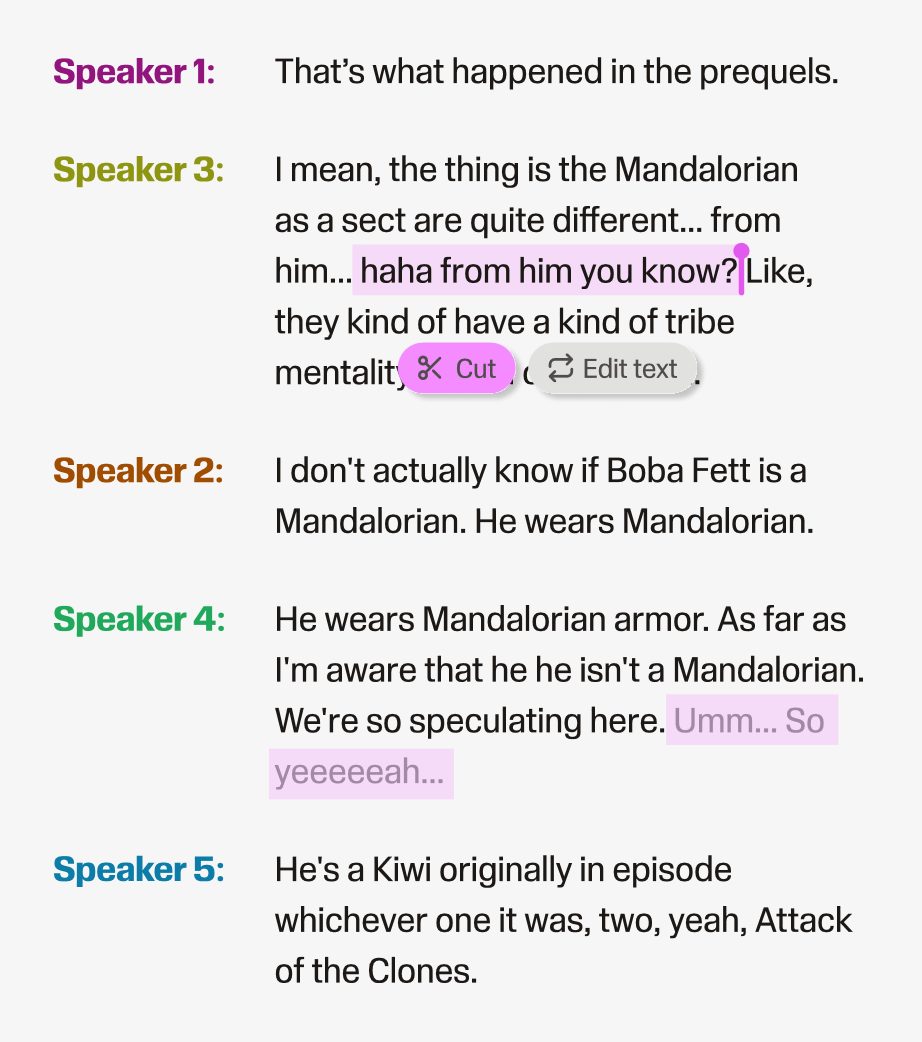
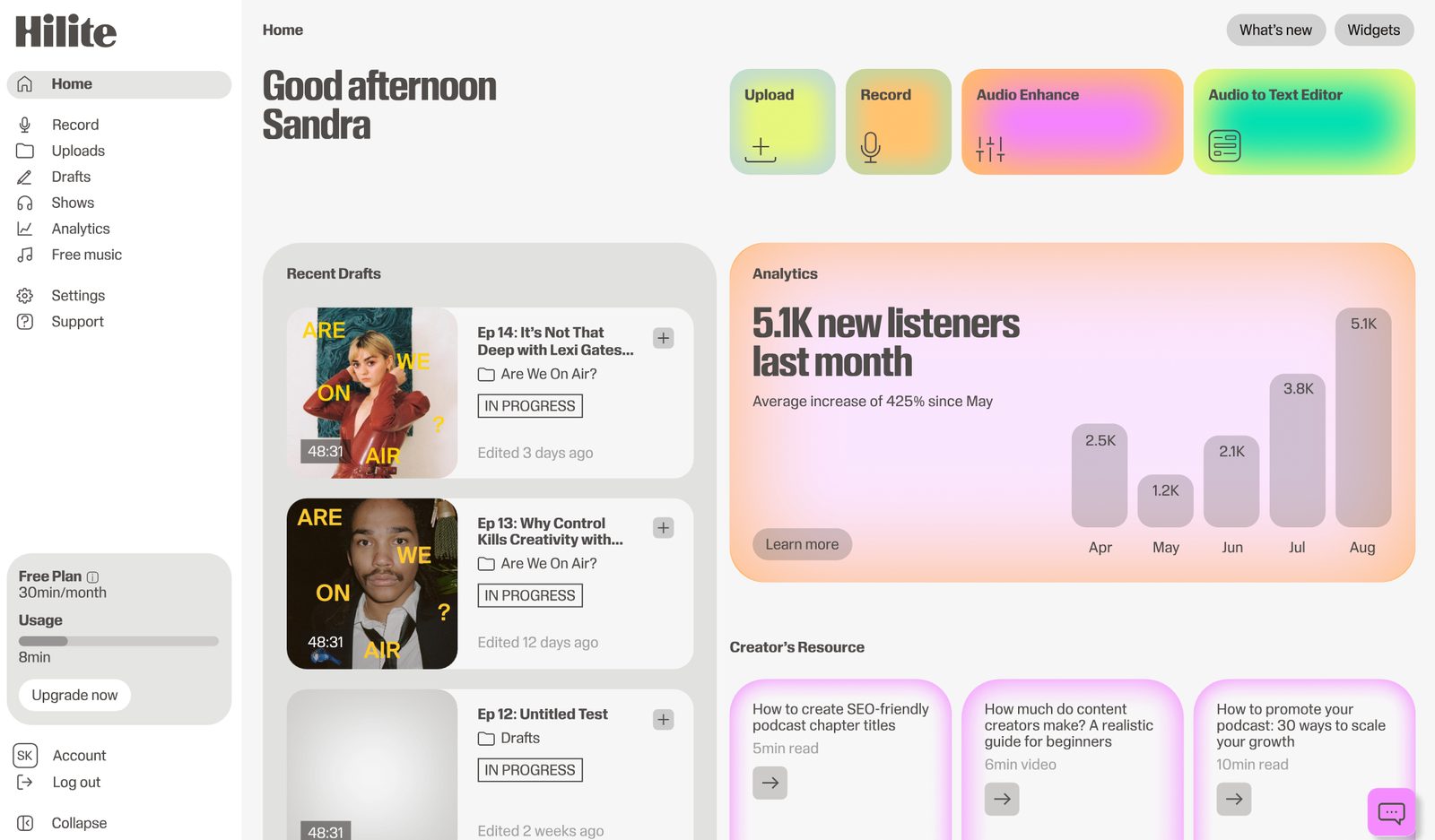
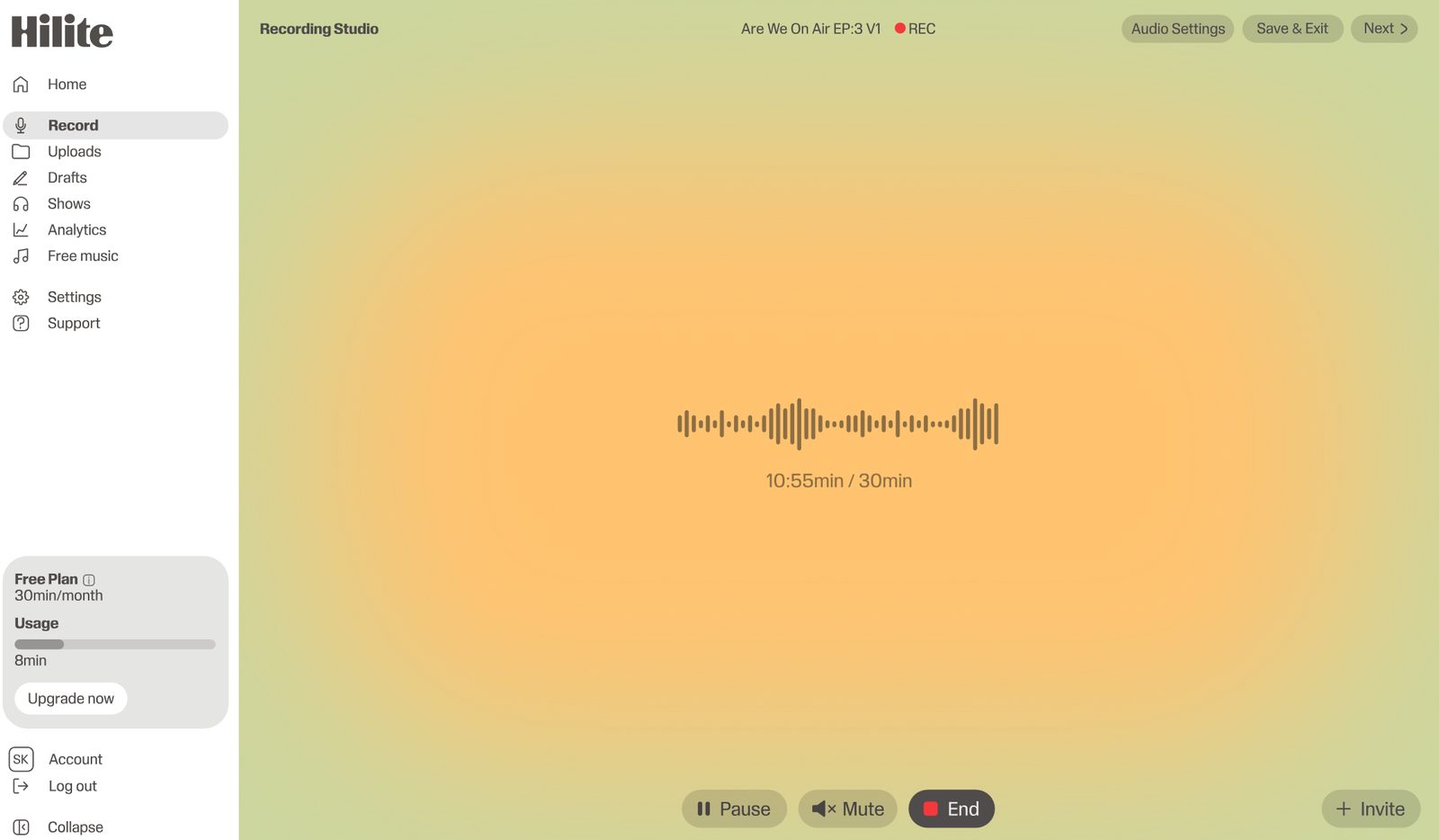
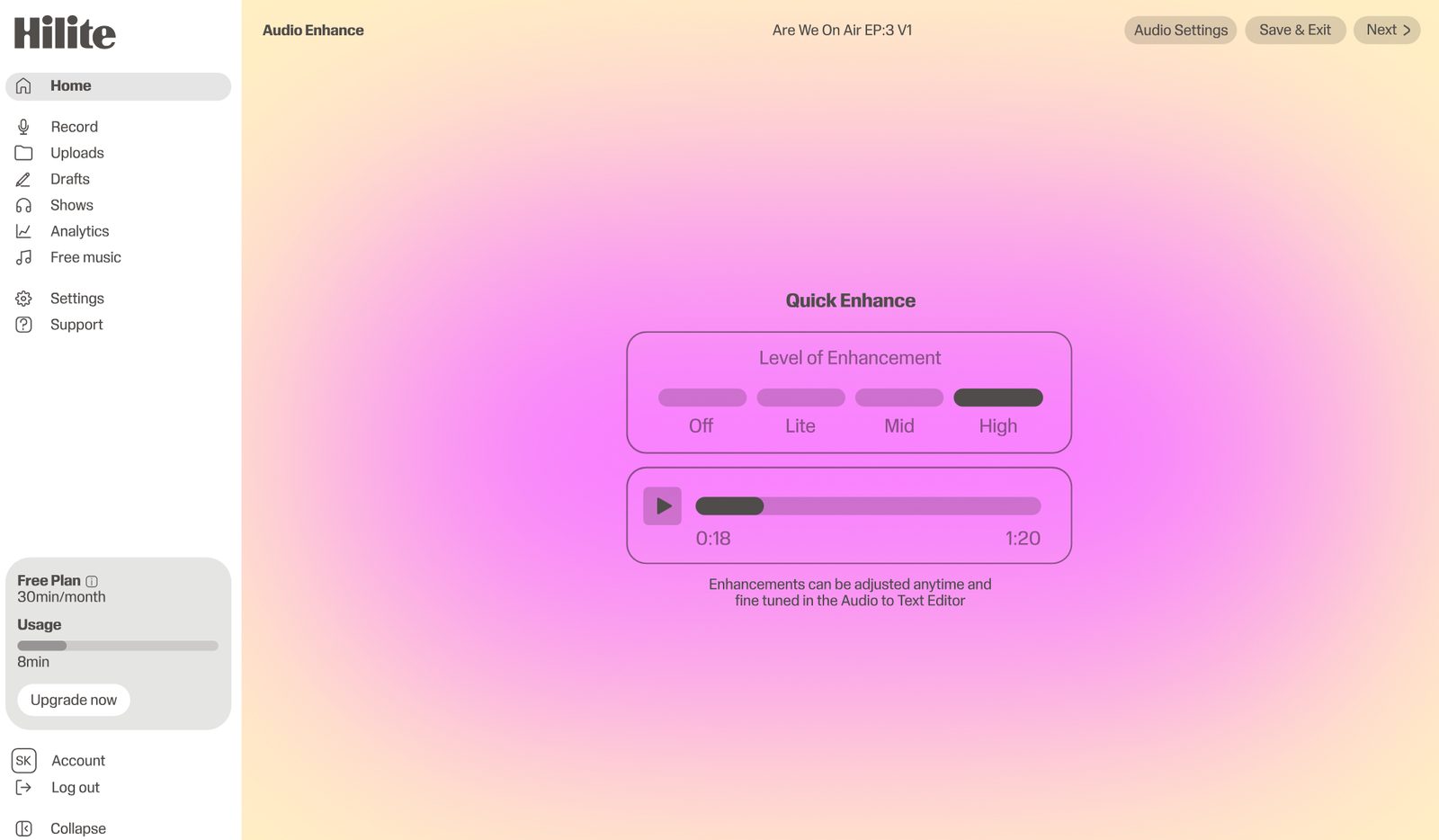
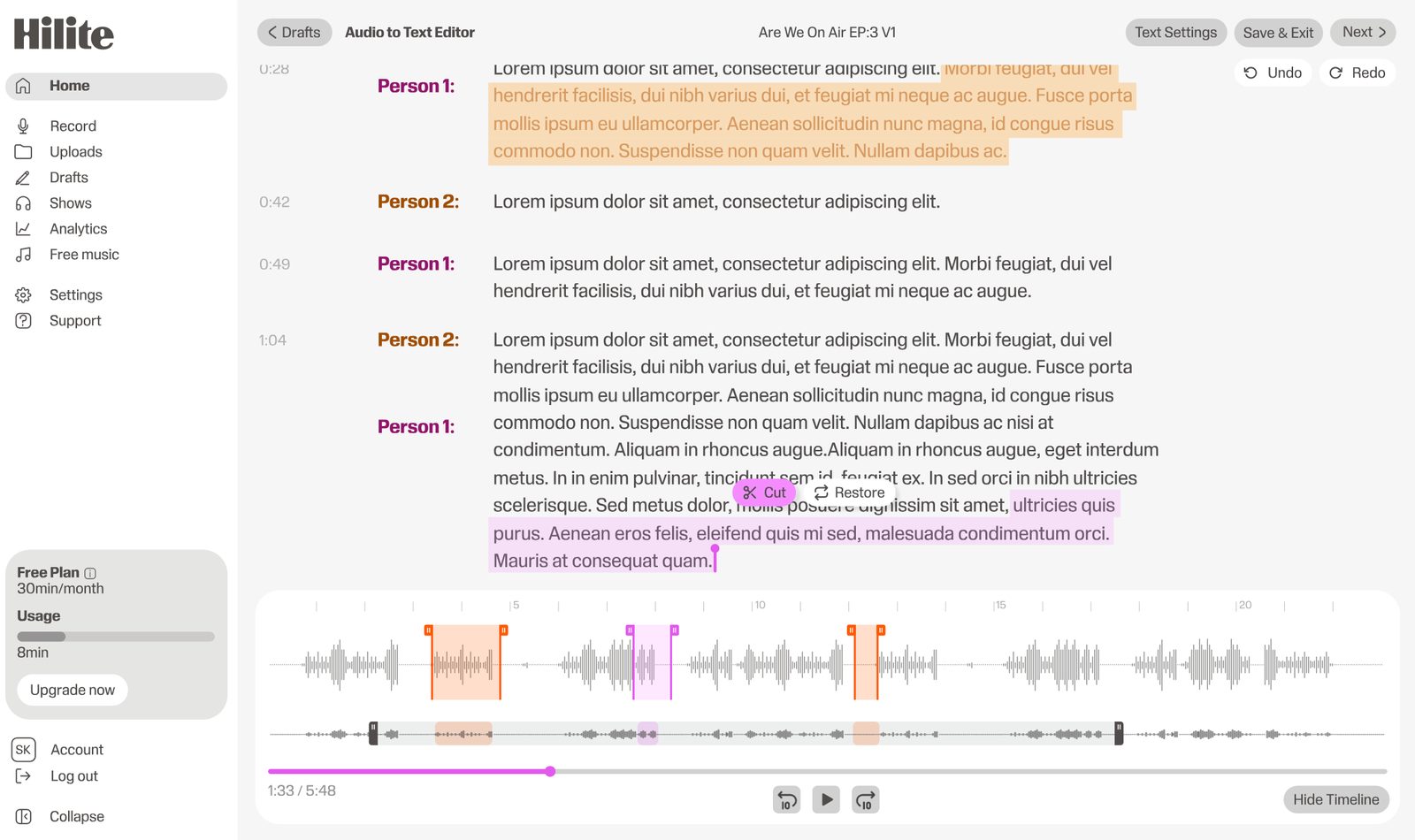
Hilite is the right Fireflies alternative when the transcript is a step rather than the deliverable. Upload a recording, get a timestamped transcript, download it without changing plan, and then edit the audio, clean it up and publish it in the same place. If you are making something people will listen to, the transcript is the middle of the job, not the end.
Pros
Cons

Best like-for-like meeting assistant
Otter is the closest direct swap: a bot that joins meetings and produces a searchable transcript. Its free Basic plan gives 300 transcription minutes a month with a 30-minute ceiling per conversation, and 3 audio or video file imports for the life of the account. Pro is listed at $16.99 per user per month, or $8.33 billed annually.
Pros
Cons
Best for editing by transcript
If you want the transcript in order to cut the recording, Descript is a different class of tool: delete words in the text and the audio follows. It is heavier than a meeting assistant and priced for production work, but nothing on this list does more with a transcript once you have it.
Pros
Cons
Best for human-verified accuracy
Rev sells human transcription alongside automatic, priced per minute rather than per seat. That suits anyone whose transcripts get read by a regulator, a court or a research committee, and anyone with audio that automatic systems handle badly.
Pros
Cons
Best for multilingual teams
Notta handles a broad language set with real-time transcription and translation across web, mobile and browser. A sensible Fireflies replacement for teams working across languages or capturing audio on phones as often as laptops.
Pros
Cons
Side by side
| Feature |  Hilite Hilite | Fireflies.ai |
|---|---|---|
| Unlimited transcription on free plan | Free plan with generous limits | Yes — Fireflies' headline feature |
| Keep what you transcribe | Your projects stay in your account | 400 minutes of storage per team on free |
| Download transcripts on the free plan | Download from the editor | Downloads listed as a Pro feature |
| Edit the audio itself | Full editor — cut, clean, enhance | Meeting assistant, not an editor |
| Meeting bot for Zoom, Meet, Teams | Not a meeting tool | Yes — core feature |
| Publish to podcast platforms | Built-in RSS and distribution | Not a publishing tool |
FAQ
If your audio arrives as files and you intend to edit or publish it, Hilite. If you want a meeting bot and Fireflies is simply not the one you want, Otter is the closest like-for-like. If the point of the transcript is to cut the recording, Descript.
Transcription is advertised as unlimited, but storage is not: the free plan lists 400 minutes of storage per team. Downloading transcripts, summaries and recordings is listed as a Pro feature. So the cap is on what you keep and what you can take away, rather than on what you transcribe.
As listed in September 2026: Pro at $18 per seat per month, or $10 billed annually. Business at $29 monthly or $19 annually. Enterprise at $39, annual only, adding HIPAA compliance, private storage and SSO. Check the current page before budgeting — these tiers change.
Downloading transcripts, summaries and recordings is listed from the Pro plan upward. If getting the text into another tool matters to you, check that before you build a workflow on the free tier.
Hilite. Meeting assistants are built around a bot joining a calendar event; if your audio is an interview on a phone, a lecture, a sermon or a podcast take, most of that machinery does not apply and you are better off with a tool built around uploading a file.
Yes, whichever tool produces it. Errors cluster in predictable places: proper nouns, numbers, and stretches where two people talk at once. Checking those three things specifically is far quicker than rereading the whole transcript.
Download what you transcribe, then edit and publish it in the same place.