Alternatives › Audacity
Audacity is free and powerful, but many podcasters want a workflow that feels less technical. These alternatives are ranked for creators who want easier recording, editing, cleanup, publishing, and sharing.

Why people switch
Audacity's learning curve is the most common reason creators look for alternatives. Noise reduction, EQ curves, compression settings, manual exports — by the time your episode sounds good, you've spent more time in post-production than you did recording. These alternatives remove that friction.
Ranked

Best overall Audacity alternative for podcasters
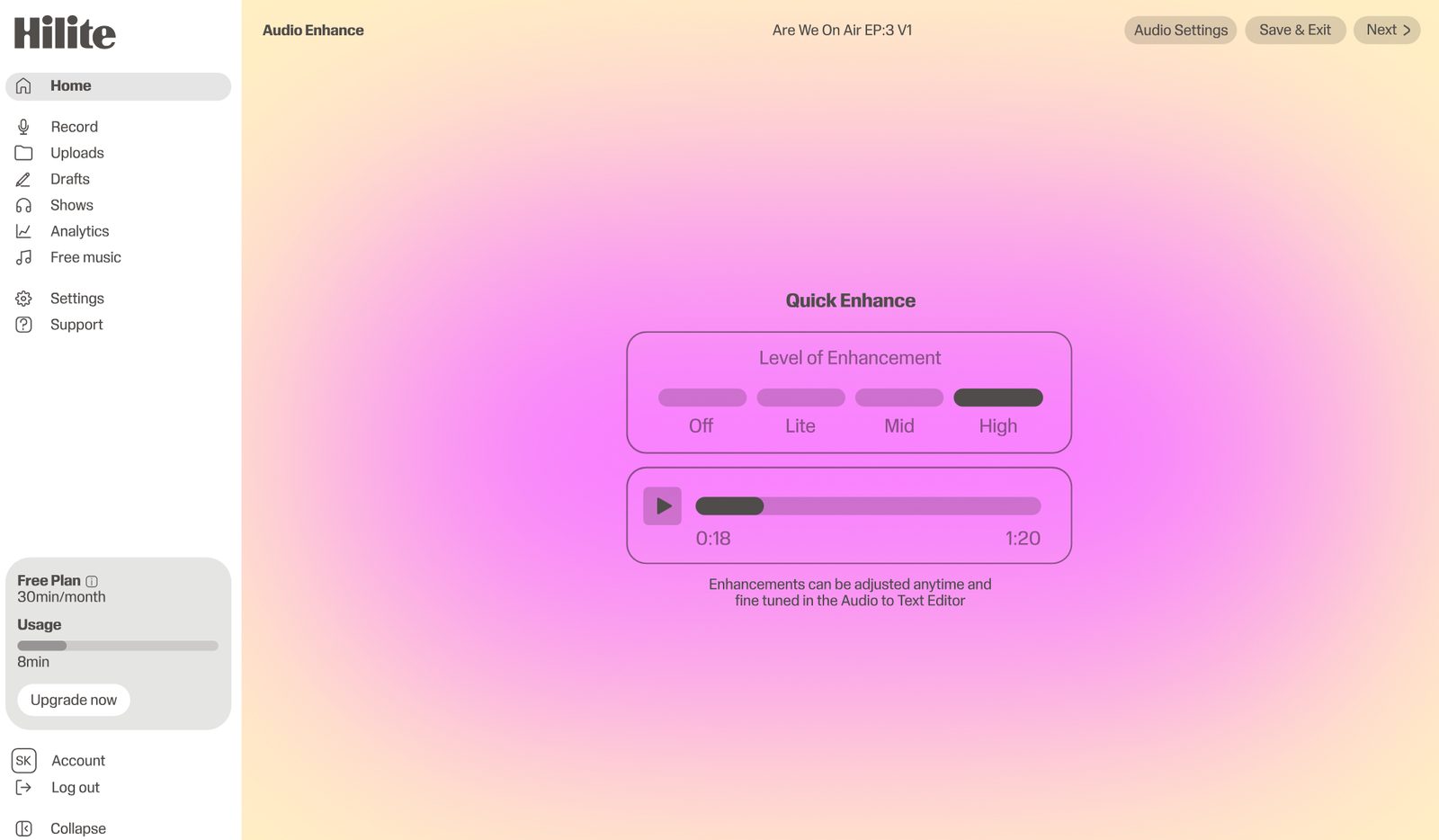
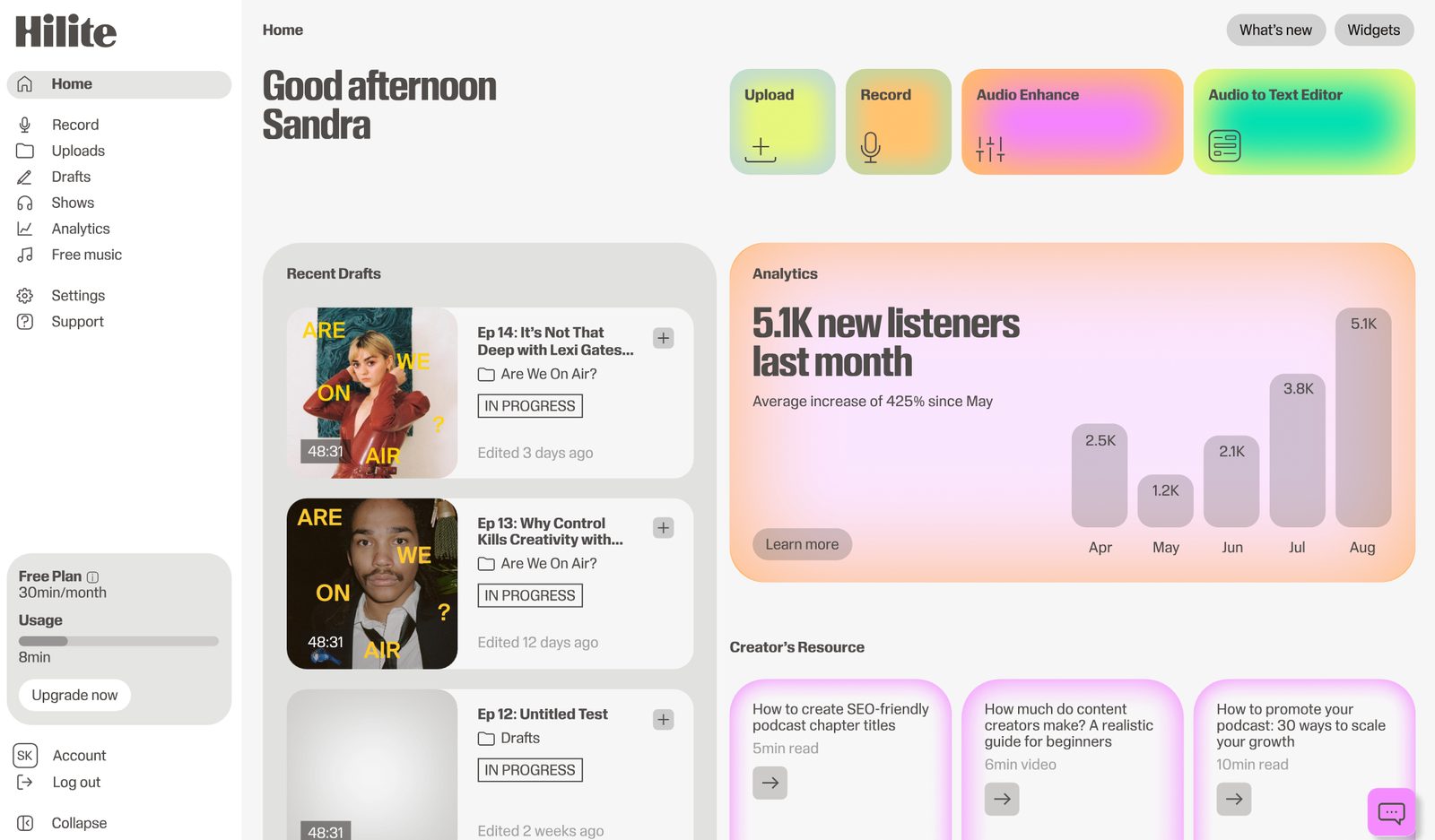
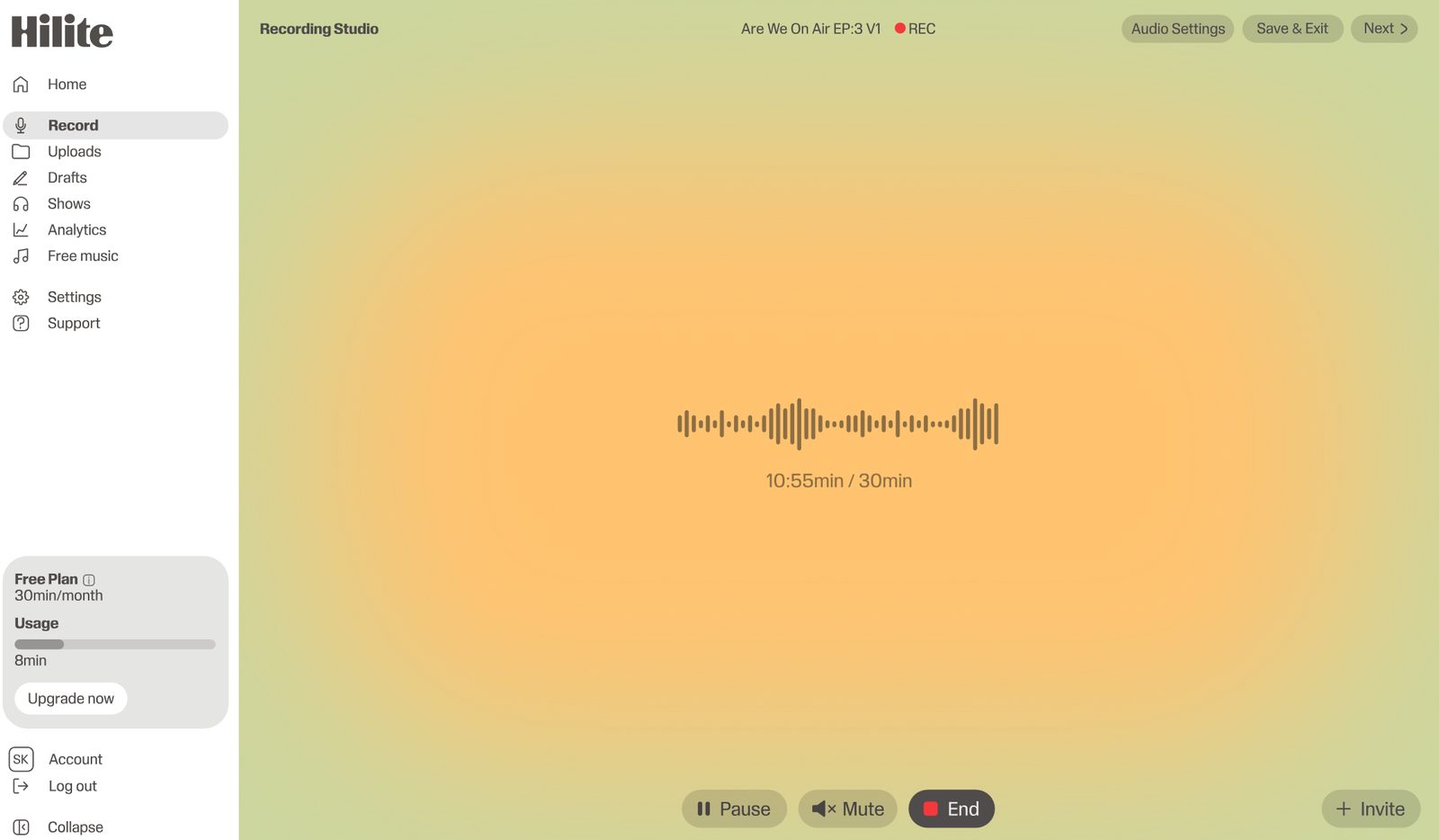
Hilite is the best Audacity alternative for podcasters who do not want to manage a manual audio-editing workflow. It lets you record, edit from the transcript, enhance audio, generate show notes and descriptions, publish, and share from one guided workspace.
Pros
Cons

Best free Mac alternative
GarageBand is a strong Audacity alternative for Mac users who want a more polished interface and music-friendly tools. It works for podcasts, but it is still more of a music creation tool than a podcast publishing workflow.
Pros
Cons

Best for transcript-based editing
Descript is a good Audacity alternative if you want to edit audio by editing text. It is more approachable than traditional waveform editing, especially for creators producing both audio and video content.
Pros
Cons

Best for quick audio cleanup
Adobe Podcast Enhance is a focused tool for improving spoken audio. It is useful if you only need to clean up a recording, but it is not a full editing, publishing, or podcast management workflow.
Pros
Cons

Best browser-based Audacity alternative
Podcastle is easier to approach than Audacity for creators who prefer browser-based recording and AI-assisted editing. It is helpful for beginners, though Hilite is more focused on the full podcast journey from recording to publishing.
Pros
Cons
Side by side
| Feature | Audacity | |
|---|---|---|
| Free to use | Free plan available | Completely free, open source |
| Works in browser | Browser-based — no install | Desktop app only |
| Audio enhancement | One-click Studio Sound | Manual — noise reduction, EQ, compression |
| Text-based editing | Edit audio via transcript | Waveform editing only |
| AI show notes | Auto-generated every episode | Not included |
| Podcast hosting & RSS | Built-in — all platforms | Export only — no hosting |
FAQ
Hilite is the best Audacity alternative for podcasters who want a simpler path from recording to published episode. It includes transcript editing, AI audio enhancement, content generation, publishing, and sharing.
Choose Hilite if you want to spend less time learning waveform editing and more time publishing. Audacity is powerful and free, but Hilite is built around the full podcast workflow.
GarageBand is the best free option for Mac users. For creators who want free manual editing across platforms, Audacity itself is still hard to beat. Hilite is better when you want workflow support beyond editing.
Yes. Audacity is still good for podcast editing if you are comfortable with manual audio editing. The issue is that many creators want recording, cleanup, transcripts, publishing, and show notes connected in one place.
Hilite is easiest if you are creating podcasts and want a guided workflow. Podcastle is also beginner-friendly for browser-based editing. GarageBand is approachable for Mac users.
Not always. Advanced audio editors may still prefer Audacity or a DAW for manual control. Hilite is better for creators who want the podcast outcome without managing technical editing in detail.
Hilite replaces waveform editing with a workflow that actually fits your schedule.